Sonic Weaver · 322 visual styles · free Turn your music into video, right in your browser.
For musicians, producers, podcasters and streamers. Upload a track, pick one of 322 visual styles, and the picture moves with your music. Make visualizers, lyric videos, cover art and Canvas loops, then export free, with no watermark and no cap on how many you make.
Start with your music
Drop a track
Upload a track, pick one of 322 visual styles, and the picture moves with your music.
SW Agent, built in
Say it in your own words. SW Agent does the work.
Ask for a visualizer, a cover, a lyric video or a blog post. SW Agent builds it, opens the editors and tools already set up, and writes from credited sources. It is built with our own code, it is free, and it is in beta: when it is not sure, it asks.
SW Agent
Your creative workflow
Example prompt
“Build a visualizer around my track.”
Core capabilities
6 ways to create
Builds from your words
A visualizer, cover art, a lyric video or an intro, set up the way you asked.
Runs the whole studio
Opens Classic, Studio and every tool with your settings, and exports for you.
Writes with credits
Blog posts, documents, titles and social text, every sentence naming its source.
Reads your files
Word, PDF, slides, sheets, e-books and more: attach two articles and ask for a post.
Answers from open knowledge
775,049 openly licensed records, read on our own server.
Agents for each job
Choose the Writer, Designer or Visualizer agent, or leave it on Auto.
Pick a look
Every style is a finished look you can change.
Open one and it is already moving to your track. Change the colours, the shapes, the direction, and how hard it reacts to the music, or leave it exactly as it is.
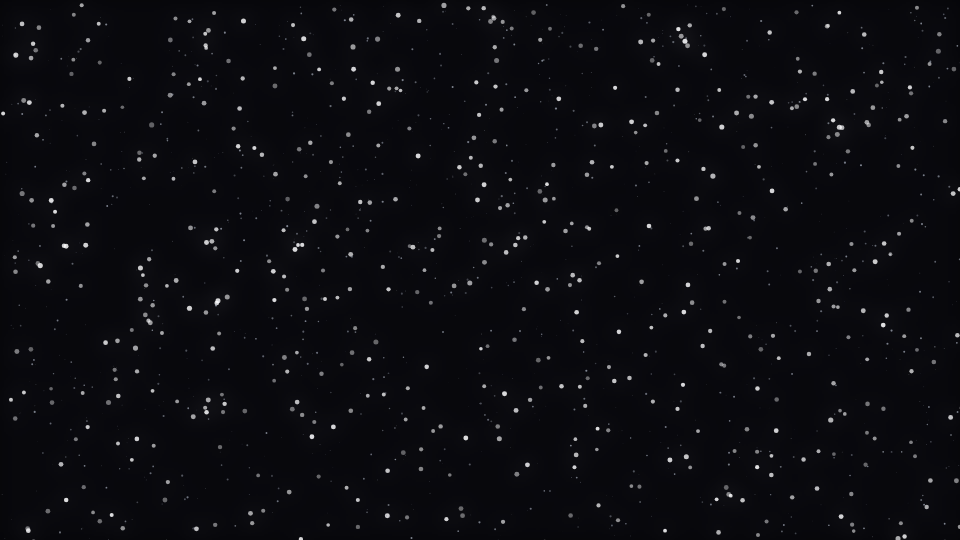
 Dust Storm, Particles
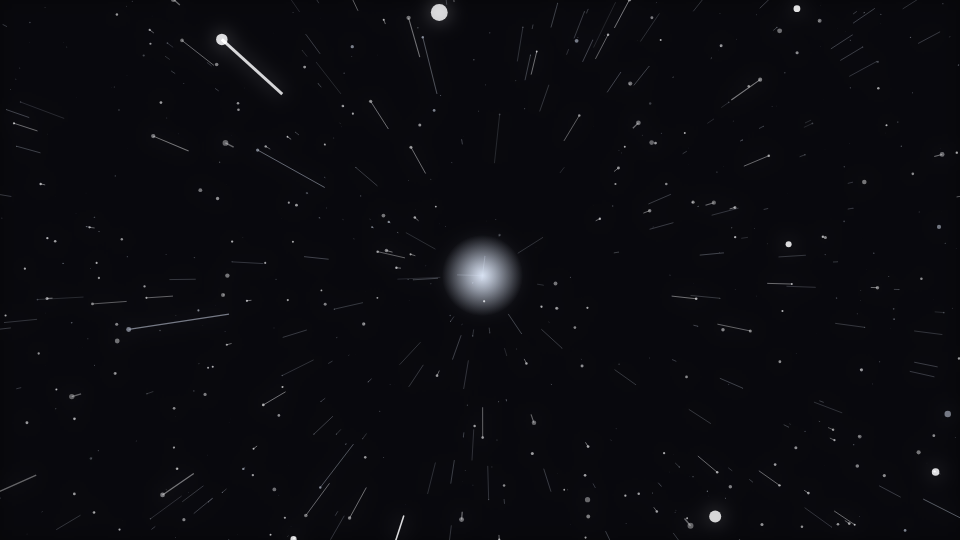
 Comet Shower, Trails
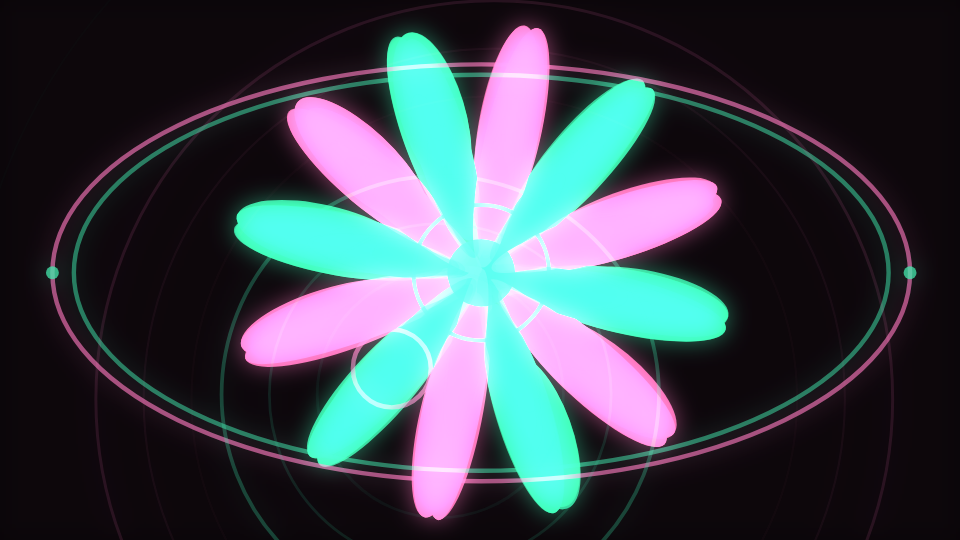
 Petal Bloom, Bloom
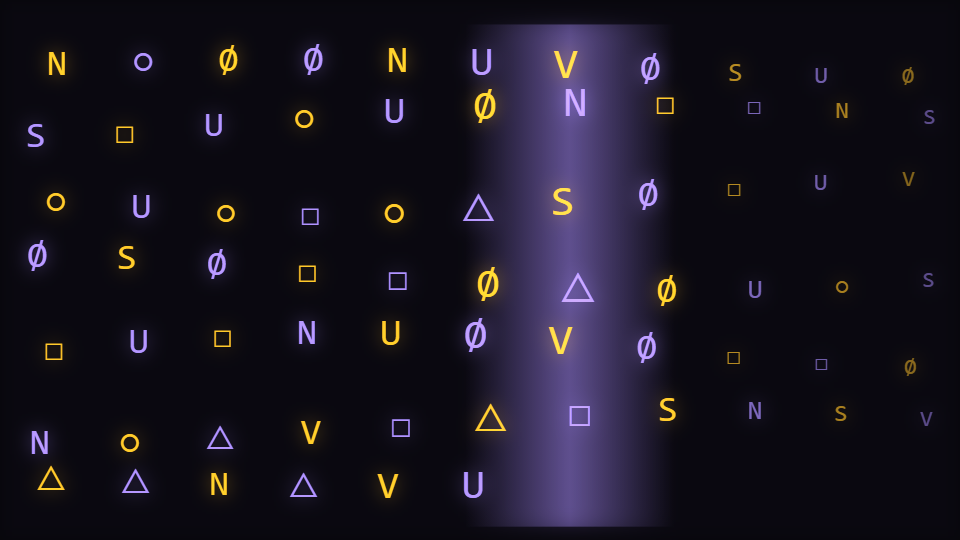
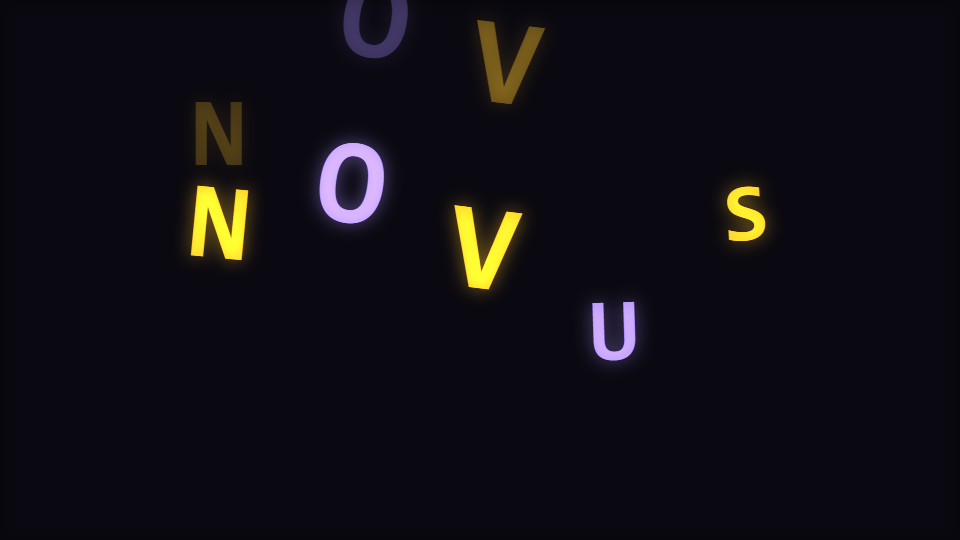
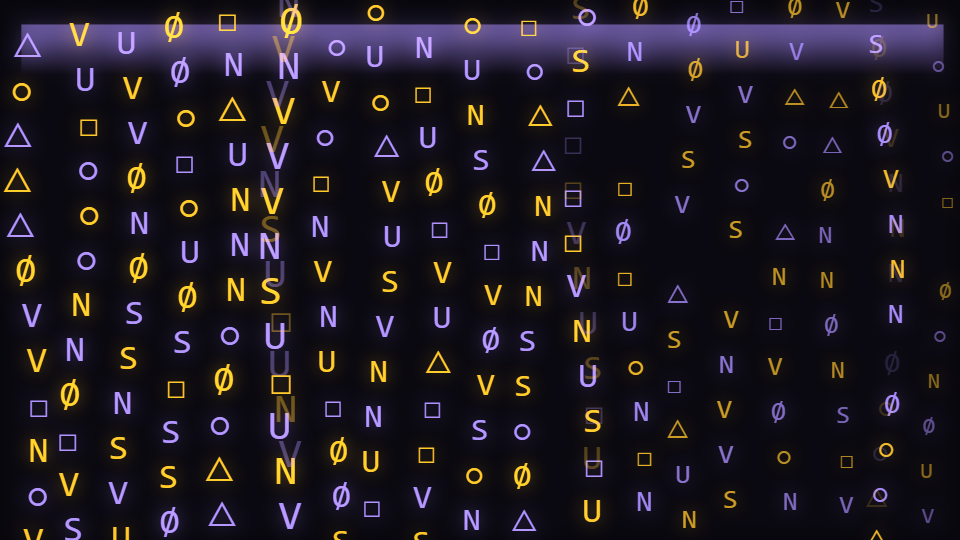
 Glyph Field, Character Motion
 Pulse Orb, Radial
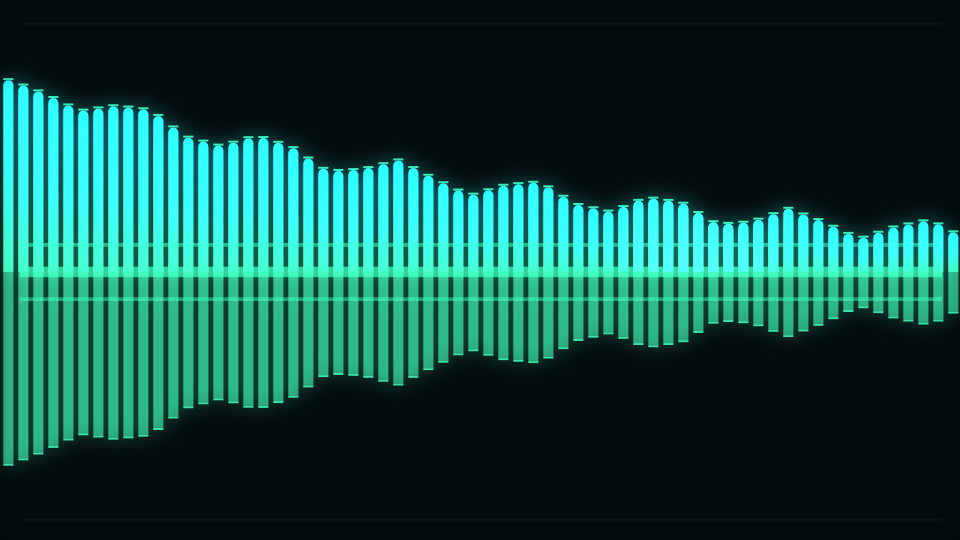
 Line Spectrum, Spectrum
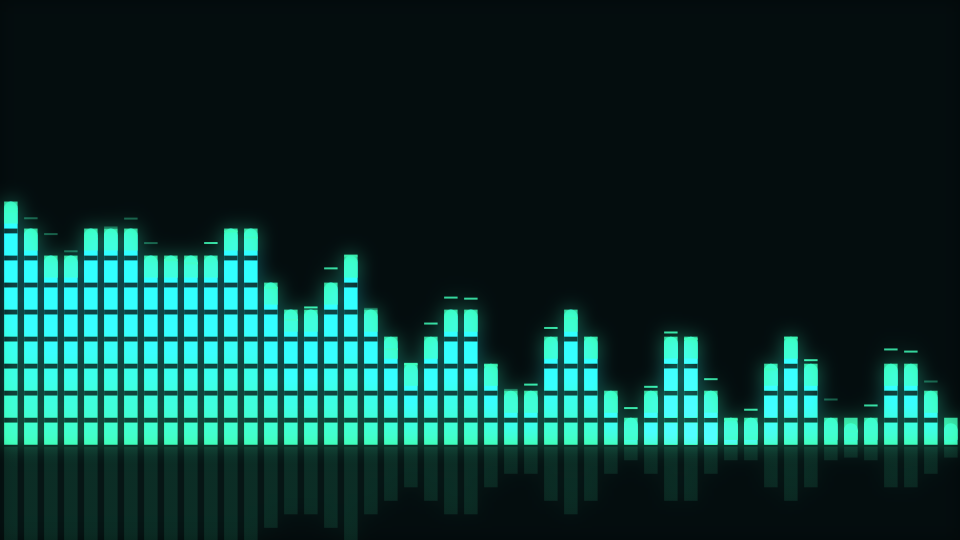
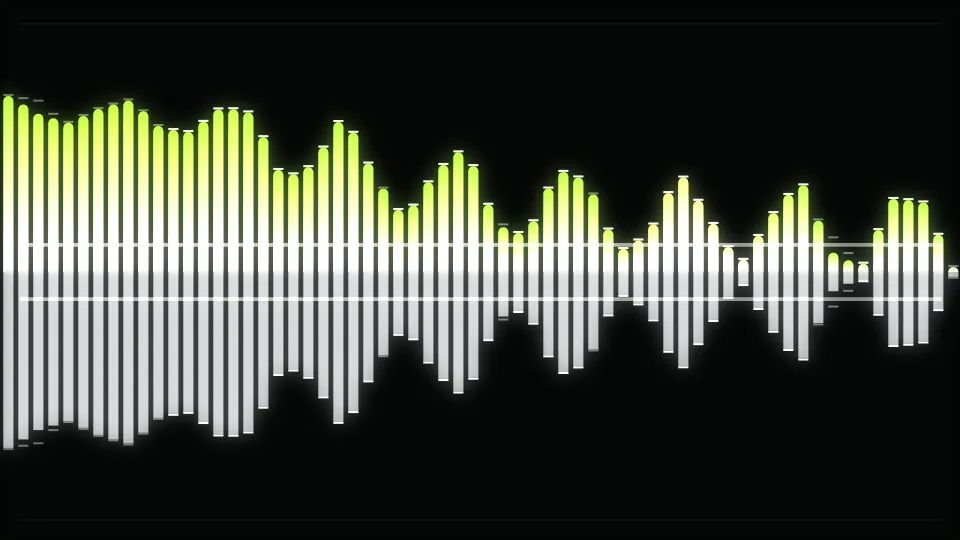
 Linear Equalizer, Bars
 Concentric Rings, Tunnel
 Line, Waveform
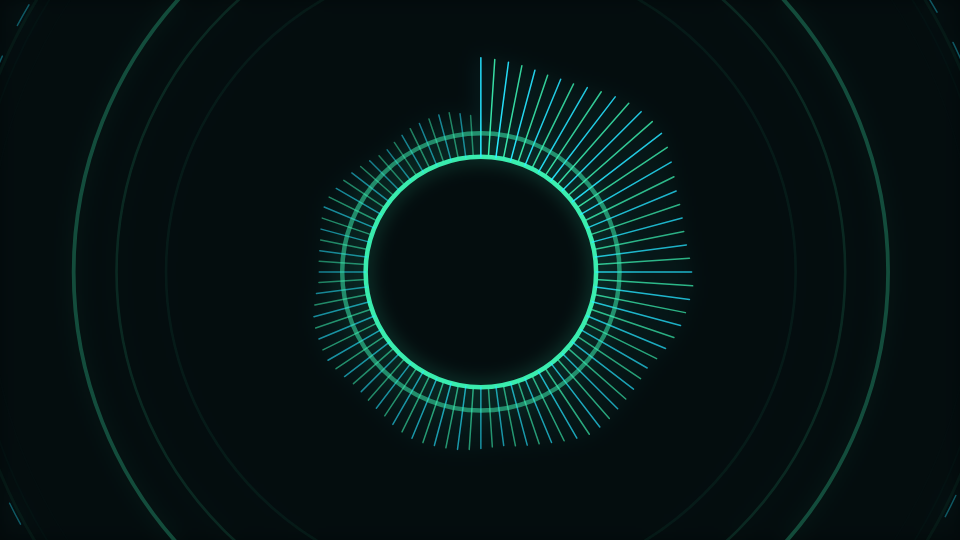
 Waveform Ring, Logo
 Kaleidoscope, Lattice
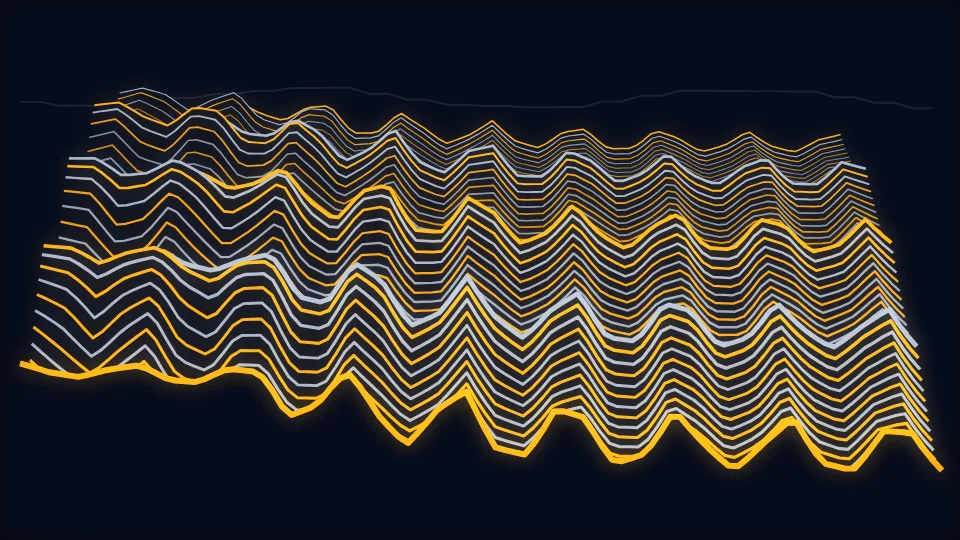
 Ridge Lines, Terrain
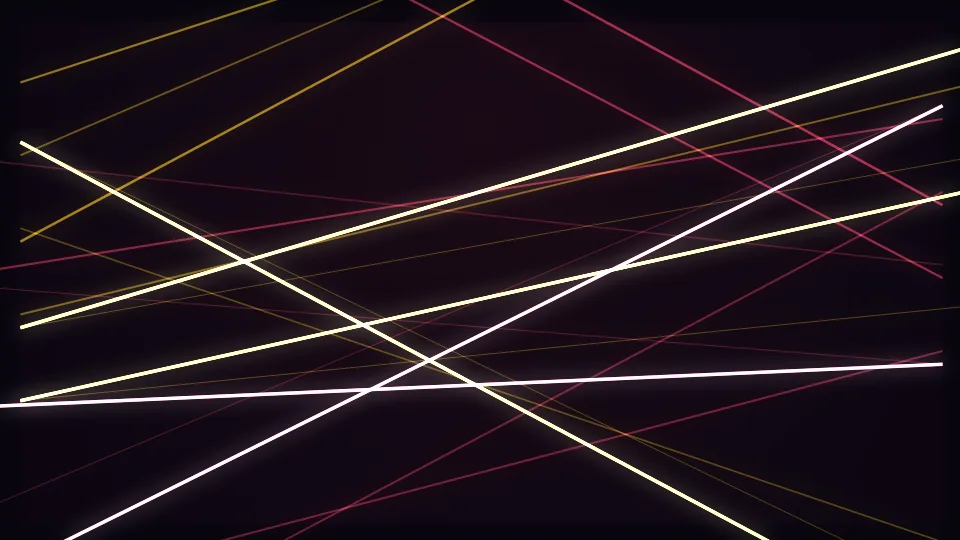
 Beam Fan, Stage Lights
 Peak Stars, Harmonic Constellation
 Sand Scatter, Chladni Resonance Plate
 Cell Bloom, Voronoi Stained Glass
 Skyline Bands, Procedural Night City
 Heat Ribbon, Spectral Topography
 Ink Bloom, Fluid Ink Feedback
 Section Rings, Arrangement Tunnel
 Depth Emboss, Cover-Art Relief
 Word Pop, Kinetic Lyric Typescape
 Mirror Stems, Stereo Phase Garden
 Coastal Sunset, Horizon Scenes
Just added
New visualizers
 NewestConstellations, 6 modes · Added
 Zodiac & Horoscopes, 6 modes · Added
 VJ Deck, 6 modes · Added
 Mythological Creatures, 7 modes · Added Updated
 Sports, 6 modes · Added
 Scene Clips, 6 modes · Added Updated
 Animals, 6 modes · Added Updated
 Water Droplets, 6 modes · Added
 Countries & Flags, 6 modes · Added Updated
 Clockwork, 6 modes · Added
Visualizers
Two ways to weave
Guided creator
Classic
Upload a track, pick a style, then adjust colours, shapes, direction, captions, logos, and overlays before you export. Whatever you start here opens in Studio later without losing any work.

Advanced workstation
Studio
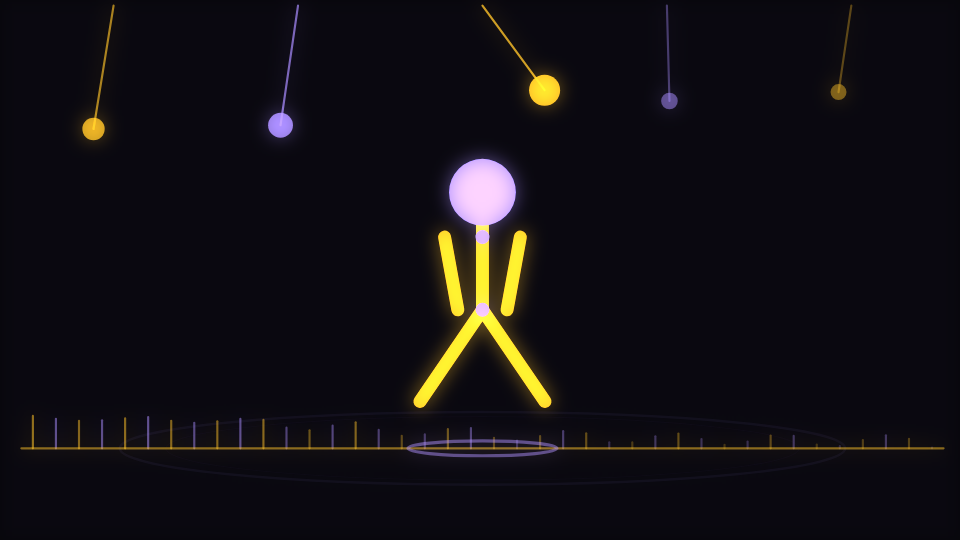
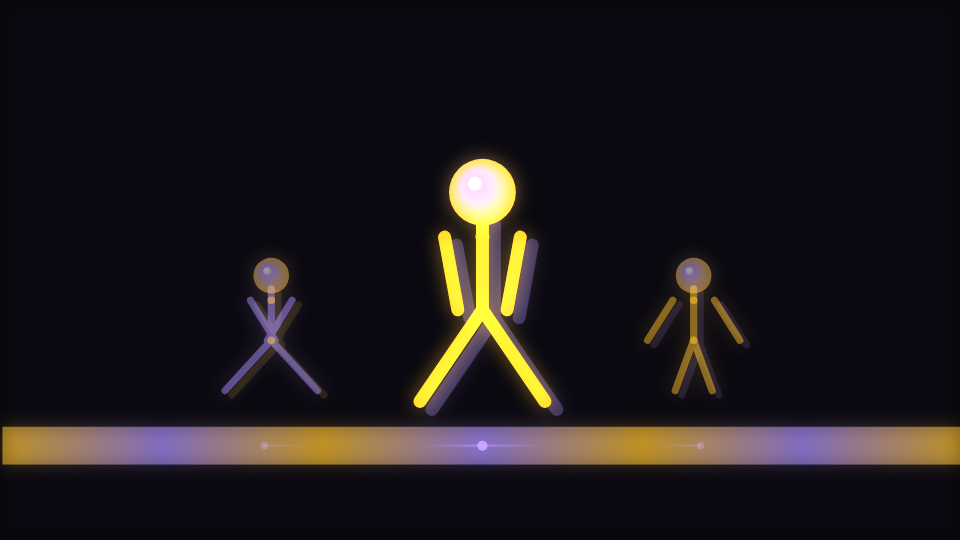
Build the video layer by layer: drag pieces around the canvas, stack and reorder layers, time changes to the beat, bring in your own images, and pose 2D or 3D characters. Works on desktop, tablet, and phone.






Playlist visualizer
Playlist
Pick a visualizer for each song, or one for the whole set, preview them together and export one video of your playlist.
Music video maker
Music video
Make a whole music video from your song: a shot for every part, cut on the beat, with your lyrics, title and pictures. Then edit every shot on Classic's Timeline.

Video studio
Video studio
Edit a music video on tracks in your browser: the song's parts, words and shapes over them, sound and effects, then export for Spotify Canvas, Shorts and more.
Background Motion Studio
Background Motion
Turn a still image into a layered, beat-reactive visualizer. Arrange image and drawing layers, choose a V3 engine, and export a still or loop in your browser.
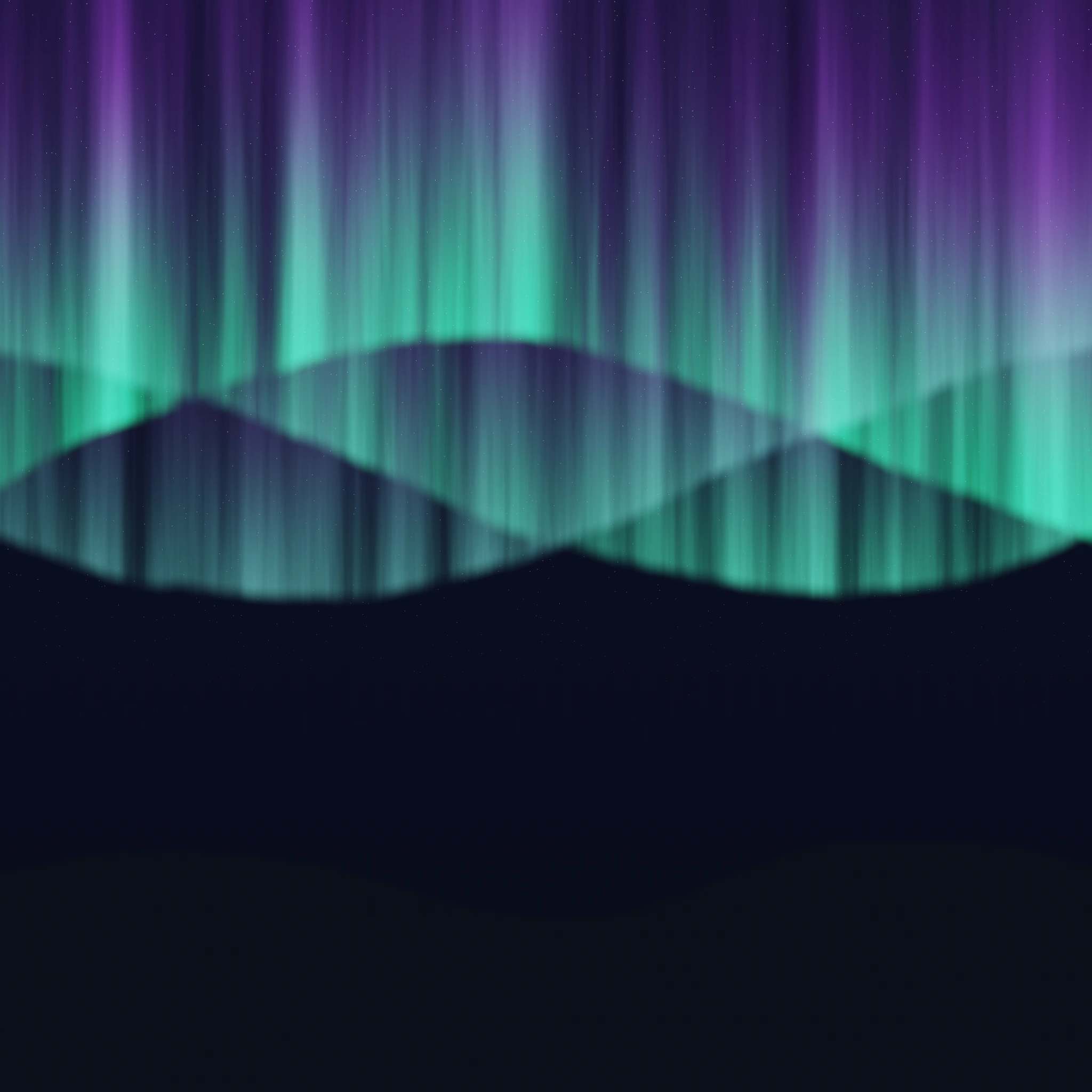 Aurora Pulse, Aurora curtains sway over a drifting night sky while green specks stream past.
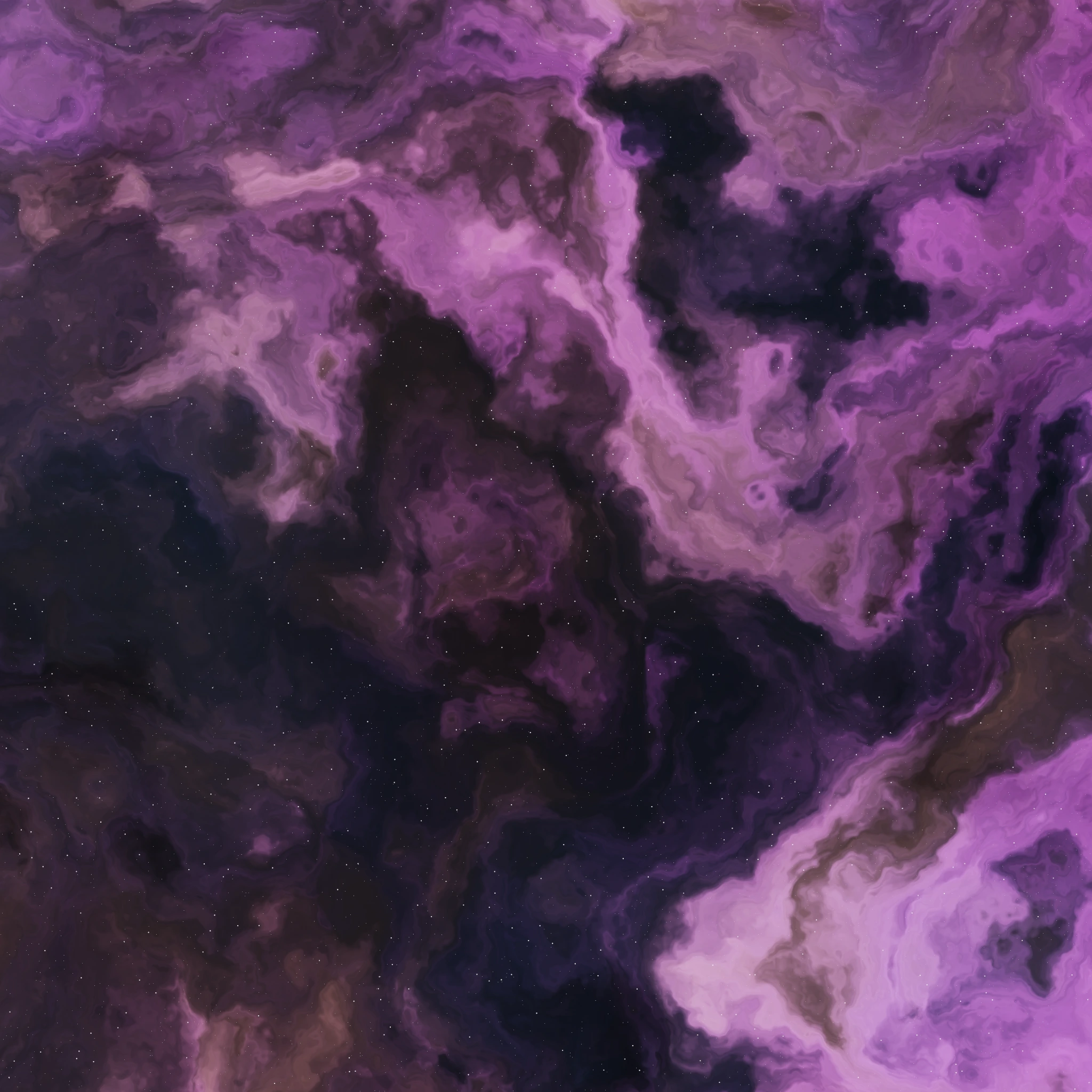 Nebula Drift, A nebula on a slow orbit, stardust circling the centre and violet lights on their own orbits.
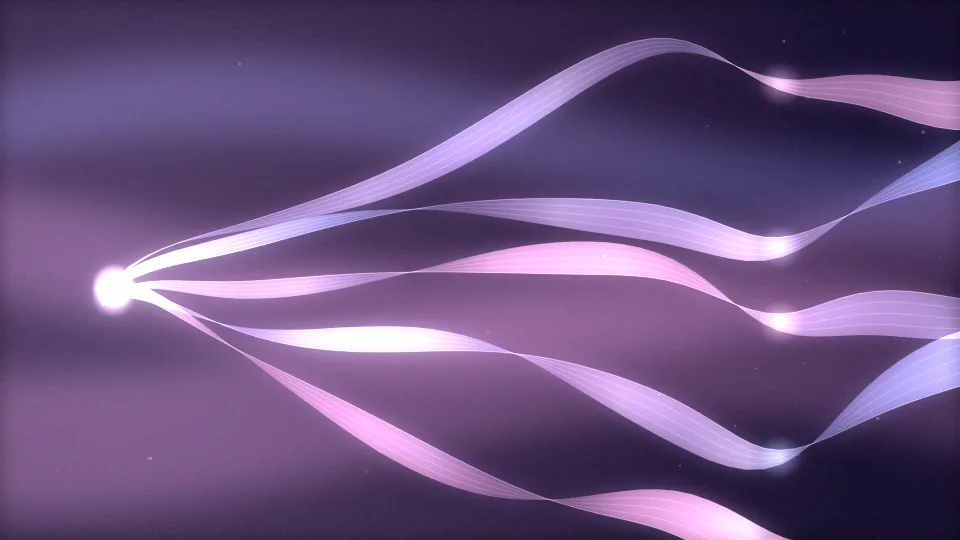
 Silk Spectrum, Silk panning side to side under flowing ribbons and slowly swinging prism rays.
 Sunrise Motion, A Ken Burns push into a sunrise, a turning sunburst and gold dust rising.
 City Afterglow, City lights floating behind soft-focus discs and neon points that jump and flicker.
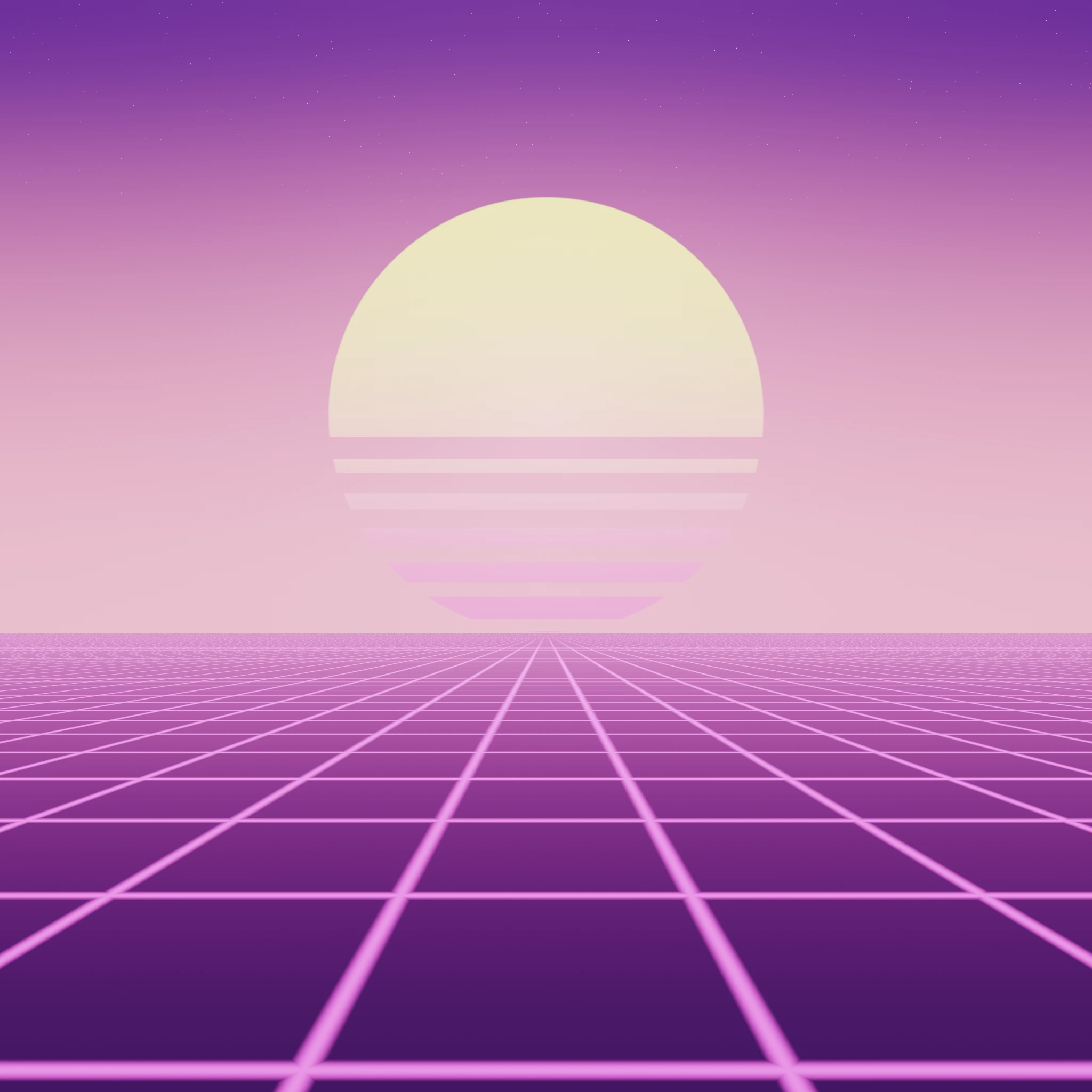 Retro Horizon, A retro horizon gliding up and down under warm sunset bands and sweeping scanlines.
Generate a visualizer
Generate visualizer
Turn a picture into a music visualizer: its sky, subject, lights and outlines become layers that glow, spark and move to your song. Made in your browser, nothing uploaded.
 Synthwave drive, The sun breathes on the bass, the grid rolls towards you and the sky drifts.
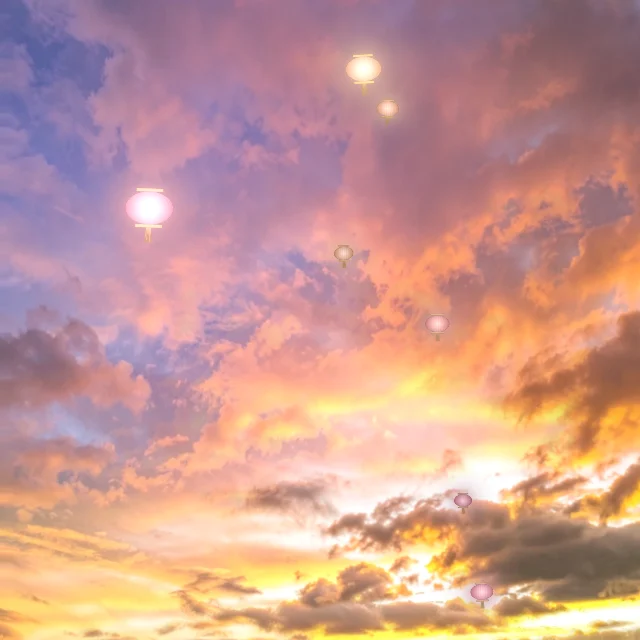 Sunset lanterns, Clouds drift, the sun glows warm and lanterns float up on the beat.
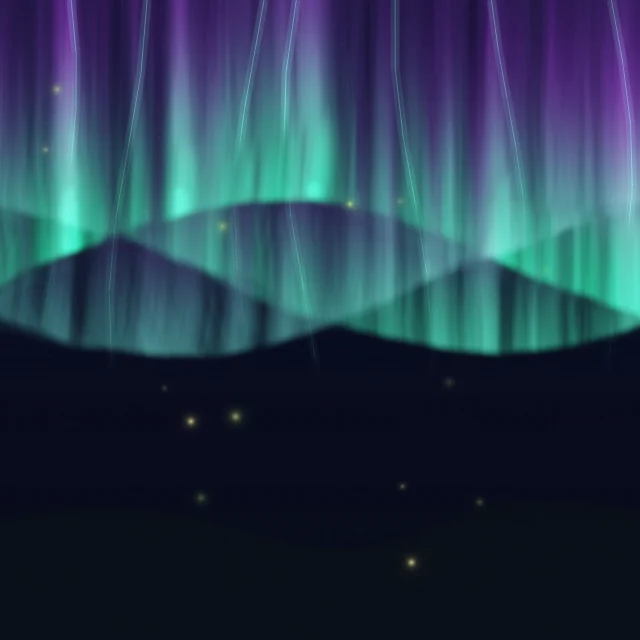 Aurora silk, The aurora flows like silk over still ground while fireflies drift.
 Storm front, Storm clouds churn, rain falls, the light inside them flickers on the kick and fog rolls under.
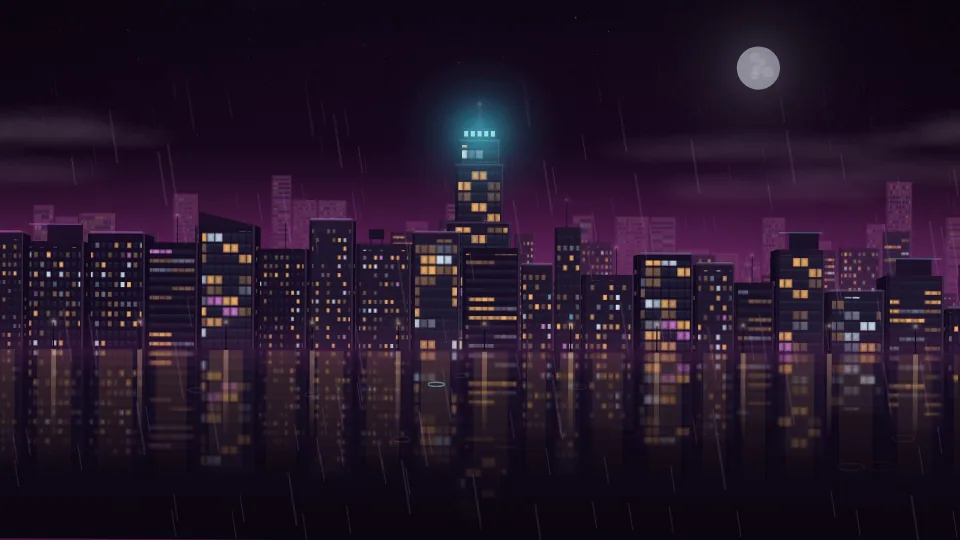
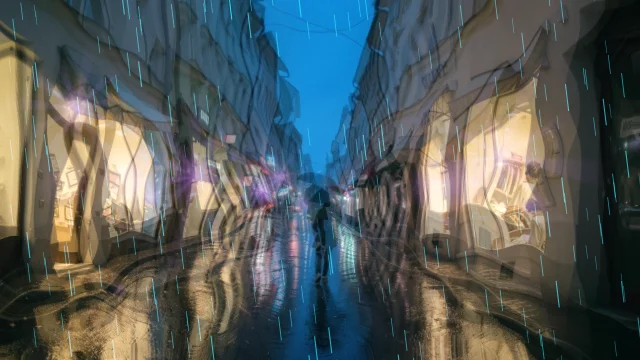 Neon rain, Wet streets in purple and teal: rain falls on the mids and light rays reach out from the street lights on the bass.
 City bokeh, Out-of-focus city lights pulse in their own colours and sparkle on the highs.
Stem Splitter and Mix / Master
Stem Splitter
Separate vocals, drums, bass and other instruments from a local track, or shape a stereo master before you continue in an editor.
Visualizer layers
Layers
Layers inside every visualizer: hide or recolour a look's own snow, lights or tree, and add falling snow, fireworks, lanterns, string lights or fog on top. In Classic, Studio, Motion graphics and every template page.






Individual visualizer layers
Layer assets
Browse transparent parts from current and earlier visualizer looks, alongside reusable effects, then add them to a Classic project.
 General background, Stage Lights · Beam Fan
 General background, Harmonic Constellation · Peak Stars
 General background, Chladni Resonance Plate · Sand Scatter
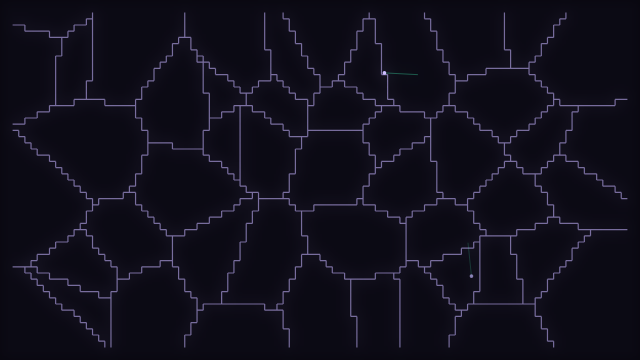 General background, Voronoi Stained Glass · Cell Bloom
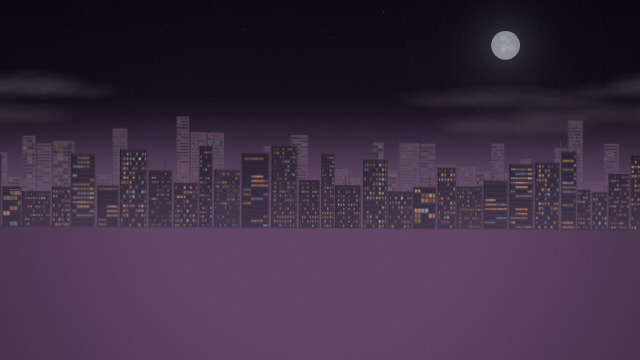 General background, Procedural Night City · Skyline Bands
 General background, Spectral Topography · Heat Ribbon
Transitions and effects
Transitions
Every transition and effect for Classic's Timeline, playing: our own Glitch Slam, Neon Streak and Film Burn beside the basics, and effects from Shake to Letterbox bars that pulse on the beat.
- Cinematic Fade, A slow fade through a soft dark vignette
- Glitch Slam, The old picture tears into sliding bands
- Neon Streak, A neon streak sweeps across and wipes the old picture
- Film Burn, A warm burn spreads from a corner
- Light Leak, A warm leak of light washes the old picture away
- Beat Pop, The old picture pops toward you and is gone
Intros and outros
Intros and outros
Animated title cards to open and close your video, from Cinematic Fade to Hologram. Type your title, pick a colour, and open it in Classic.
- Cinematic Fade, Title card for the start or the end of a video
- Glitch Slam, Title card for the start or the end of a video
- Neon Streak, Title card for the start or the end of a video
- Minimal Slide, Title card for the start or the end of a video
- Zoom Blur, Title card for the start or the end of a video
- Film Burn, Title card for the start or the end of a video
Screensaver
Screensaver
A visualizer screensaver and live desktop background for Windows that hears your music: your looks play while the computer rests, on every screen.
Make a screensaver
Make a screensaver
Choose the looks it plays, how often it switches between them, a clock, each screen and the sound, then open it in the desktop app.
More makers
More than visualizers.
Lyric videos, cover art and Spotify Canvas loops, sound effects, a free music library (credit the artist), stream overlays, and brand kits are all here too, in the same free library.
Music studio
Music studio
Make beats and songs free in your browser: pick a starter beat, tap drums on a step sequencer, draw a melody in a piano roll, then export WAV and MIDI.
Motion graphics
Motion graphics
Motion graphics made from our visualizers: pick one, set its colours, text, shape and length, and download it as a video from your browser. Free, and made on your device.
Free assets
Free assets
Original music, sound effects, backgrounds and photos we made, free to use in anything you make with no credit needed. Open any of them straight in Classic, Studio or the Thumbnail maker.
Lyric video creator
Lyric video
Lyric videos with animated text and karaoke-style timing: words highlight in sync with your music. Free, browser-based, no software required.
Cover art and Canvas loops
Cover art & Canvas
Design square album cover art and short vertical Canvas loops in your browser: free, no signup.






Thumbnail maker
Thumbnail maker
YouTube thumbnails, Shorts covers and channel banners from your visualizer, a video or a picture: eight suggestions from your best moments, then your own text, logo and stickers.


Image editor
Image editor
Layers of pictures, text and shapes for covers, backgrounds and overlays, with background removal that runs in your browser.
Banner maker
Banner maker
Channel banners, headers and offline screens for YouTube, Twitch, Kick and every platform you post on, each at its own size with the safe area marked. Start from a template and change the words.


Watermark maker
Watermarks
Design, save and manage your own video watermarks. Your watermark is only added to your exports when you choose.
Stream overlays
Stream overlays
Free audio-reactive overlays for your visualizer videos and OBS streams: film grain, CRT scanlines, glitch, snow, rain, bokeh, colour grades and frames. No watermarks.
- Film Grain, Animated analog noise layered over any visualizer for a cinematic film-grain look.
- CRT Scanlines, Horizontal scan-line overlay simulating a vintage CRT monitor.
- Vignette, Smooth dark circular fade around screen edges, adding depth and focus.
- Chromatic Aberration, Color fringe on screen edges mimicking lens chromatic aberration.
- Soft Bloom, Soft glow bloom that pulses on every beat, adding energy and warmth on drops.
- Glitch Bars, Random horizontal band offsets for a VHS glitch aesthetic.
SFX generator
Sound effects
Generate custom audio effects, synth pads, drum machines, bass lines, and soundscapes in your browser. Free, no software required.
Mastering
Mastering
Master a song in your browser: EQ, bus compression, stereo width, a true-peak limiter and a loudness target, with a level-matched A/B and meters. WAV or MP3, nothing uploaded.
Convert and compress
Convert & compress
Convert and compress video, audio and pictures in your browser, with presets for YouTube, Shorts, Instagram, TikTok, Spotify Canvas and Discord. Nothing uploaded.
Embed on your website
Embed on your website
Put any look on your own site: a WordPress plugin, or one line of code for every other site builder.
3D models
3D models
Make a 3D model move to your song: it turns on the beat, bounces on the kicks and shatters on the drop. Open your own model or a free one, convert and compress 3D files, and add it to Classic or Studio as a layer.
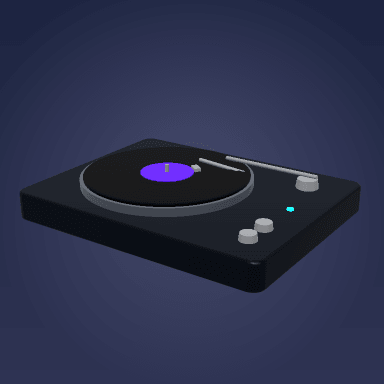 Turntable, A record deck with a spinning platter, a vinyl record and a tonearm.
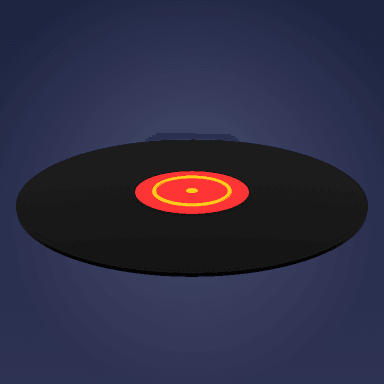 Vinyl record, A black record with grooves and a coloured label.
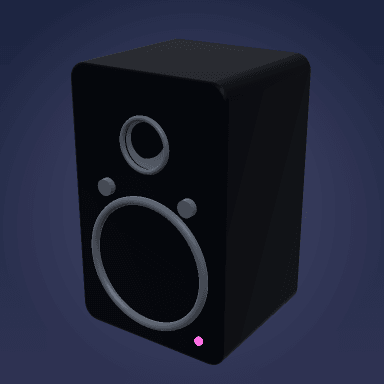 Speaker, A studio monitor with a woofer and a tweeter.
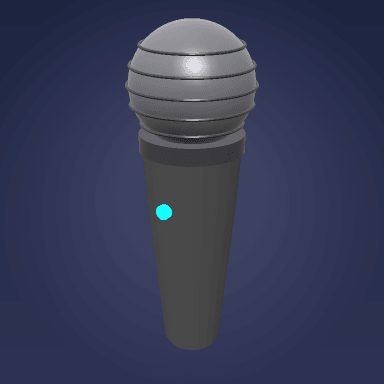 Microphone, A vocal microphone with a mesh grille.
 Headphones, Over-ear headphones with padded cups.
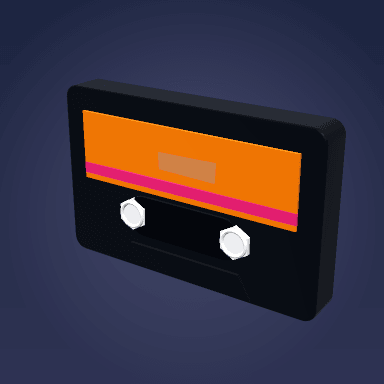 Cassette tape, A mixtape with two reels and a label.
Export
Export it
Make visualizers, lyric videos, cover art and Canvas loops, then export free, with no watermark and no cap on how many you make.
- Export free
- No watermark
- No cap on how many you make
Post it to your channel
Built by visualizer creators
Search published Classic and Studio visualizers, browse creator storefronts, save ideas, follow creators, or remix a composition with attribution.
Learn
Step-by-step tutorials
- Beginner · 5 min
Make Your First Music Visualizer
The five-minute path from a song to a finished, watermark-free video: open the editor, pick a template, load your track, and export. - Beginner · 6 min
A Guided Tour of the Editor
What every panel in the Sonic Weaver editor does (audio, reactivity, engine parameters, colors, text, assets, layers and export) so nothing feels like a mystery. - Beginner · 25 min
The Classic Editor: Every Feature, Step by Step
The full guide to Classic: the song, the look, selecting and moving anything on the canvas, keyframes and Auto-key, the Timeline, backgrounds, text, captions, effects, the tools that open as tabs, and the export.
Guest or account
Create as a guest. Save when it matters.
Guest editing and local export remain available. A free account adds Turso-backed revisions, cross-device saving, passkeys, recovery codes, publishing, remixing, and notifications. Your music and the files you import stay on your device.