Layer assets
Every Layer, On Its Own
Browse look layers and animated add-on assets. Preview one with music, change its own and shared settings, then download it or open it in Classic or Studio.
The library
Pick a layer
3332 visualizer layers and add-ons, plus Sonic Weaver backgrounds and photos below. The chosen layer plays above the library.
Loading the library…
Backgrounds & photos
Build with images already in Sonic Weaver
Browse our procedural backgrounds, generated backgrounds and story photos. Focus or hover a card for a larger preview.
Showing 64 of 64 images.
 Aurora nightOpen in Background Motion
 Violet nebulaOpen in Background Motion
 Silk wavesOpen in Background Motion
 Sunrise meshOpen in Background Motion
 City bokehOpen in Background Motion
 Retro horizonOpen in Background Motion
 Iridescent foilOpen in Background Motion
 Midnight marbleOpen in Background Motion
 Pool causticsOpen in Background Motion
 Studio haloOpen in Background Motion
 Peach and lavenderOpen in Background Motion
 MidnightOpen in Background Motion
 CitrusOpen in Background Motion
 MintOpen in Background Motion
 City bokehOpen in Background Motion
 Warm lightsOpen in Background Motion
 Blue bokehOpen in Background Motion
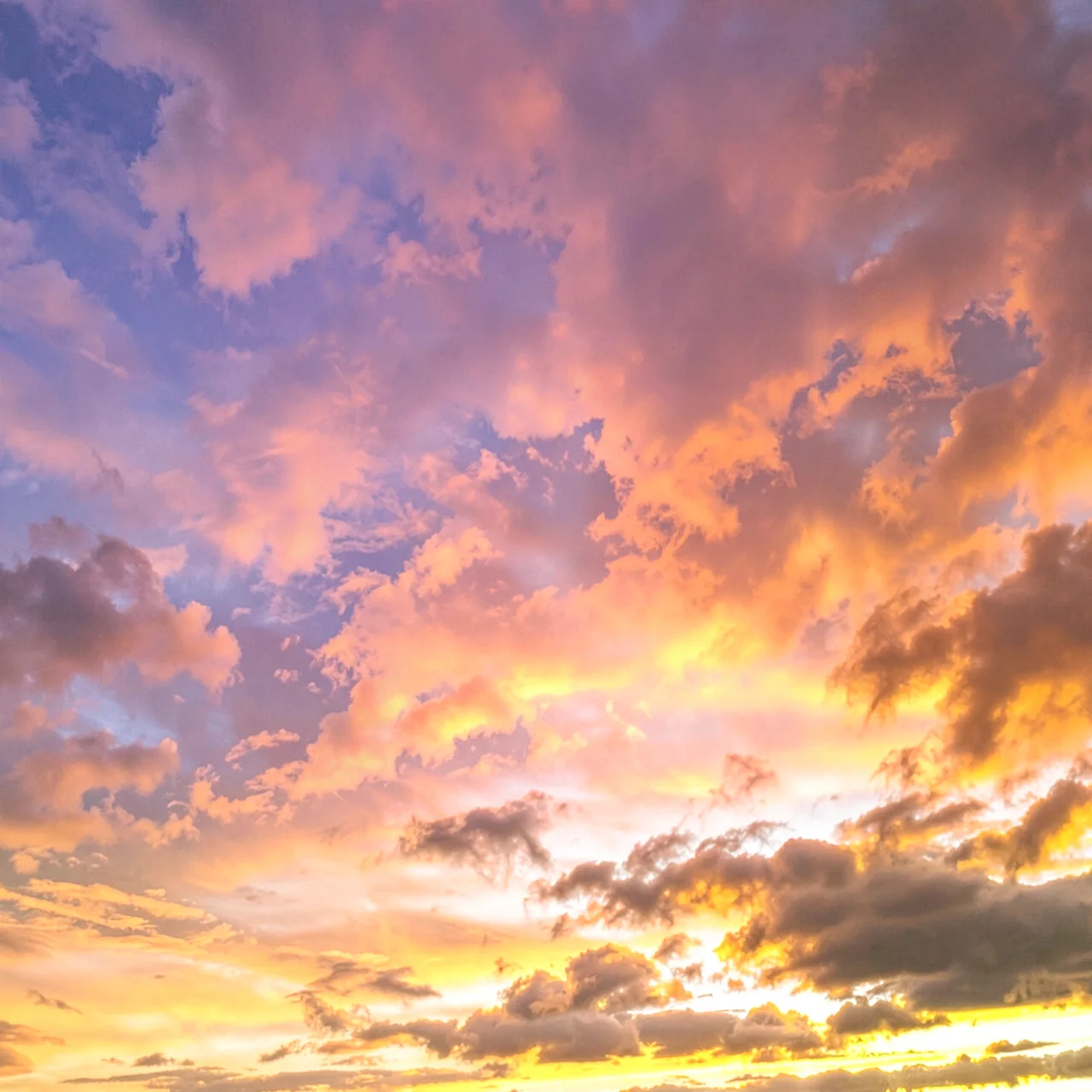 Sunset cloudsOpen in Background Motion
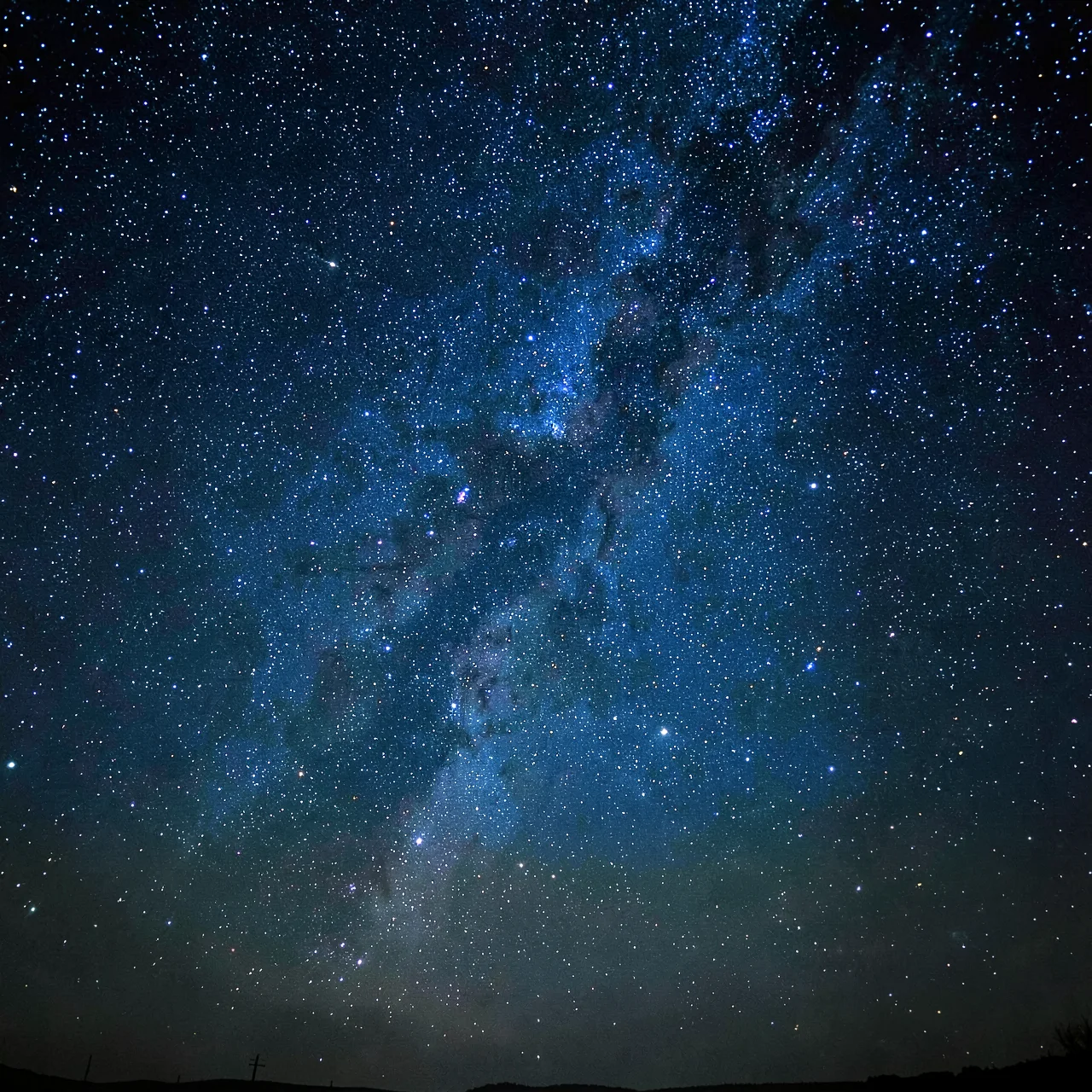 Starry nightOpen in Background Motion
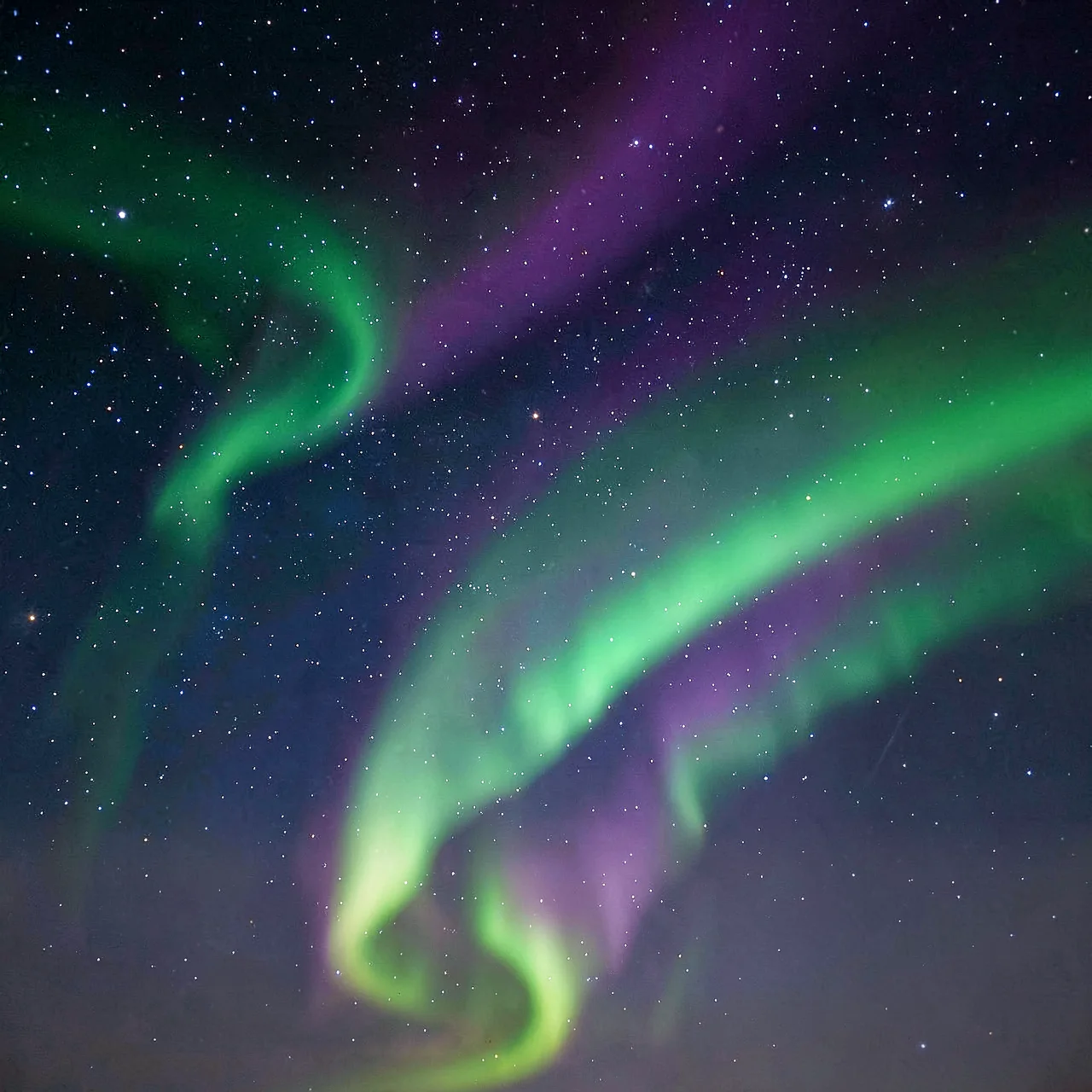 AuroraOpen in Background Motion
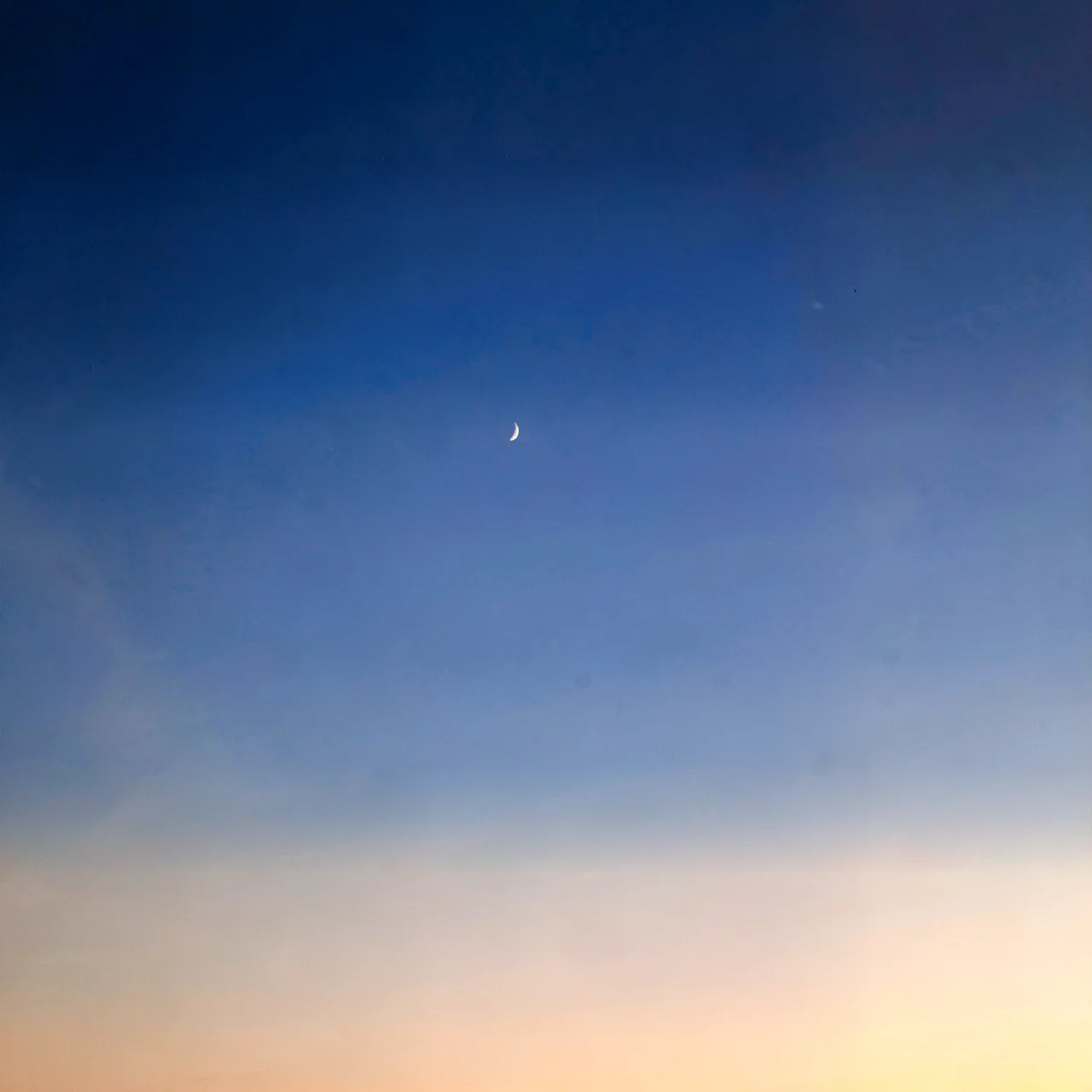 Blue hourOpen in Background Motion
 Cream paperOpen in Background Motion
 Dark concreteOpen in Background Motion
 Film grainOpen in Background Motion
 Brushed metalOpen in Background Motion
 Ocean from aboveOpen in Background Motion
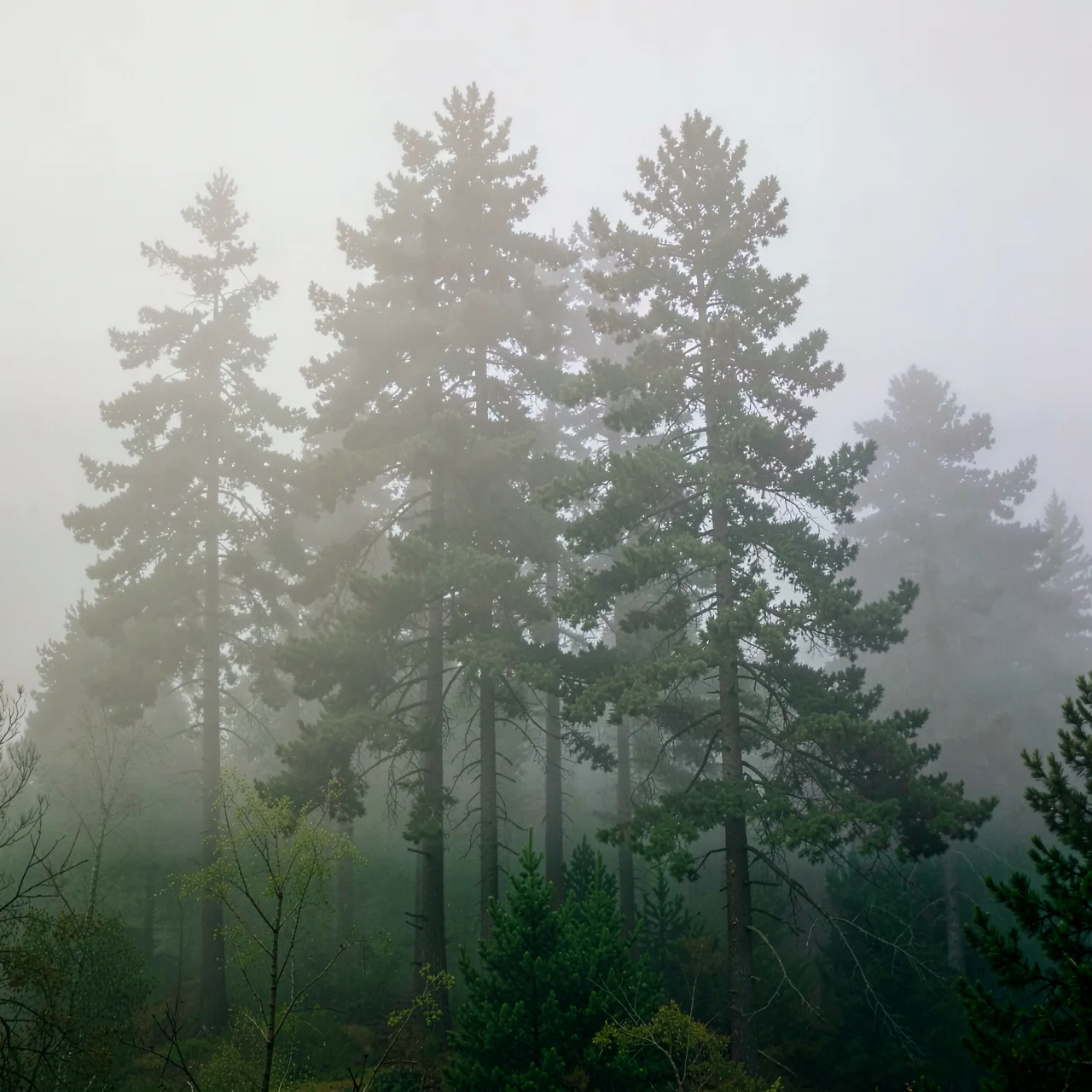 Foggy forestOpen in Background Motion
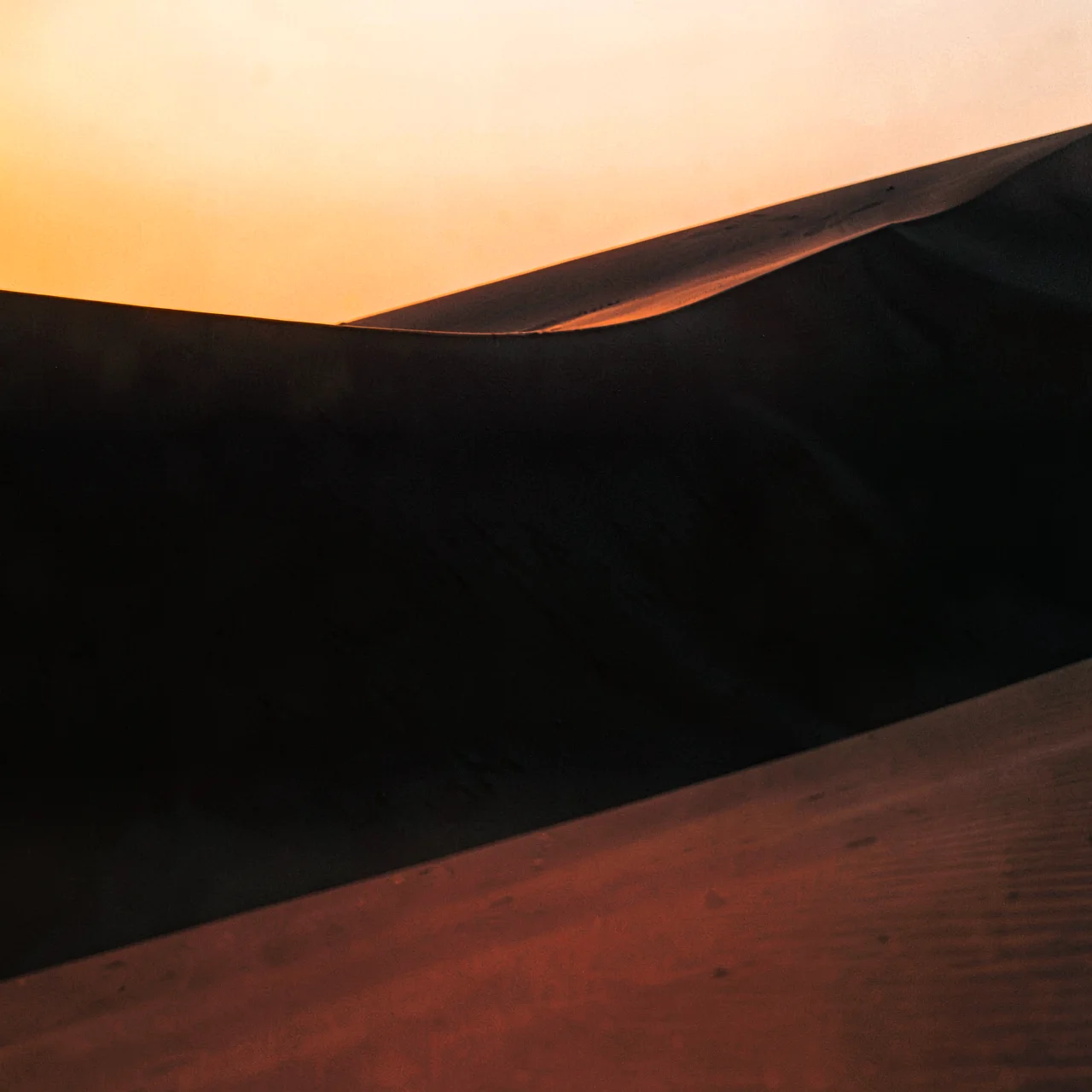 Desert dunesOpen in Background Motion
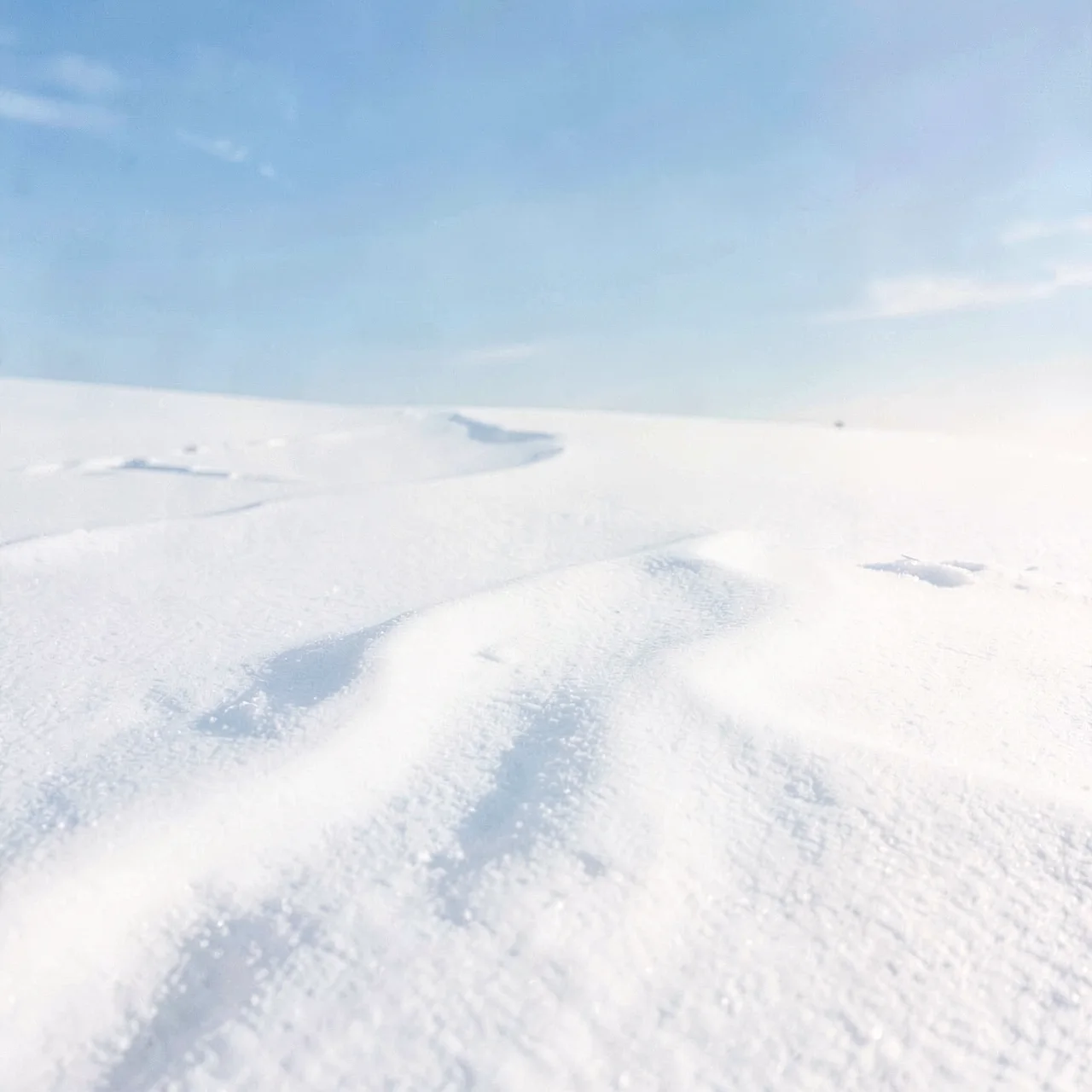 SnowfieldOpen in Background Motion
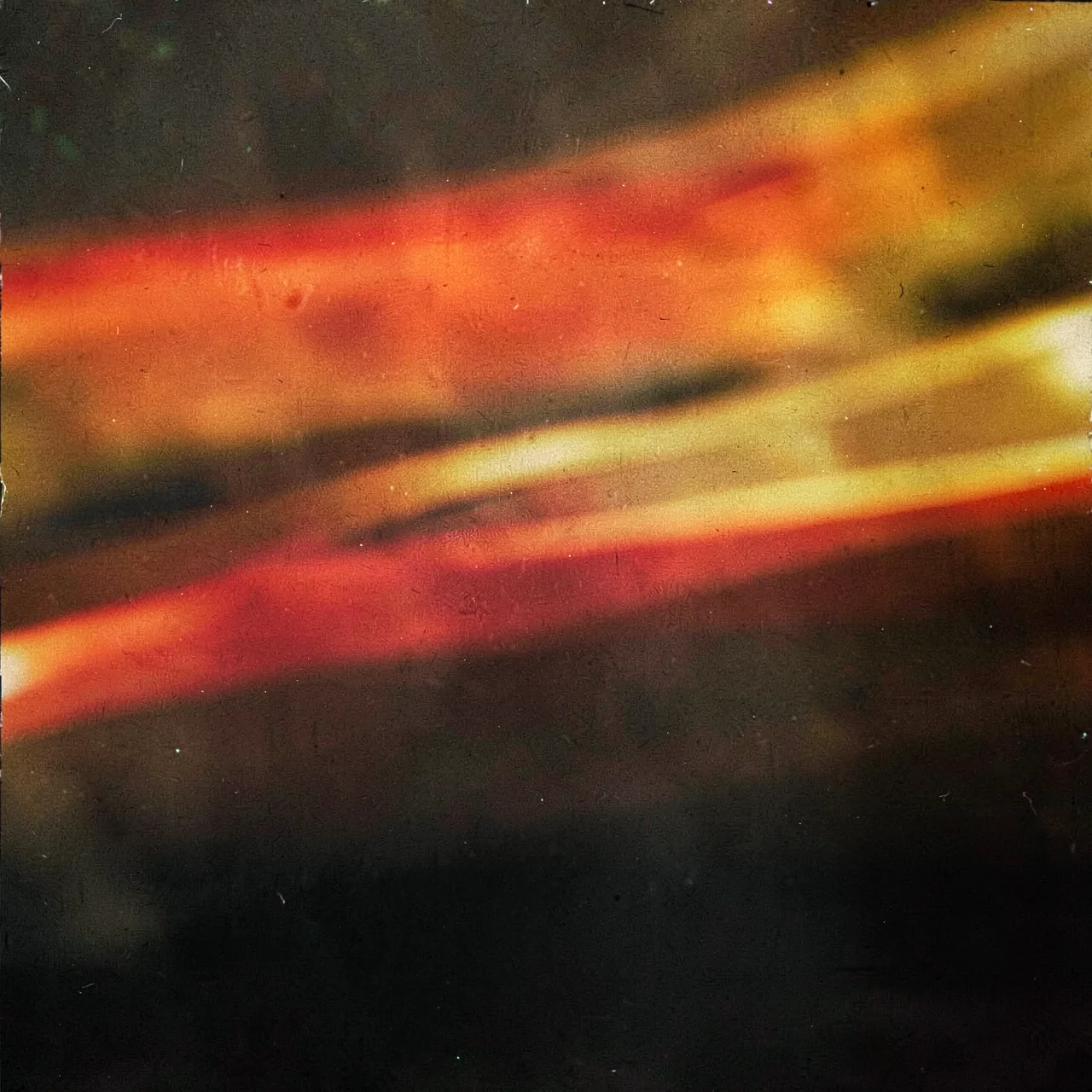 Light leaksOpen in Background Motion
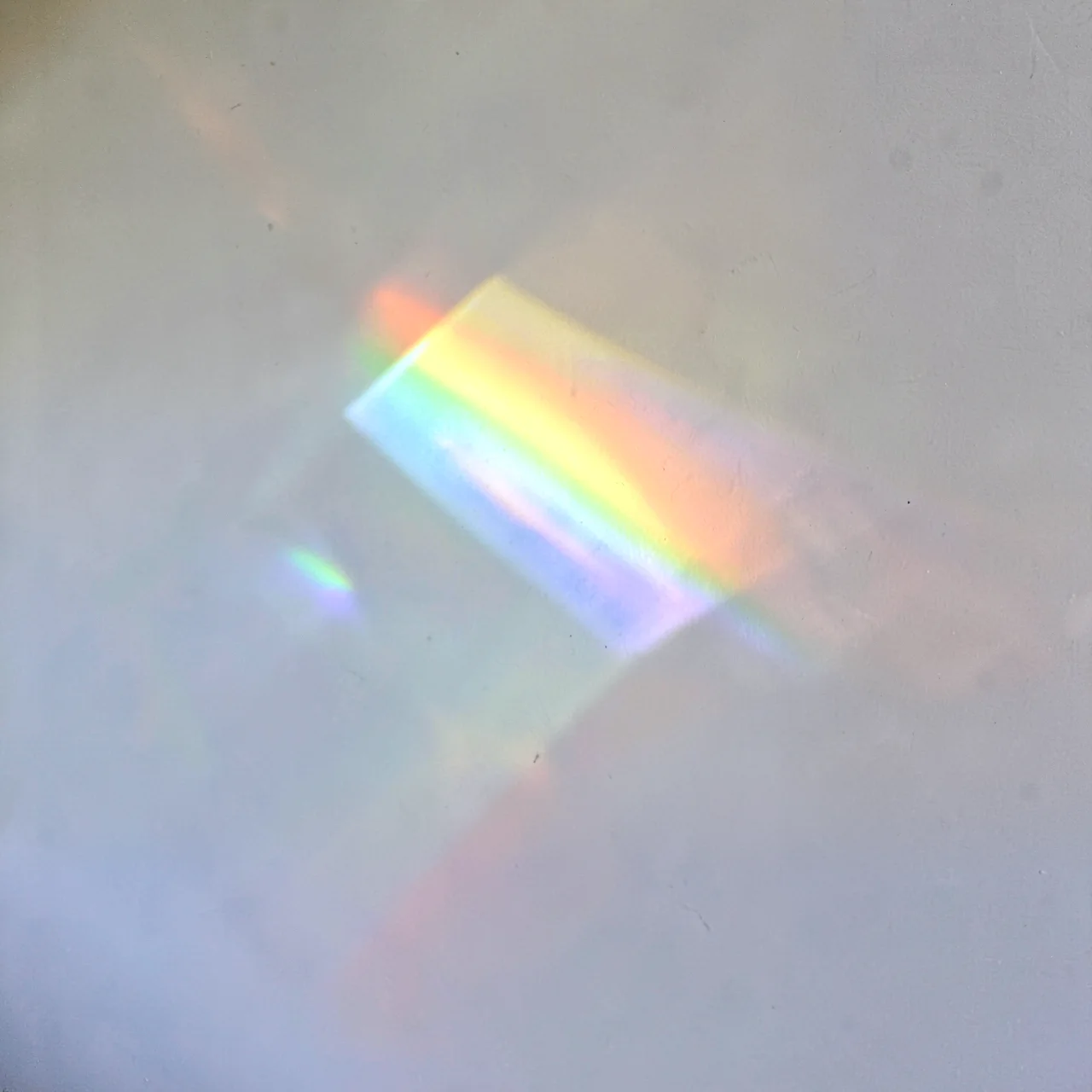 PrismOpen in Background Motion
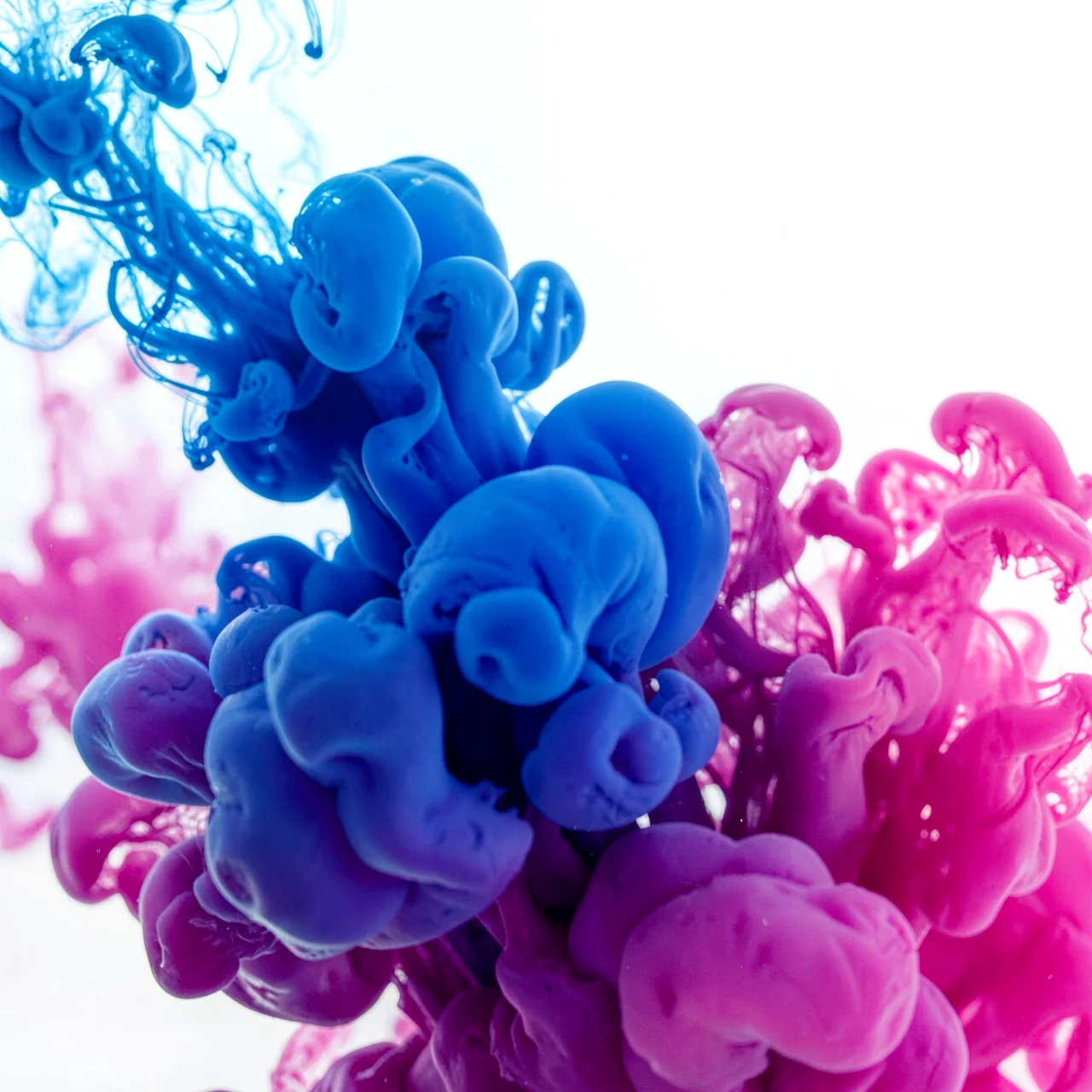 Ink in waterOpen in Background Motion
 Studio spotlightOpen in Background Motion
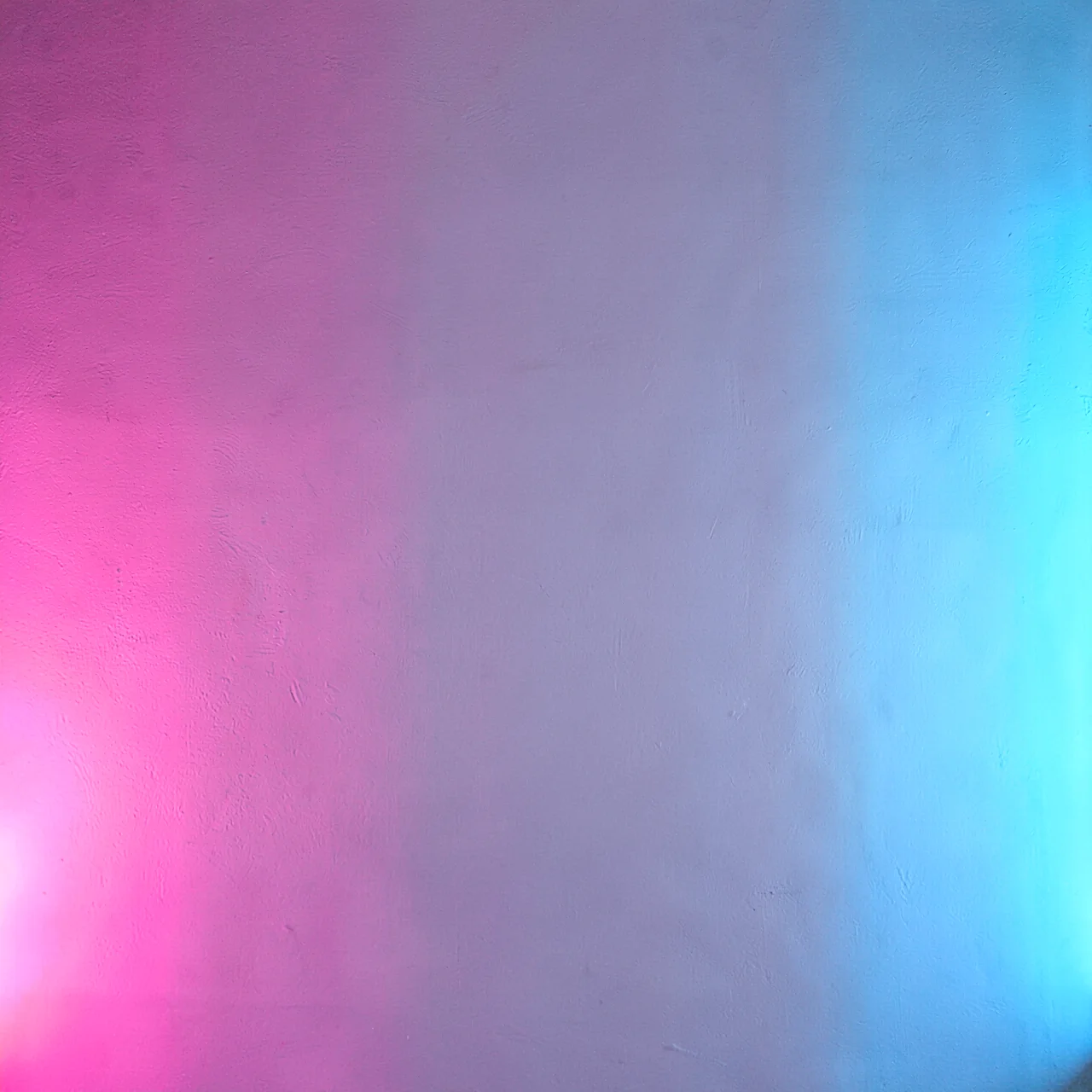 Neon wallOpen in Background Motion
 Velvet curtainOpen in Background Motion
 SmokeOpen in Background Motion
 SunriseOpen in Background Motion
 OceanOpen in Background Motion
 DuskOpen in Background Motion
 HolographicOpen in Background Motion
 Gold bokehOpen in Background Motion
 Pastel bokehOpen in Background Motion
 Storm cloudsOpen in Background Motion
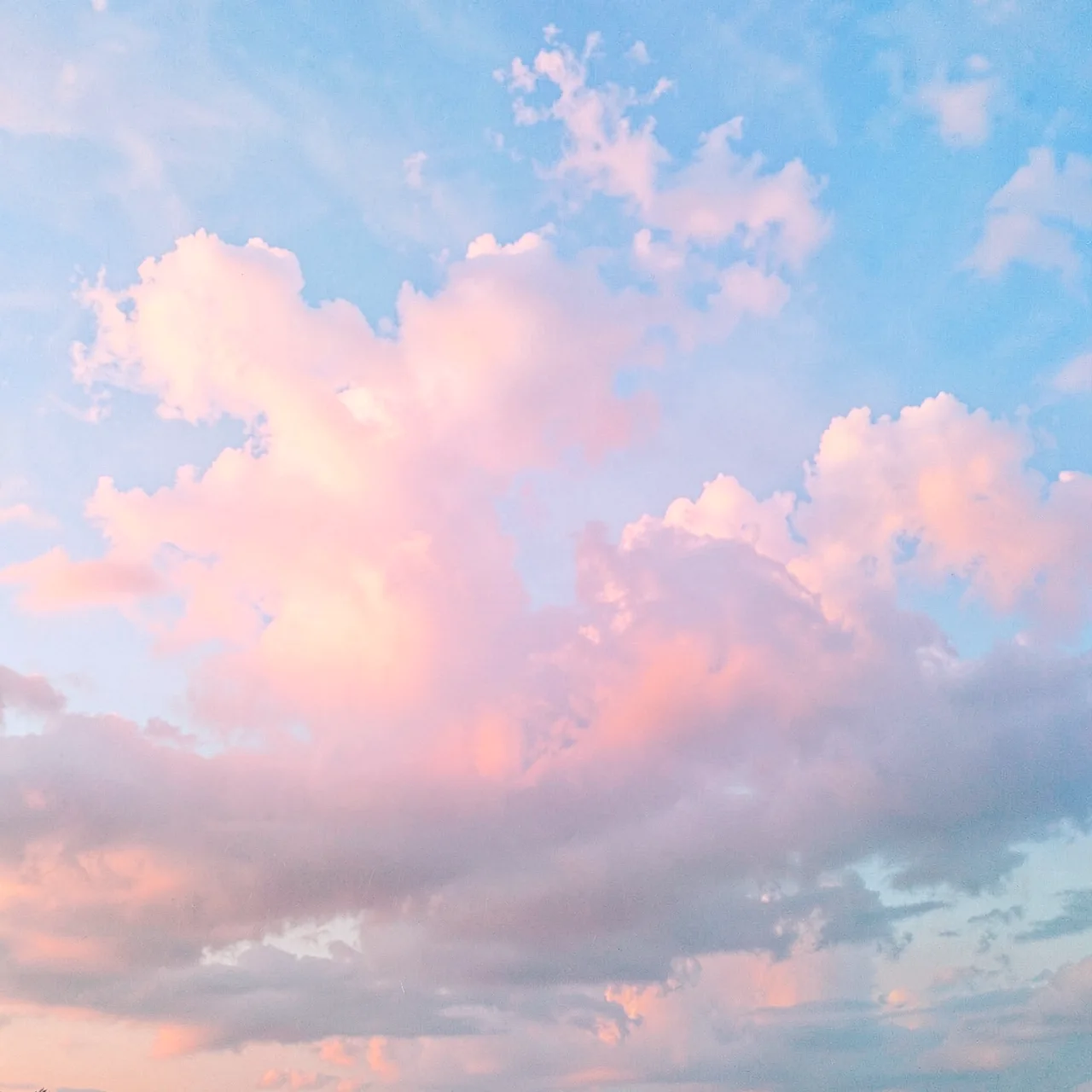 Pastel cloudsOpen in Background Motion
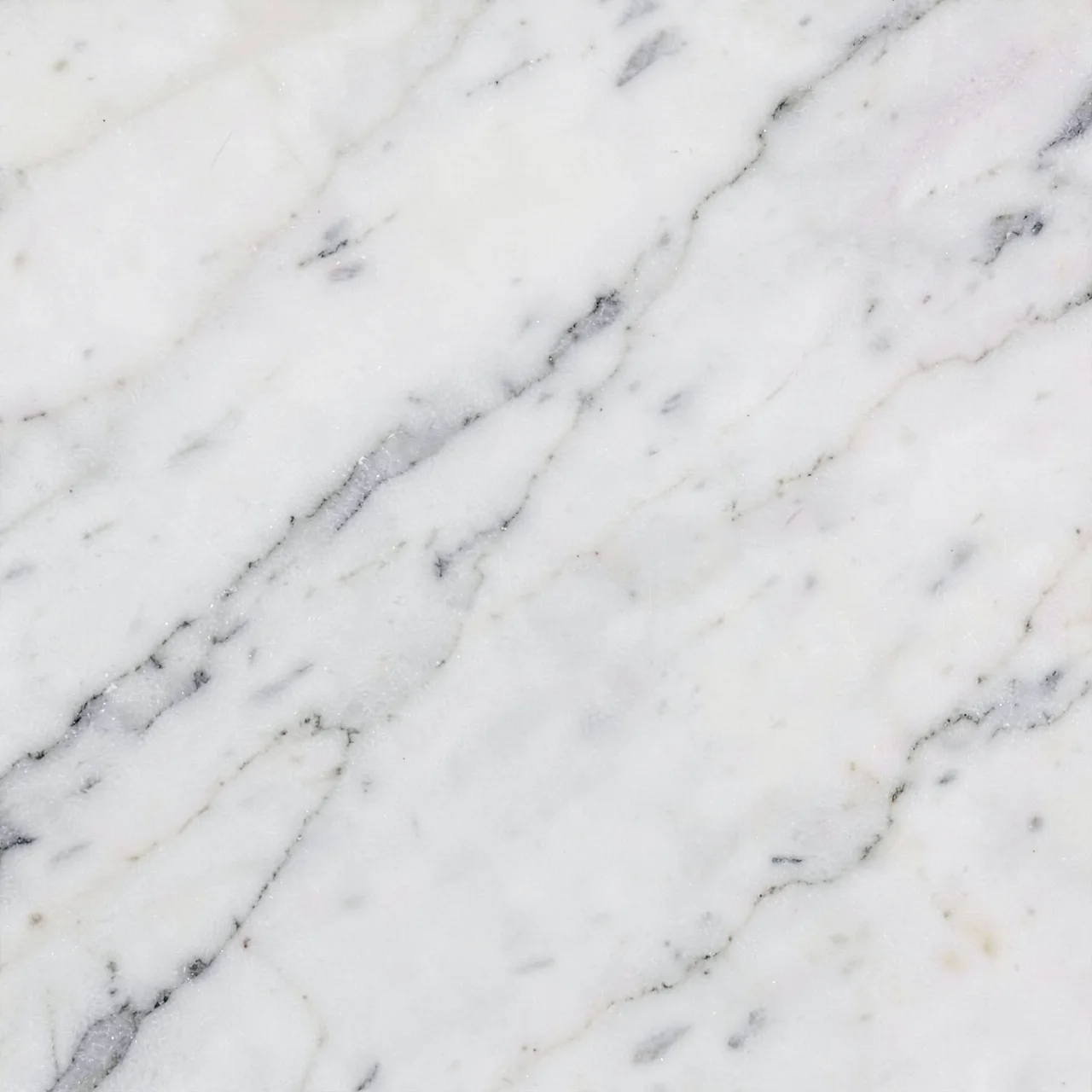 White marbleOpen in Background Motion
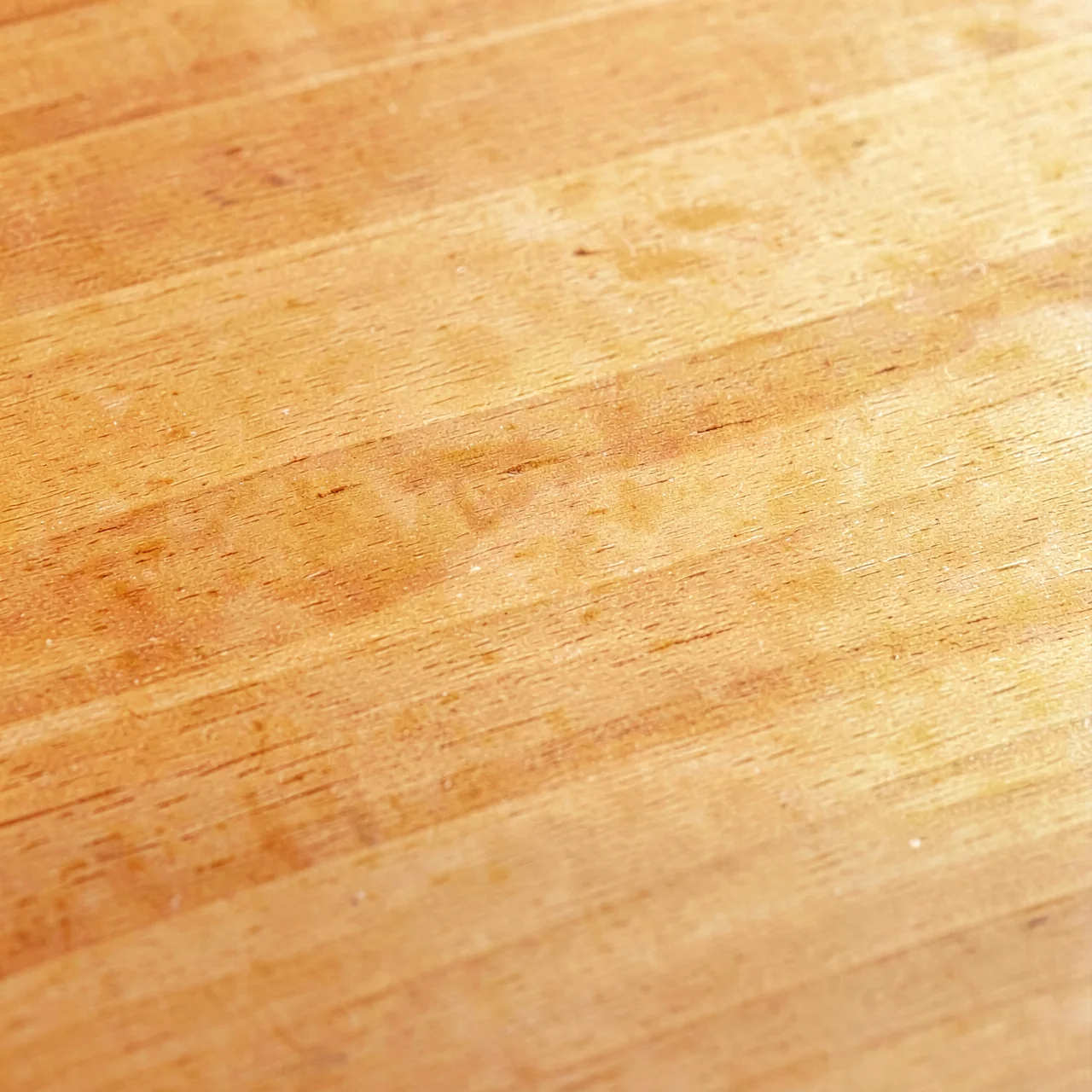 Warm woodOpen in Background Motion
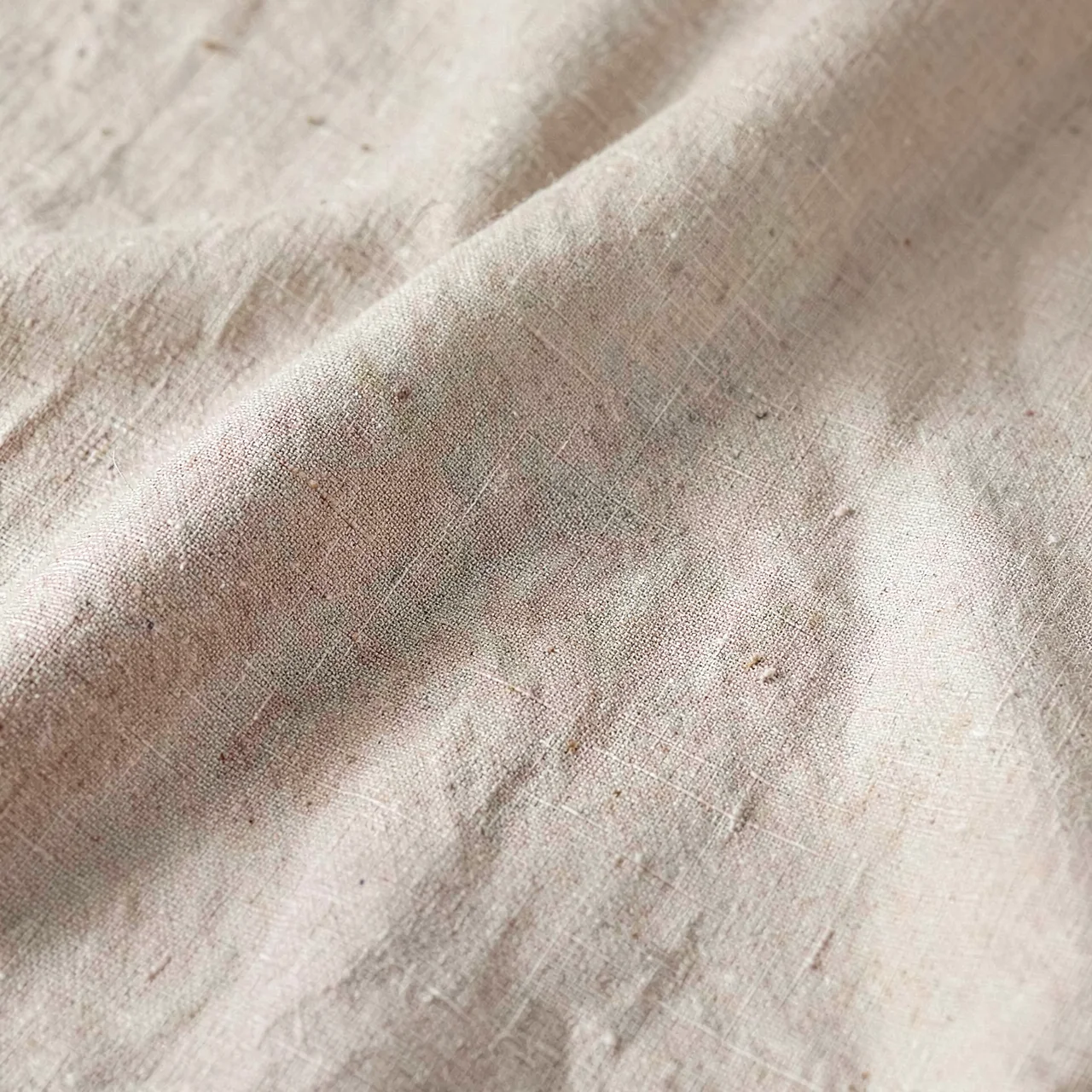 LinenOpen in Background Motion
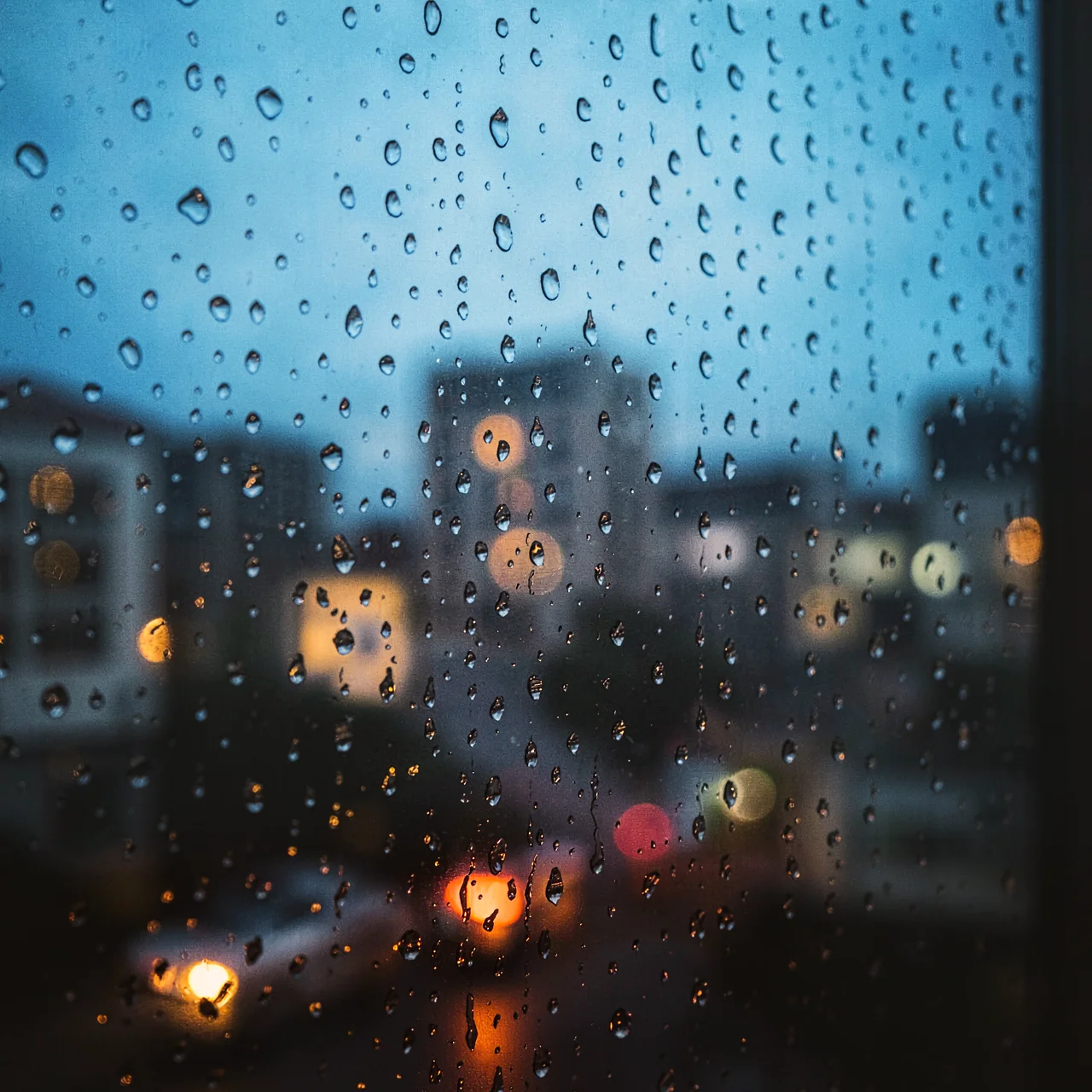 Rain on glassOpen in Background Motion
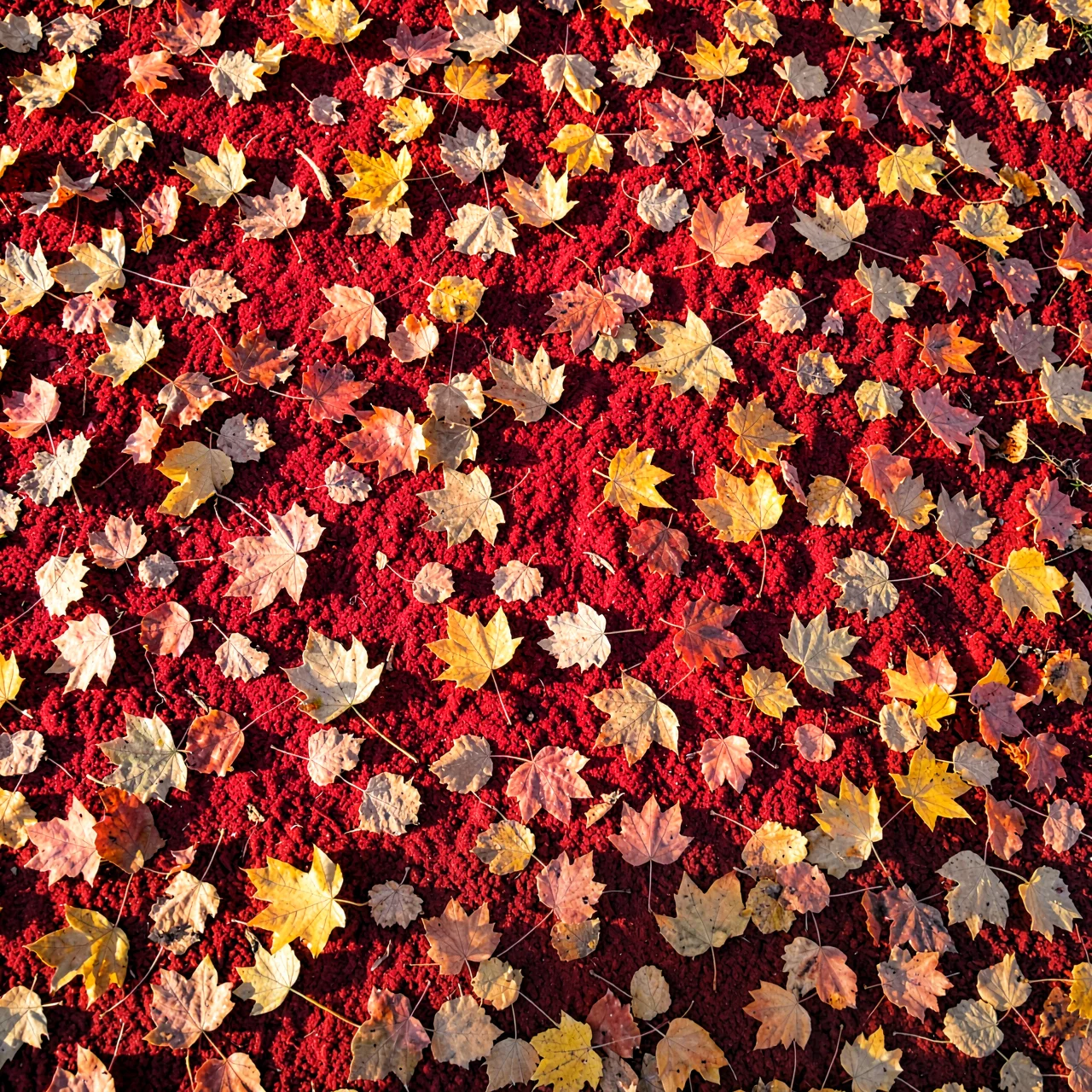 Autumn leavesOpen in Background Motion
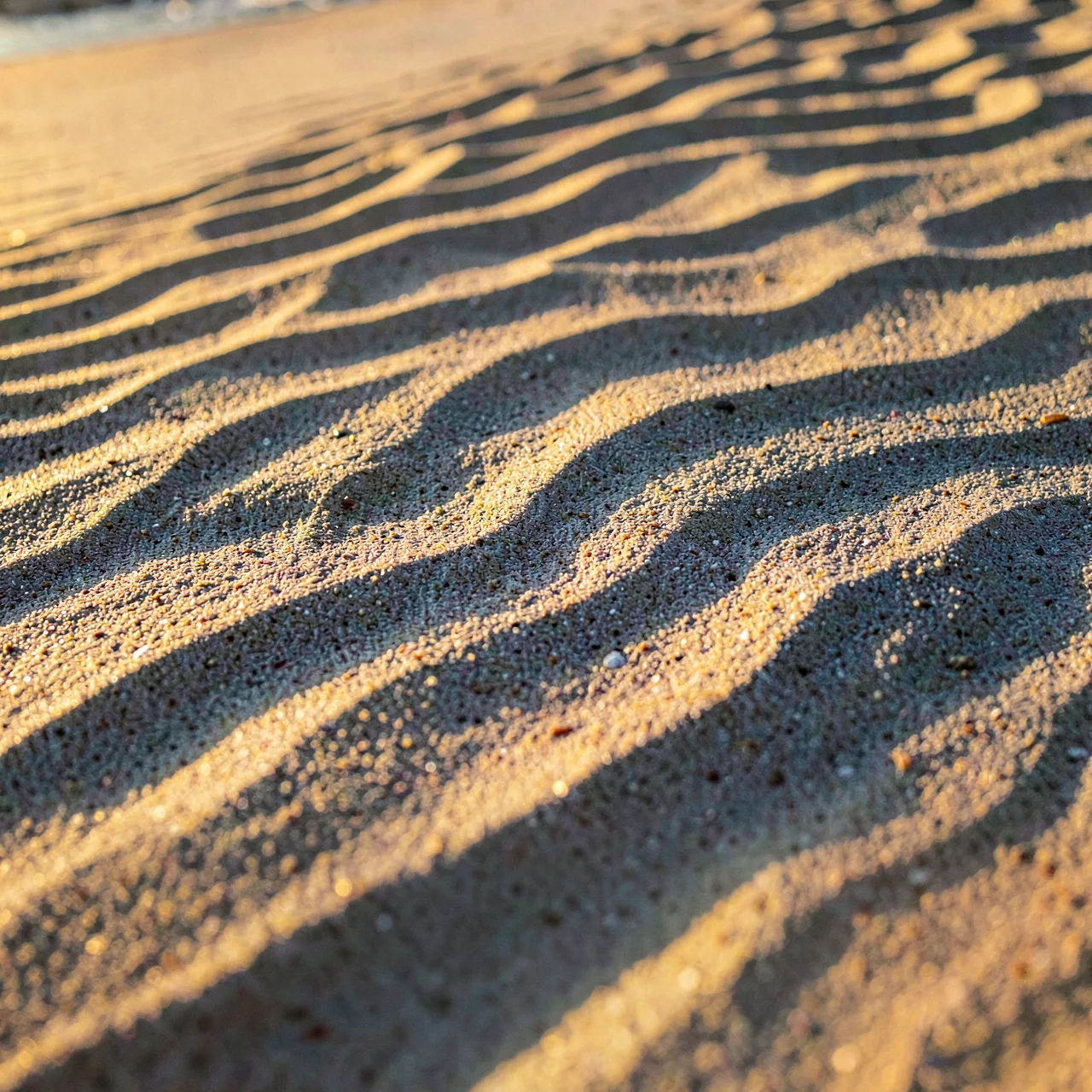 Sand ripplesOpen in Background Motion
 Liquid goldOpen in Background Motion
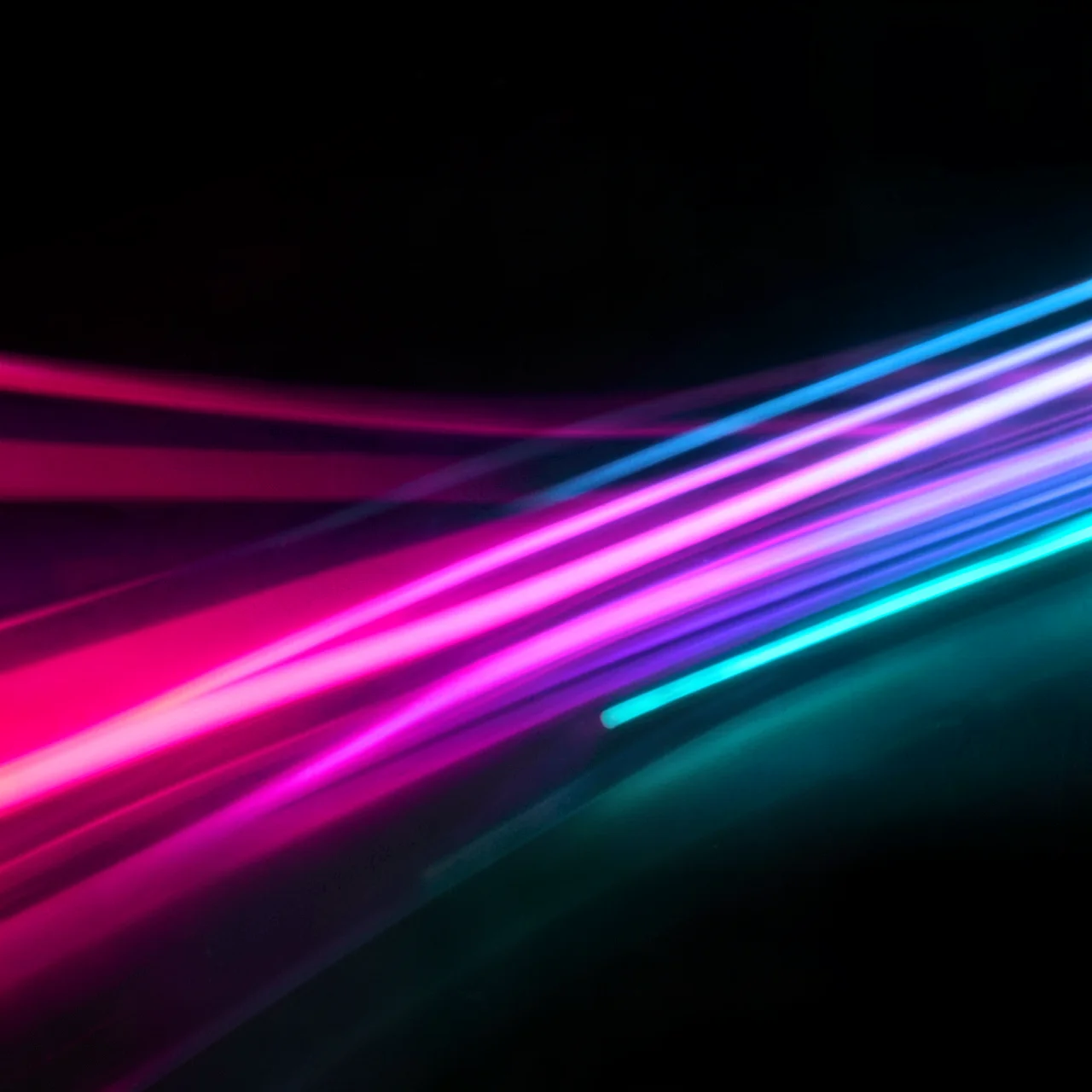 Neon blurOpen in Background Motion
 MorningOpen in Background Motion
 The coast roadOpen in Background Motion
 Open roadOpen in Background Motion
 WavesOpen in Background Motion
 Over the dunesOpen in Background Motion
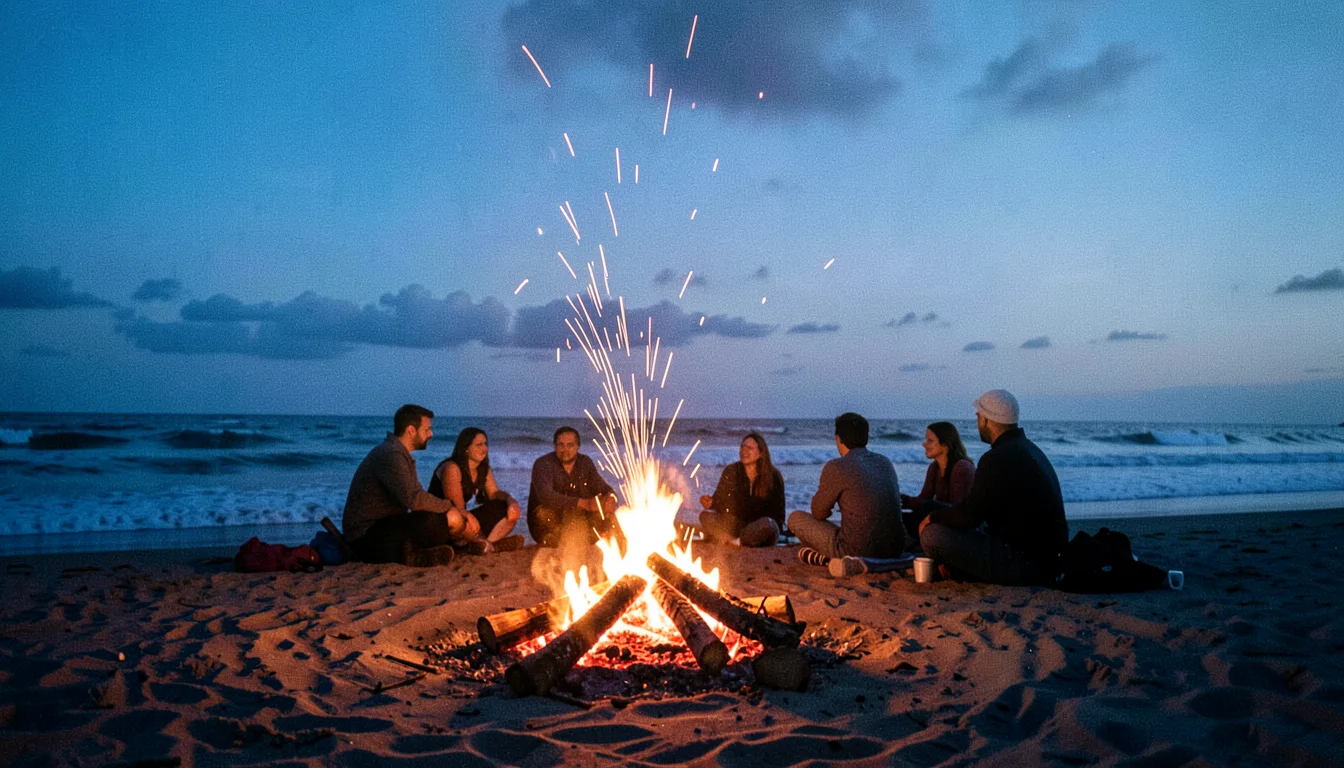 CampfireOpen in Background Motion
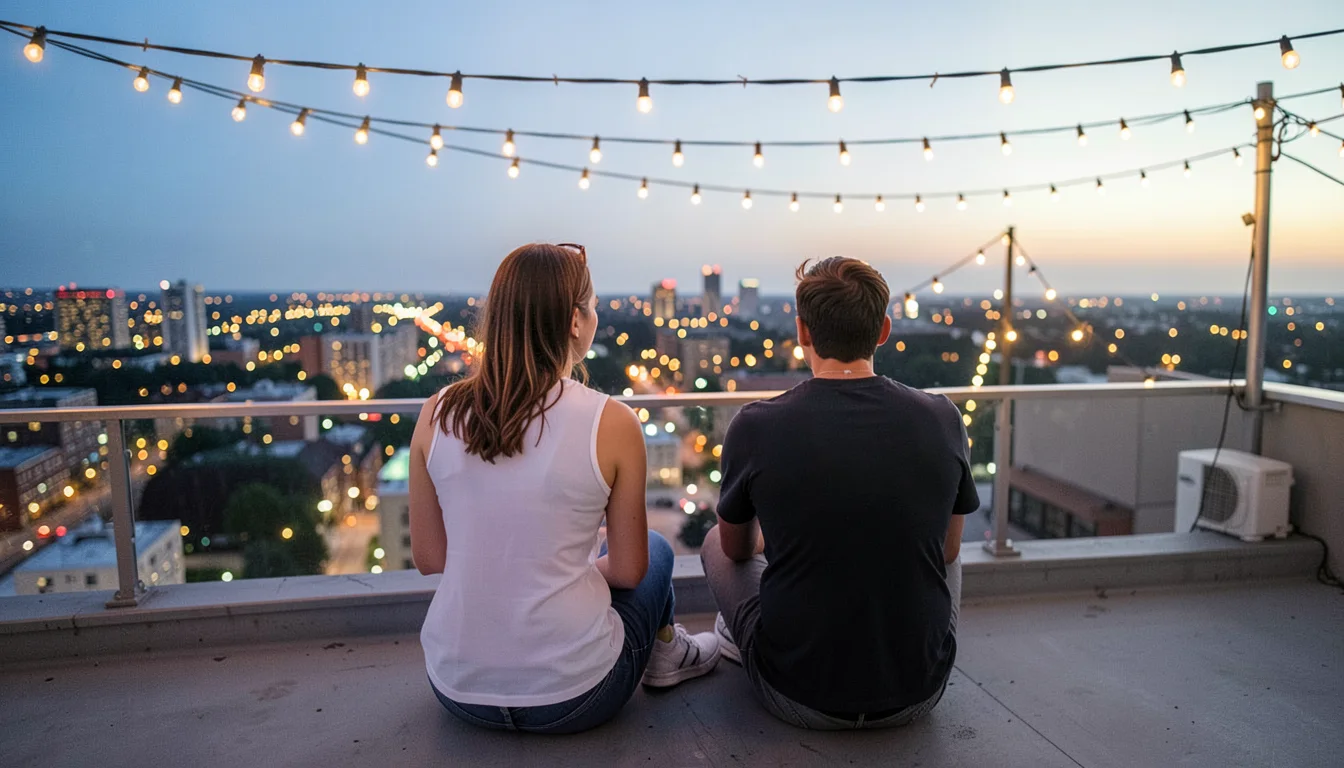 RooftopOpen in Background Motion
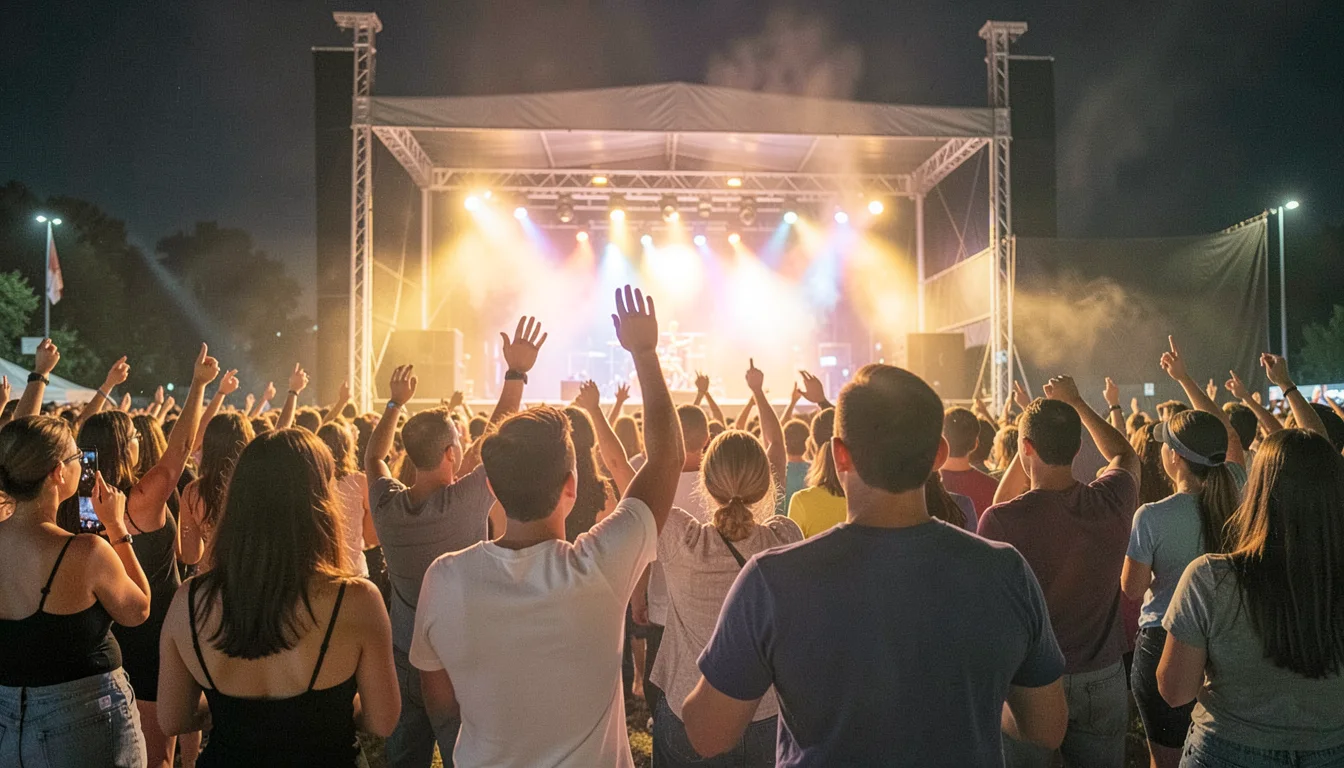 The showOpen in Background Motion
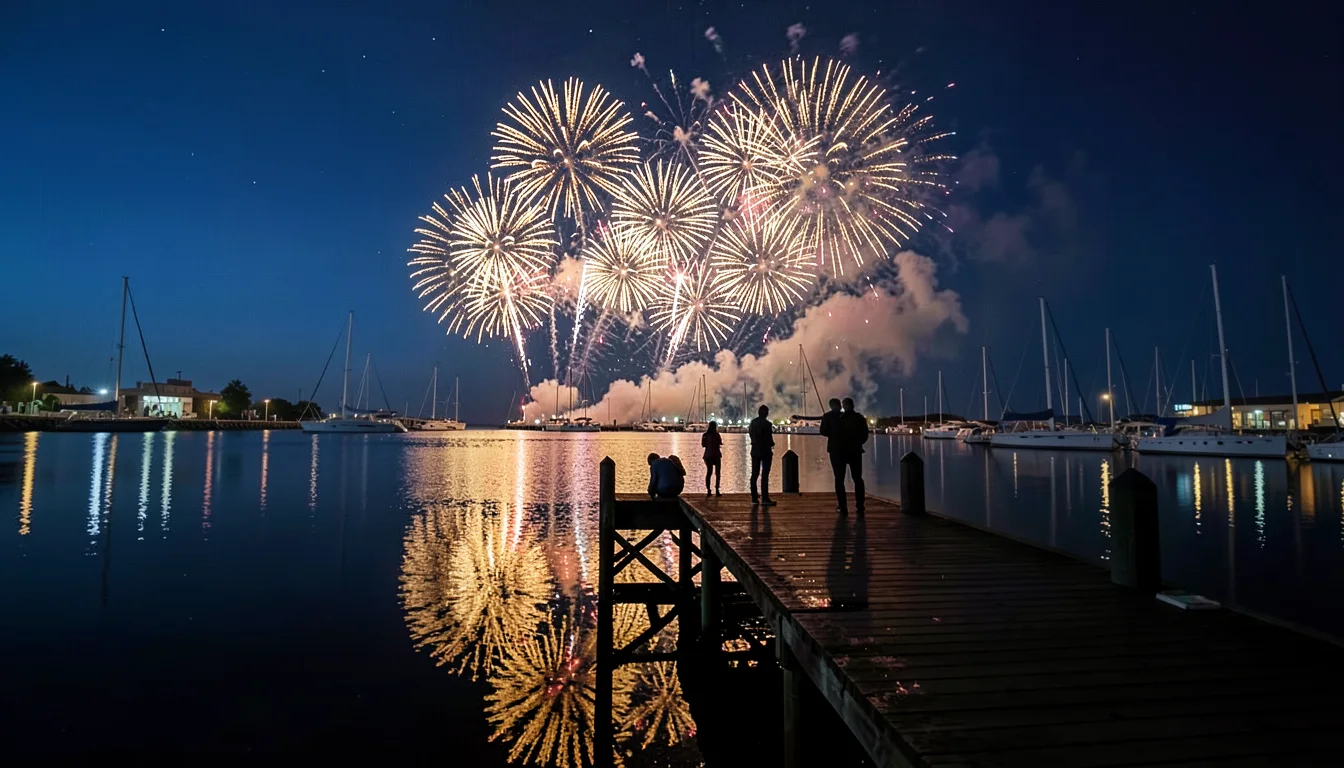 FireworksOpen in Background Motion
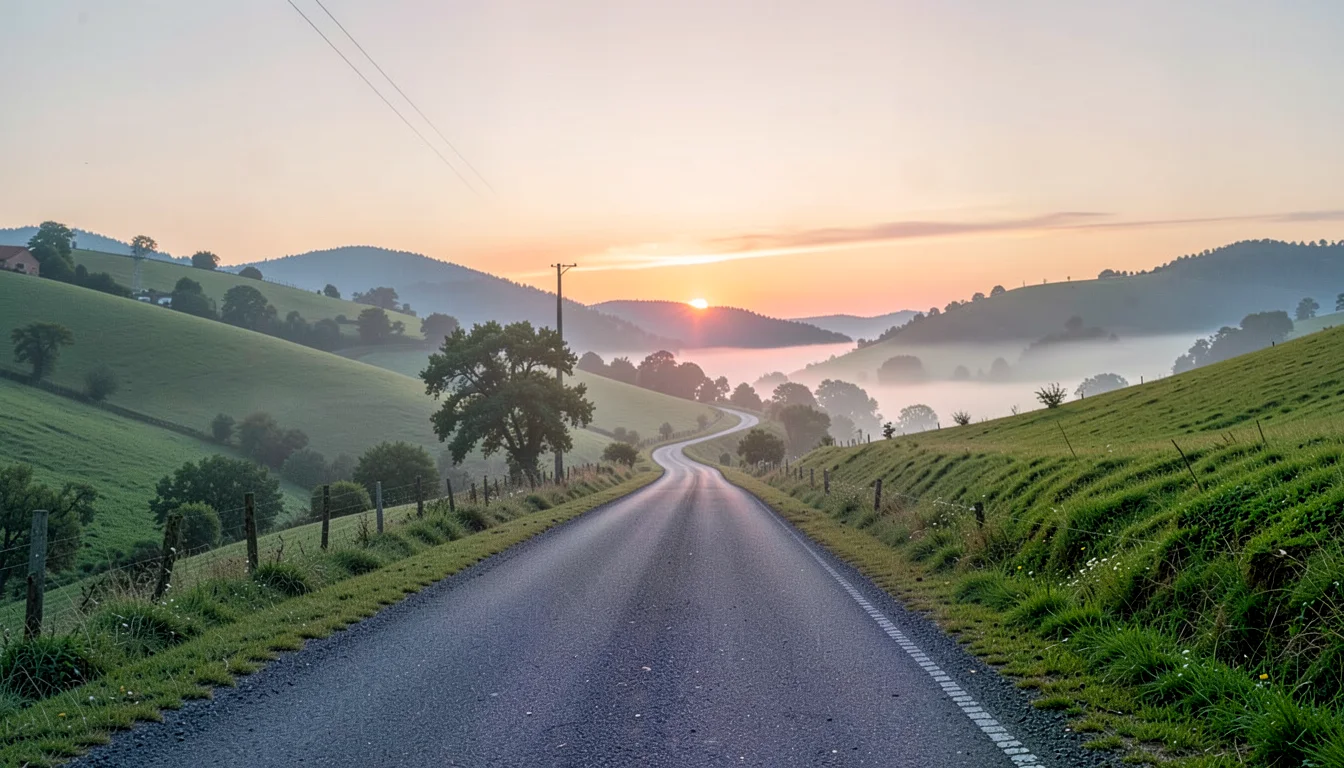 HomeOpen in Background Motion
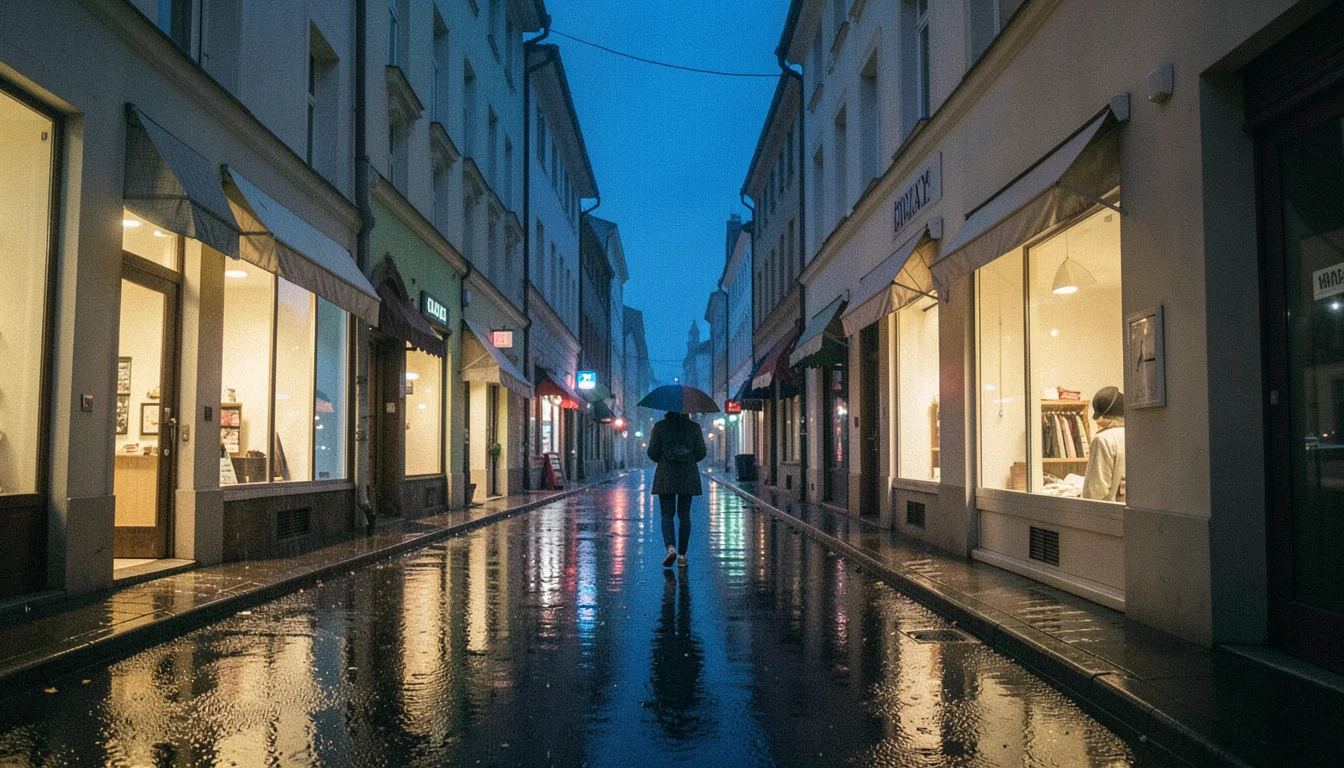 After the rainOpen in Background Motion
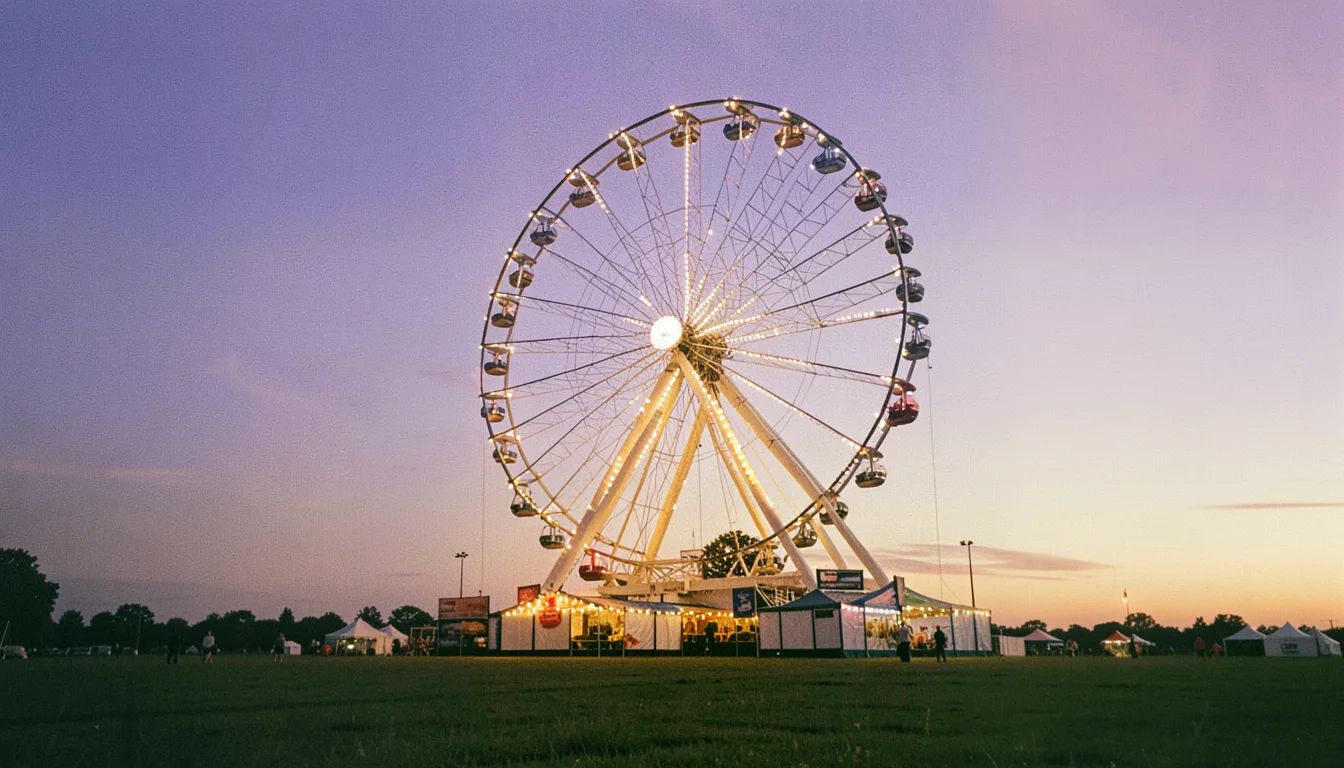 The fairOpen in Background Motion


Start with a recipe
Background motion templates
Each template opens as an editable scene: a picture with its own camera move and two drawing layers. Hover to play it, then replace the picture, change the motion, sync a song and export a loop.
- Slow drift · hover to play
Aurora Pulse
Aurora curtains sway over a drifting night sky while green specks stream past.
- Orbit · hover to play
Nebula Drift
A nebula on a slow orbit, stardust circling the centre and violet lights on their own orbits.
- Horizontal pan · hover to play
Silk Spectrum
Silk panning side to side under flowing ribbons and slowly swinging prism rays.
- Ken Burns push · hover to play
Sunrise Motion
A Ken Burns push into a sunrise, a turning sunburst and gold dust rising.
- Float · hover to play
City Afterglow
City lights floating behind soft-focus discs and neon points that jump and flicker.
- Vertical pan · hover to play
Retro Horizon
A retro horizon gliding up and down under warm sunset bands and sweeping scanlines.
- Soft pulse · hover to play
Chrome Pulse
Iridescent foil pulsing behind stepped circuit traces and a warp of neon streaks.
- Figure eight · hover to play
Midnight Orbit
Marble tracing a figure eight under breathing moonlight and twinkling stars.
- Sway · hover to play
Ocean Caustics
Caustics swaying gently while rings spread from the centre and glints flash on the water.
- Zoom · hover to play
Studio Halo
A studio halo zooming in and out through drifting haze and wandering fireflies.
Made with Background Motion Studio
Starter loop creations
Ten browser-rendered motion backgrounds, each a picture with its own camera move and two of our drawing layers. Preview on hover or focus, download the loop, or open its editable scene to replace the picture, change the motion and attach your song.
Aurora Pulse
VP9 · seamlessAurora curtains sway over a drifting night sky while green specks stream past.
1280×720 · 3s · 1501 KB · loops without a seam
Nebula Drift
VP9 · seamlessA nebula on a slow orbit, stardust circling the centre and violet lights on their own orbits.
1280×720 · 3s · 1520 KB · loops without a seam
Silk Spectrum
VP9 · seamlessSilk panning side to side under flowing ribbons and slowly swinging prism rays.
1280×720 · 3s · 1257 KB · loops without a seam
Sunrise Motion
VP9 · seamlessA Ken Burns push into a sunrise, a turning sunburst and gold dust rising.
1280×720 · 3s · 1295 KB · loops without a seam
City Afterglow
VP9 · seamlessCity lights floating behind soft-focus discs and neon points that jump and flicker.
1280×720 · 3s · 1411 KB · loops without a seam
Retro Horizon
VP9 · seamlessA retro horizon gliding up and down under warm sunset bands and sweeping scanlines.
1280×720 · 3s · 1401 KB · loops without a seam
Chrome Pulse
VP9 · seamlessIridescent foil pulsing behind stepped circuit traces and a warp of neon streaks.
1280×720 · 3s · 1462 KB · loops without a seam
Midnight Orbit
VP9 · seamlessMarble tracing a figure eight under breathing moonlight and twinkling stars.
1280×720 · 3s · 1604 KB · loops without a seam
Ocean Caustics
VP9 · seamlessCaustics swaying gently while rings spread from the centre and glints flash on the water.
1280×720 · 3s · 1327 KB · loops without a seam
Studio Halo
VP9 · seamlessA studio halo zooming in and out through drifting haze and wandering fireflies.
1280×720 · 3s · 1599 KB · loops without a seam
Your local creations
Saved visualizer templates & layers
Save all layers as a reusable template or save one selected layer from Background Motion Studio. These assets stay in this browser.
Loading saved visualizer assets…
Your local creations
Background stills
PNG exports saved in this browser. Hover or focus a card to preview; download to reuse in Classic, Timeline or Studio.
Loading device stills…
Your local creations
Background loops
WebM previews saved in this browser. Hover or focus a loop to preview it; download to add it to Classic or Studio.
Loading device loops…
Motion assets
Intros, outros and transition templates
Select a card to update its preview. Intros and outros are editable title layers with image, typography, colour, size, position and duration controls in Classic. Transitions are timeline junction layers with type, direction and duration controls.
Title-card layers
Cinematic Fade intro
This animated preview uses the same intro/outro painter as the editor and export.
Studio previews the designs here. Set intro/outro text, timing and motion in the Intros and Outros tool, which opens as a tab here.
Timeline transition layers
Cut
Switch straight away
Preview uses two sample visualizer looks. Choose a template below, then apply it from this panel.
Read the transition guideStudio keeps this transition preview beside your timeline. Configure its duration and direction, then send it to a scene junction in Classic: Configure Cut.
Using them
In your editor, or ours
After Effects
Import the green-screen MP4 and key it with Keylight, or use the transparent PNG as a still layer.
CapCut
Add the green-screen MP4 as an overlay and turn on Chroma key, or drop in the transparent PNG.
Classic and Studio
“Open in Classic” or “Open in Studio” starts a project with the layer live and moving to your song. Its look’s other layers are there, hidden, under Layers.
Videos and stills are rendered in your browser at 1280 × 720 (video) or 1920 × 1080 (PNG). All about layers