New: for your desktop
A screensaver that hears your music
Our visualizers and illustrated scenes on your desktop: moving to whatever your computer plays, drifting on their own when it is quiet. As a screensaver, a live background behind your icons, or both.
Sonic Weaver Screensaver
For Windows 10 and 11 (64-bit). Free. It plays offline: the visualizers are inside the app, and your own pictures travel inside your screensaver file.
The Windows download is on its way. You can make and save your screensaver now; it will be ready to play the day the app is out.
How it works
Step 1
Make it
Pick looks in the creation zone, how they take turns, a clock if you like, and what each screen shows.
Step 2
Export it
Download your .swsaver file. Your own pictures go inside it; nothing is uploaded.
Step 3
Open it in the app
The app plays it as your screensaver, as a live background behind your icons, or both, and pauses for full-screen games and films.
Start from one of these
 Scene loopsSix illustrated places that loop, from a sunny sky to a rainy window, a scene every two minutes.
 HorizonsSunsets, a lake and a night drive: wide calm views for a work desktop.
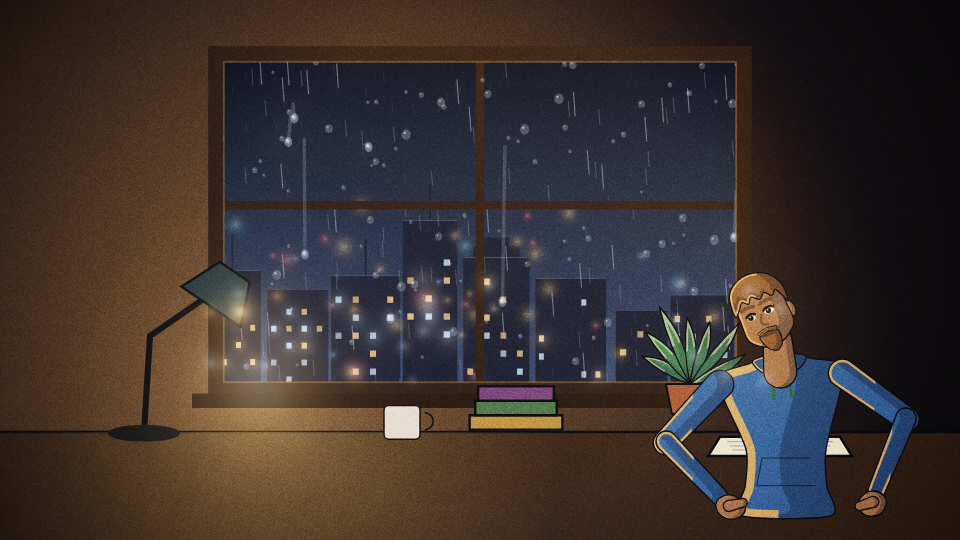 Rainy nightRain on glass, a city in the rain and slow drops: a quiet room for late work.
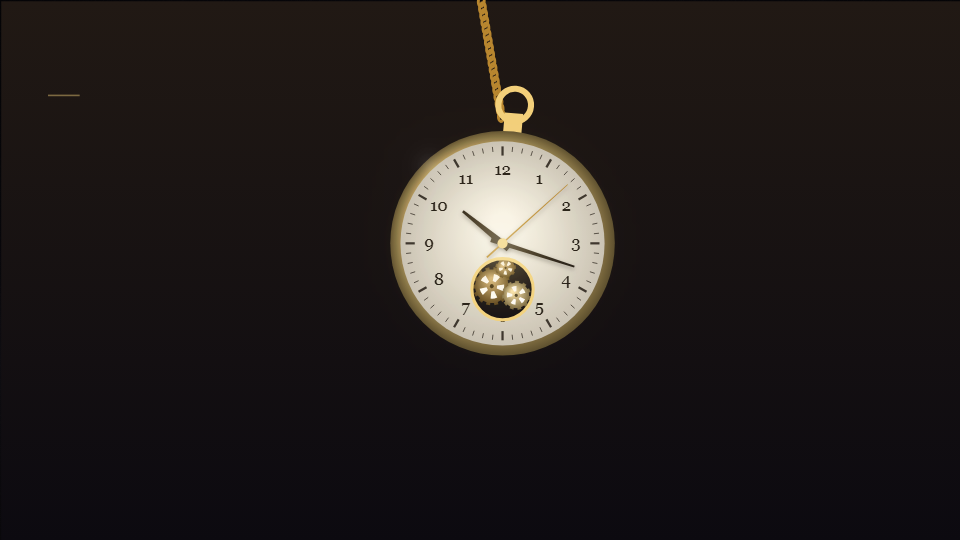 Desk clockA clock face and the time in the corner over calm looks, for a screen across the room.
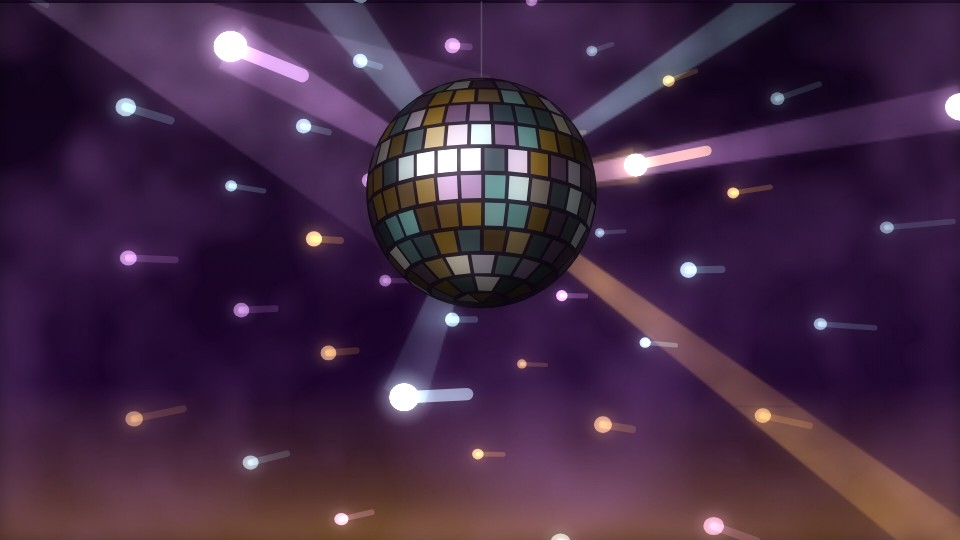 Party wallDisco lights, a dance floor and portals that hit on every beat: a screen for a room with the music up.
 Liquid calmSlow colour, silk and ink that drift whether or not anything plays.
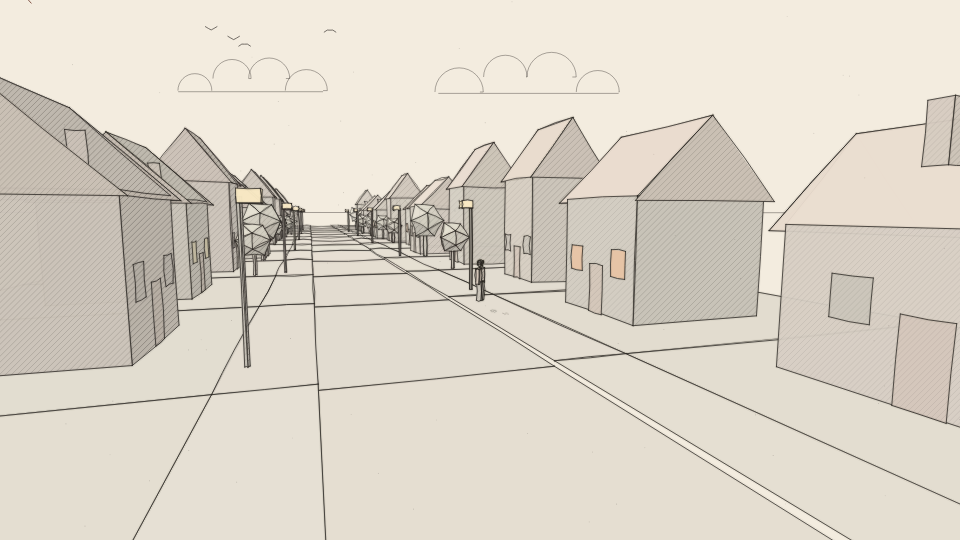 SketchbookPencil, ink and a paper town drawn as you watch.
- Every visualizerOur whole catalog in turn, a new look each minute and shuffled: the full show.
Questions
How does it hear my music?
It listens to what your computer plays (the same sound your speakers get), on your computer only. Nothing is recorded or sent anywhere. Turn it off in the creation zone with Sound, then Ignore it.
Will it slow my computer down?
You choose its frame rate and drawing size. It pauses while a full-screen game, film or presentation runs, and on battery if you like.
Screensaver or background?
Either or both. As a screensaver it starts when your computer sits idle; as a background it plays behind your desktop icons all the time.