Guides, deep-dives & tutorials
How music visualizers work, how to get the most from the editor, and how to build a visual identity for your music.
Latest
The three most recent posts
Adaptive Quality When the Device Gets Hot
Thermal and frame-time pressure should lower cost without rewriting the engine. How adaptive quality governance keeps exports and live previews honest on real devices.
Read the postEngines That Stay Distinct With Audio Muted
A visualizer catalogue only works if engines still look like themselves when the track is silent. Here is how distinct draw identities survive muted preview, reduced motion, and still capture.
The Par Wall Mode: A Rig With No Beams At All
Par Wall draws no beams and no cones. It is a grid of lamps chasing group by group, and the most interesting thing in it is what the additive blend forced the halo to become.
Showing all 72 posts
Browse the archive
Adaptive Quality When the Device Gets Hot
Thermal and frame-time pressure should lower cost without rewriting the engine. How adaptive quality governance keeps exports and live previews honest on real devices.
Engines That Stay Distinct With Audio Muted
A visualizer catalogue only works if engines still look like themselves when the track is silent. Here is how distinct draw identities survive muted preview, reduced motion, and still capture.
The Par Wall Mode: A Rig With No Beams At All
Par Wall draws no beams and no cones. It is a grid of lamps chasing group by group, and the most interesting thing in it is what the additive blend forced the halo to become.
The Laser Sweep Mode: A Stroke, Not a Cone
Laser Sweep is the only mode in its engine that draws strokes instead of cones, which is exactly why Thickness is scoped to it alone and Beam spread is scoped away from it.
The Dune Field Mode: The Only Terrain That Never Strokes a Line
Dune Field is the only mode in its engine with no stroke anywhere in its branch, which is why Thickness is scoped out of it and present on all five of its neighbours.
The Contour Map Mode: The Terrain That Does Not Hide What Is Behind It
Contour Map skips the occluding pass every other ridge mode in its engine performs. Dropping the hidden-line step is exactly what turns a landscape into a plate you read from above.
The Wire Polyhedron Mode: The Edge Threshold Shrinks as You Add Nodes
Wire Polyhedron spaces its vertices on a sphere with the golden angle and joins any pair closer than a threshold that falls as the count rises. That falling threshold is why it stays a shell.
The Orbiting Bars Mode: Bar Width Is the Circumference, Divided
Orbiting Bars never lets you make a solid disc by mistake, because it derives every bar's stroke width from the circumference and the count rather than from a width control.
The Waveform Ring Mode: The Trace Bent Around a Reserved Middle
Waveform Ring is the default mode of the Logo engine and the one that makes a brand mark react. Every radius is measured out from the artwork's safe circle, so nothing can ever cross it.
The Waveform Filled Mode: A Closed Path Back to the Baseline
The Waveform engine's area mode closes its trace back along the baseline, fills it translucently, and then strokes the outline on top. Here is why the order matters and what the depth control does when there is only one row.
The Particle Vortex Mode: The One Tunnel Branch That Does Not Return
Particle Vortex is the only mode in its engine that renders two passes in one frame: a spiral of particles, and then the same ring corridor everything else draws. They travel in opposite directions.
The Corridor Grid Mode: Rings Alone Are Not a Corridor
Corridor Grid adds twenty lines that nothing else in the engine draws. Without them a corridor is a stack of nested rectangles; with them it is a surface running away from you.
The Piano/Step Grid Mode: Quantised to Whole Cells
Piano/Step Grid rounds every column to a whole number of cells and paints the dividers in the background colour, which is why Background is one of the few controls this engine opens up to layers.
The Linear Equalizer Mode: Flush on the Edge, Rounded Only at the Cap
Linear Equalizer sits on the frame edge on purpose, rounds only the two corners at the top of each bar, and runs a gloss across the field that brightens without changing a single bar's height.
The Frequency Ridge Mode: Only the Front Row Is a Ridge
Frequency Ridge strokes its front row at more than double the width of every row behind it, fills only the first six, and is the one mode in its engine that reads the noise control.
The Line Spectrum Mode: The Axis Is Logarithmic Because the Bins Are
Line Spectrum draws its samples at evenly spaced x positions and still gives you a logarithmic frequency axis. The curve is in the analyser, not in the renderer, and that distinction is worth understanding.
The Sunburst Mode: A Ray Fan Centred on Twelve O'Clock
Sunburst fans frequency rays around a reserved centre. The fan is built outward from the top of the frame, which is what makes a partial sweep symmetric instead of lopsided.
The Glyph Field Mode: A Column Is a Band
Glyph Field lays glyphs on a grid and binds every column to its own slice of the spectrum. A glyph changes character when its column crosses a threshold, not when the clock says so.
The Ink Diffusion Mode: A Colony That Moves Every Fourth Beat
Ink Diffusion holds its arrangement for four beats and then moves the whole colony at once. Here is why that interval exists, and which of its shipped defaults does nothing at all.
The Flow Field Mode: Steering Is the Whole Difference
Flow Field and its sibling read the same field and look nothing alike. The difference is one number: how hard a strand is steered toward the direction the field is pointing.
The Fountain Burst Mode: An Arc That Is Culled, Never Clamped
Fountain Burst launches arcs from the bottom edge and deletes them below it. Here is the age clock, the parabola, and the two controls it ships that its own draw branch never reads.
The Follow Spot Mode: A Target That Only Moves on the Beat
Follow Spot is one fixture tracking a point that relocates every second beat and holds still in between. It is also the only mode in Stage Lights that is faded rather than cued.
The Canyon Scroll Mode: Containment on a Vertical Offset
Canyon Scroll mirrors the Terrain heightfield above and below a travelling corridor whose walls already sit on the frame edge at the horizon. That is why its containment rule is not a radius.
The Kinetic Reveal Mode: Assembling a Mark Across a Bar
Kinetic Reveal lights wedges around your artwork in turn so the mark assembles over a four-beat bar rather than fading in. Here is the bar clock, and the rule that keeps geometry off the logo.
The Oscilloscope/Lissajous Mode: A Real Second Channel
Oscilloscope/Lissajous needs two channels to draw a figure, and a delayed copy of the first one will not do. Here is the filter that produces a genuine quadrature partner, and why the figure used to collapse to a line.
The Waveform Tube Mode: The Corridor That Reads Live
Every ring in the Tunnel engine freezes a snapshot of the spectrum at birth and carries it forward. Waveform Tube is the exception: its surface is the time-domain trace, right now.
The Warp Field Mode: A Streak Carries the Beat It Was Born On
Warp Field draws streaks rather than rings, because a ring is the same shape however fast it travels. Each streak also remembers whether it was born on a beat, and keeps that mark all the way in.
The Radial Bars Mode: The Only Contained Layout in Bars
Radial Bars takes an early exit from the Bars draw path, which is why half the engine's controls do not apply and why it is the one layout the frame margin governs.
The Center Mirror Mode: Half the Headroom, Both Ways
Center Mirror grows bars in two directions from the middle of the frame, which halves the room each one has. Here is the budget that fixed it, and the gloss that brightens bars without lying about their height.
The Mirrored Area Mode: A Reflection Has to Be Rebuilt
Mirrored Area reflects a solid spectrum shape across its baseline. Doing that on a canvas is not a transform and a second stroke, and the mode is named after the bug that taught us so.
The Spectrogram Waterfall Mode: Speed Is a Stride, Not a Push Rate
Spectrogram Waterfall draws rows of spectral history receding into the frame. Speed does not change how fast the buffer fills; it changes how far apart in time the drawn rows are.
The Pulse Orb Mode: A Gradient, a Ray Fan and a Reserved Middle
Pulse Orb is the Radial engine's default and its simplest scene: one radial gradient, one fan of rays over it, and a centre that geometry is not allowed to cross.
The Mandala Mode: Layered Ray Fans That Count Down
Mandala is not rings at different radii. It is several ray fans stacked in the same annulus, each with fewer rays than the last, counter-rotating and offset by Twist.
The ASCII Cascade Mode: Every Glyph Swaps on Its Own Band
ASCII Cascade is a spectrum read left to right, one column per band, where a glyph changes only when its own column crosses a threshold. Here is why that is a visualisation and a shared counter is not.
The Word Wave Mode: Kinetic Type Needs an Overshoot
Word Wave pops each letter on an ease that overshoots and settles, and lights them in groups so the word reads across the bar. Here is the difference between kinetic type and text that scales with the volume.
The Crystal Growth Mode: Structure That Accretes Instead of Breathing
Crystal Growth adds a segment on every beat and keeps it. A structure that only oscillates cannot read as growth, because nothing is ever built. Here is how the accretion works.
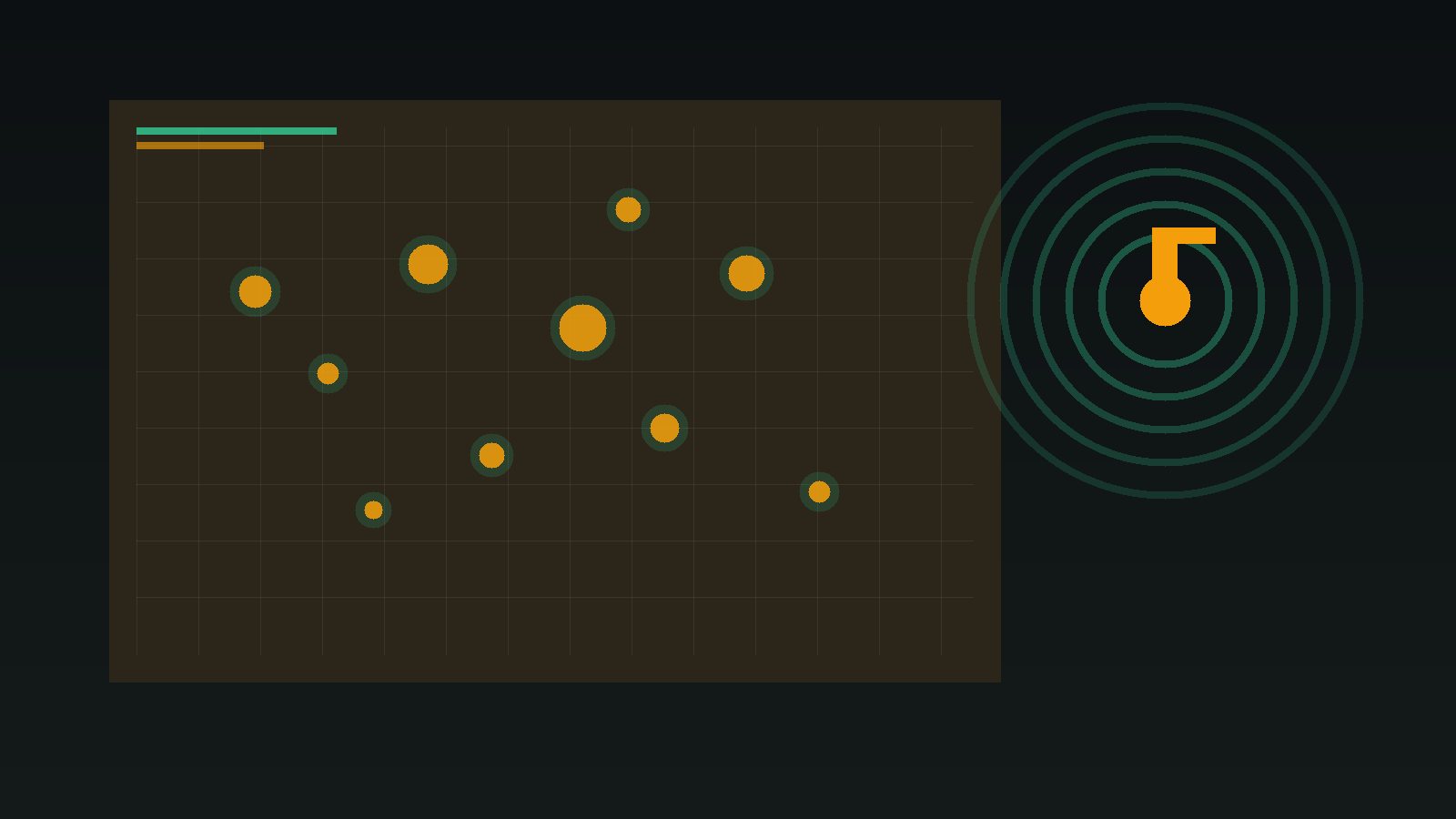
How Canvas Paints an Audio Visualizer
The other half of how audio visualizers work: requestAnimationFrame, reading AnalyserNode, and drawing bars, particles and tunnels on an HTML Canvas every frame.
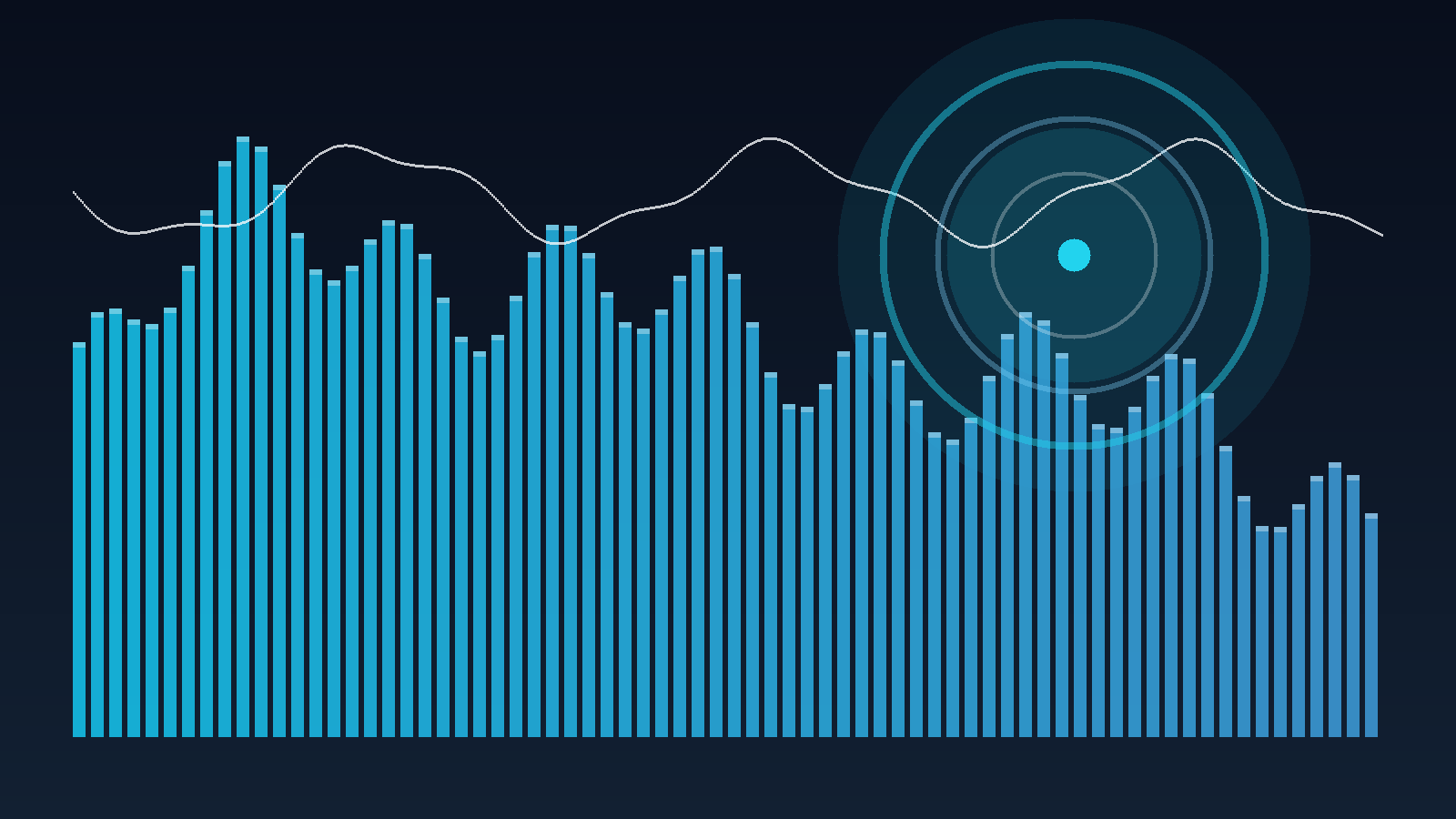
How FFT Turns Audio Into Visualizer Bands
What a Fast Fourier Transform actually measures in a song, how AnalyserNode bins become bass/mid/treble, and why those numbers drive every audio-reactive canvas.
The Ripple Blossom Mode: Interference Needs More Than One Ring
Ripple Blossom keeps several beat-born rings alive at once, which is the only way concentric waves can interfere. Here is the ring pool, the petal envelopes and the containment rule underneath both.
The Ribbon Flow Mode: Why a Ribbon Is Not a Thick Line
Ribbon Flow is the only mode in Trails drawn as a two-edged shape rather than a stroke, because a stroked line cannot change width along its length. Here is what that buys and what it costs.
The Comet Shower Mode: Four Edges, and Every Comet Its Own Course
Comet Shower enters from all four edges of the frame and every strand holds its own course. Here is the spawn geometry, the steering, and why the tail is correct from a comet's first frame.
The Constellation Mode: Sparse on Purpose
Constellation ships a fraction of the particles the other modes do, and that is the design. Here is why the links only read as a constellation while the nodes stay countable.
The Starfield Mode: Why Depth Has to Reach the Sprite
Starfield is the one Particles mode with a real depth axis. Here is how the projection works, why the sprite has to shrink with it, and which controls only exist in this mode.
The Stage Lights Engine: A Lighting Rig, Not a Readout
Beams, haze, floor pools and chases cued by the beat. Stage Lights visualises the room instead of the signal, and it is the only engine in the catalog built around a lighting desk rather than a graph.
The Terrain Engine: The Last Few Seconds of Your Track as Landscape
Every other engine draws this frame. Terrain draws the last few seconds: each frame pushes a spectrum row into a receding heightfield, so a kick becomes a ridge you can still see four seconds later.
The Lattice Engine: Geometry That Switches on the Beat
Kaleidoscopes, hex tilings, wireframe solids, isometric grids, trusses and expanding prisms. Lattice is the engine where an element is lit or it is not, which is what makes it read on the beat.
Keyboard and Accessibility on Novus: What Works, and What Does Not Yet
Skip links, a four-way motion setting applied before the first paint, the editor shortcuts worth learning, and an honest list of the places Novus is still not good enough.
The Novus Public Read API: Five GET Endpoints and No Keys
/api/v1 is an unauthenticated, read-only JSON API with five endpoints, CORS open to everyone and a rate limit instead of a signup form. Here is every route and what it returns.
Search Across Novus: Engines, Modes, Creators, Community and Sound Effects
One search box covers the whole catalog, every creator profile, published community visualizers and the sound-effect library. Here is what it matches on, and how to make it find the thing you mean.
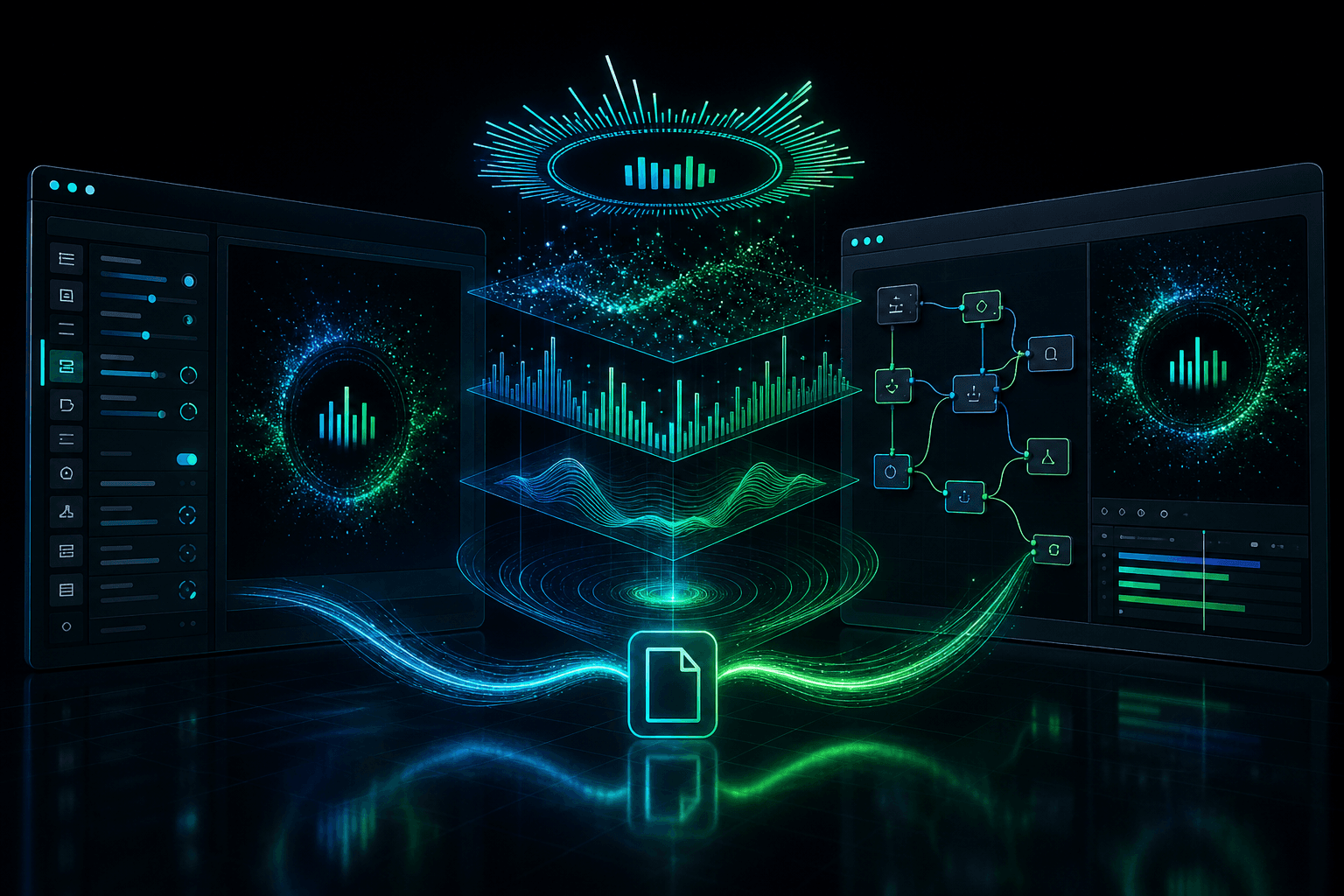
One Composition, Two Editors: Multi-Layer Stacks, Graph Effects & Classic↔Studio Parity
How Novus keeps engine layers, geometry, logos, node-graph effects and audio bindings intact when you move a multi-layer composition between Creator Studio and the Classic editor.
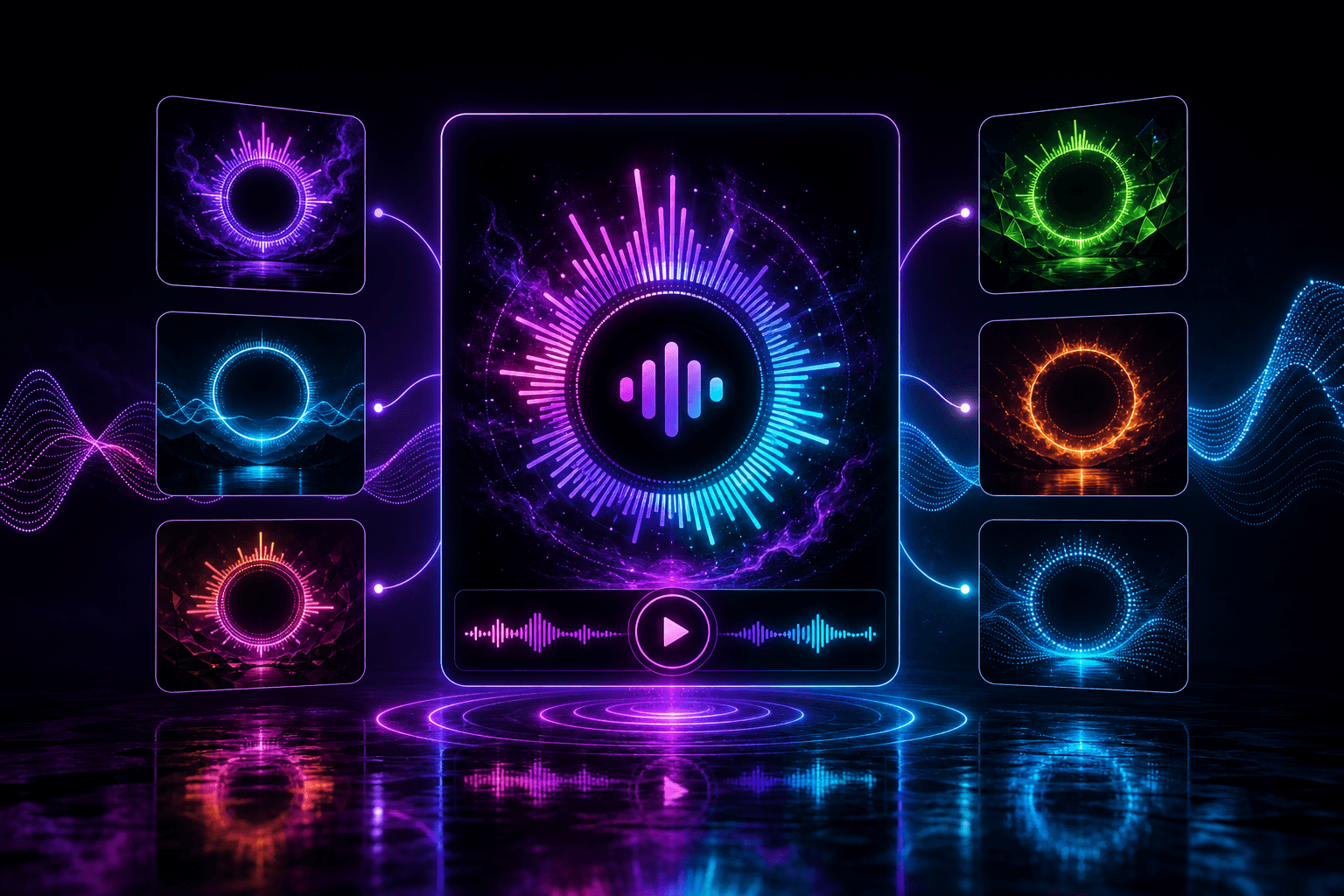
Preview Before You Commit: Template Audio, Six-Mode Cycling & Logo Crown
How Novus template cards play real sample audio, cycle an engine's six modes on hover, and how Logo Crown turns a brand mark into a radial visualizer you can open in Studio or Classic.
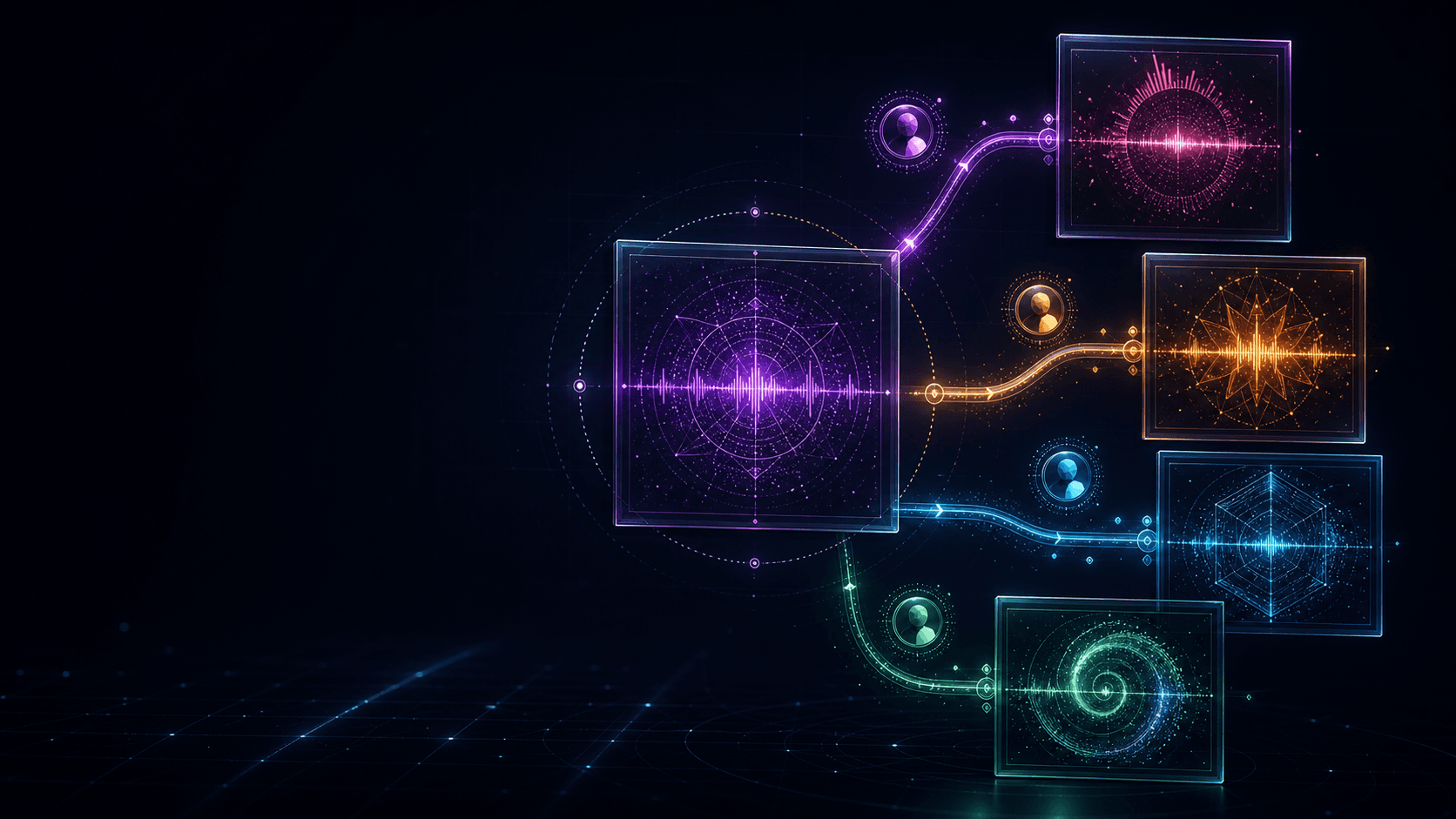
From Private Draft to Community Remix: Publishing on Novus
How immutable publication, public preview derivatives, unlisted posts, attribution and remixing keep source projects private while ideas travel.

Save Once, Create Everywhere: Projects, Autosave & the Unified Novus Library
How guest sessions, signed-in autosave, revision conflicts, private assets and the unified library work together to keep your Novus projects recoverable.
Every Audio Reactivity Control, Explained: Source, Dynamics, Attack and Beat Response
The Audio panel is a signal chain, not a pile of sliders. Here is what each control does, the order they apply in, and how to fix a visual that pulses instead of reacting.
Framing Your Visual: Safe Zones, Frame Margin and Aspect Ratios
Why content drifts off the edge when a track gets loud, what Frame margin and Logo safe zone actually reserve, and how to compose for 16:9, 9:16 and 1:1.
The Style System: Color Modes, Glow and Effects That Work on Every Engine
Color mode, glow, blur, chromatic aberration and motion echo apply the same way across all ten engines. Here is what each one does and the order they composite in.
Your Notification Inbox: What Novus Tells You, and What It Never Sends
Security, community and product notices arrive in one in-app inbox at /notifications. Here is what each category carries, which parts you can switch off, and why nothing ever reaches your email.
Free Preview Music, Copyright and Your Uploads: What Is Actually Safe
Where the free preview loops come from, what music is safe to publish in your own video, and what copyright actually means on YouTube and TikTok.
Making Music Visualizers on Your Phone: The Full Mobile Workflow
Touch editing in Classic, capability-aware 1080p exports and vertical-first mode picks: the full phone workflow, plus when a desktop is worth it.
From Template to Finished Export in Ten Minutes
A real-time walkthrough: pick a template, audition modes, upload your track in Classic, make the three tweaks that matter and export, all in ten minutes.
The Right Visualizer Mode for Every Genre: 54 Looks, Sorted
Genre-by-genre picks from all 60 looks: the best engine and mode for EDM, hip-hop, ambient, rock, pop and jazz, with Beat Response settings for each.
Export Settings for YouTube, Shorts, TikTok & Reels: A Practical Guide
The right resolution, aspect ratio and frame rate for YouTube, Shorts, TikTok and Reels, plus how the in-browser exporter works and a pre-upload checklist.
Classic Editor vs Creator Studio: Which Should You Use?
The guided Classic editor and the node-based Creator Studio open the same document. An honest comparison, a decision guide, and when it pays to switch.
Make a Logo Visualizer: A Reactive EQ Ring Around Your Brand
Turn your logo into a music visualizer with the radial logo-crown template: logo upload, center safe zone, color modes and export sizes for every platform.
The Creator Studio Node Graph: Your First Wired Composition
Wire an audio source through math and LFO nodes into engine parameters, merge two signals, and add effects: a first walkthrough of the Studio node graph.
Beat Sync Explained: Pulse, Hits and Shake
How Novus turns BPM into discrete visual hits, why silence stays still, and how to tune Beat Response, Pulse Intensity and Shake Amount for your genre.
Meet the Novus Visualizer Engines: A Guided Tour of All 60 Looks
A tour of all ten Novus engines (Particles, Trails, Bloom, Character Motion, Radial, Spectrum, Bars, Tunnel, Waveform and Logo), with a standout mode for each.
Choosing the Right Visualizer Engine for Your Genre
EDM, lo-fi, ambient, rock or lyric-led: a practical guide to matching a visualizer style to your track, with engine picks and color-theme tips for each.
Designing Cover Art & Spotify Canvas Loops That Match Your Sound
Build a cohesive visual identity for a release: square cover art, a 9:16 Canvas loop, and typography and color that carry across every platform.
From Upload to Export: A Complete Novus Editor Walkthrough
A step-by-step tour of the Novus editor: uploading audio, picking a template, tuning layers and reactivity, and exporting a clean MP4 or WebM.
How Music Visualizers Work: FFT, Frequency Bands & Audio Reactivity
A plain-English look at what turns a song into moving visuals: the FFT, frequency bands, amplitude and beat detection that drive every audio-reactive scene.
How to Make a Lyric Video That Actually Syncs
Auto-transcription, per-word timing, legible captions and layering over a visualizer: a complete guide to lyric videos that land on the beat.