Engine · v5.4.0
Sports
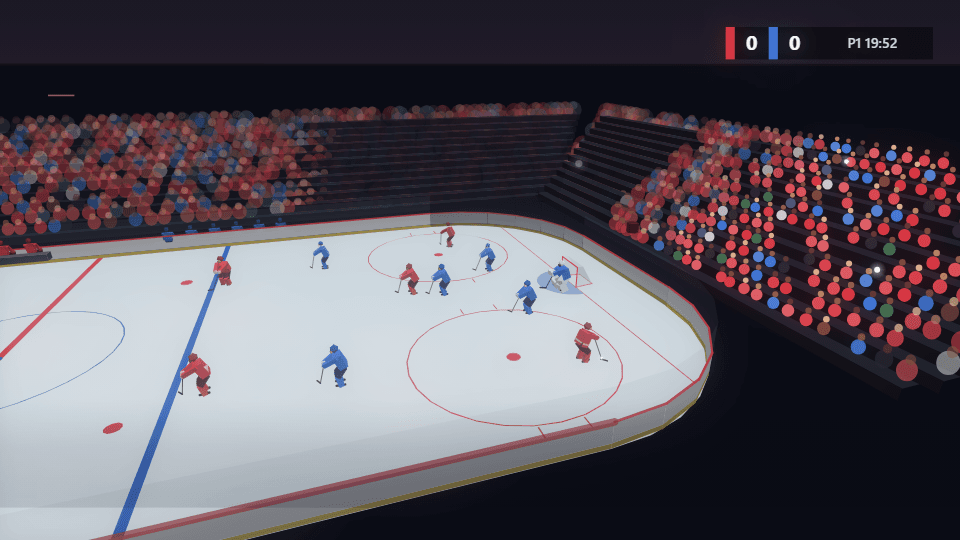
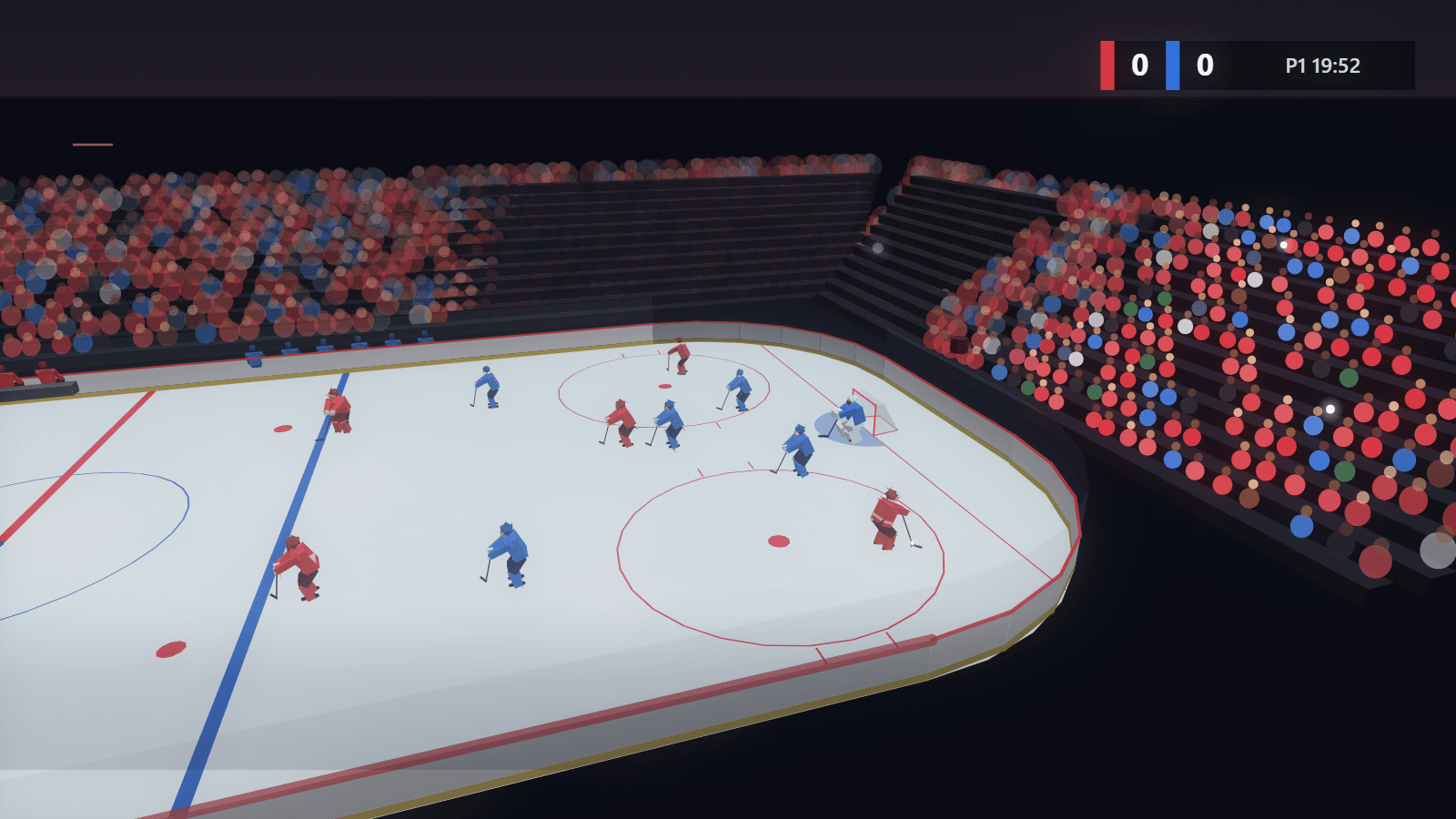
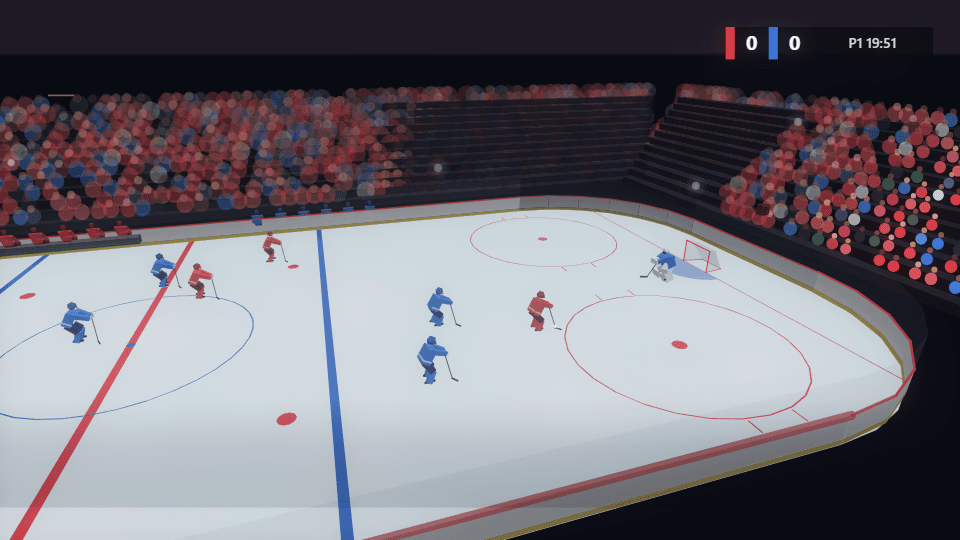
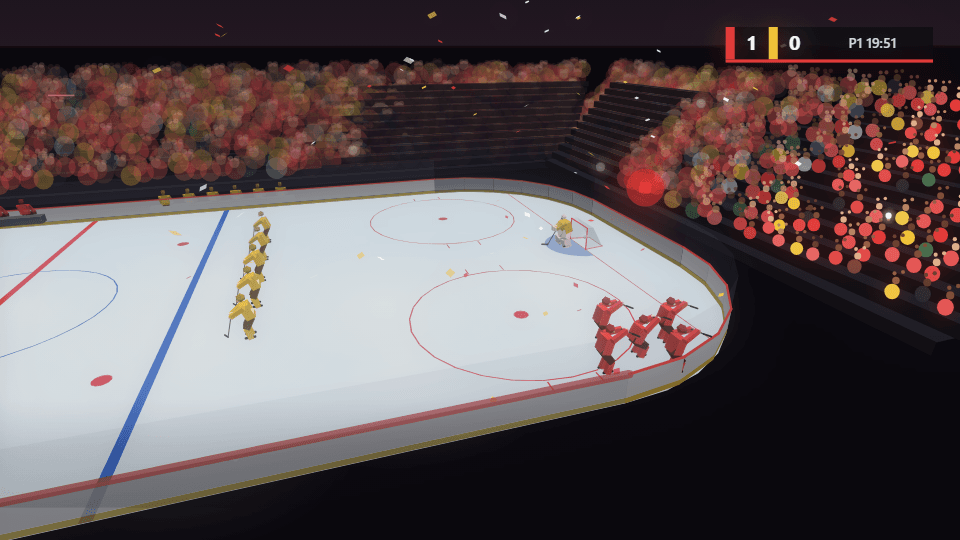
A game in a full arena, drawn with code and played to your song: possession changes every phrase, the puck moves on the beat, a shot on the last bar of each phrase, the goal light and the crowd on its feet when it goes in. An attack on goal, the celebration, the faceoff, a pre-game light show and pond hockey under the stars. Ice hockey first, more sports to come, every team in your own colours and no logos.
6 modes
Launch modes
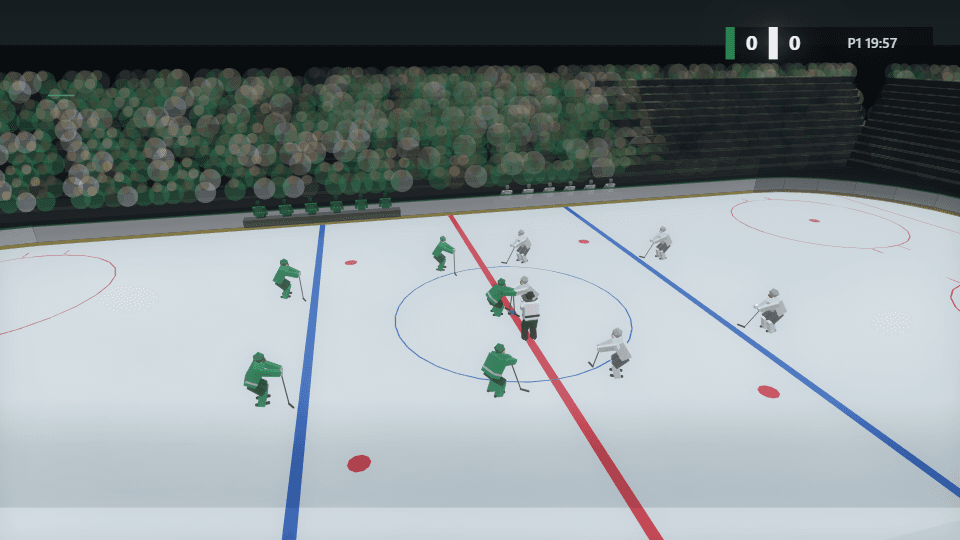
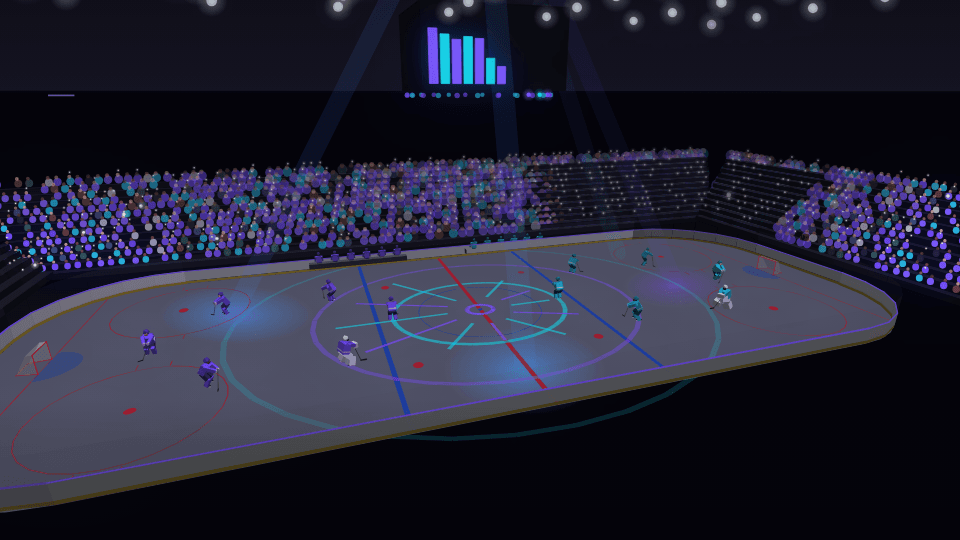
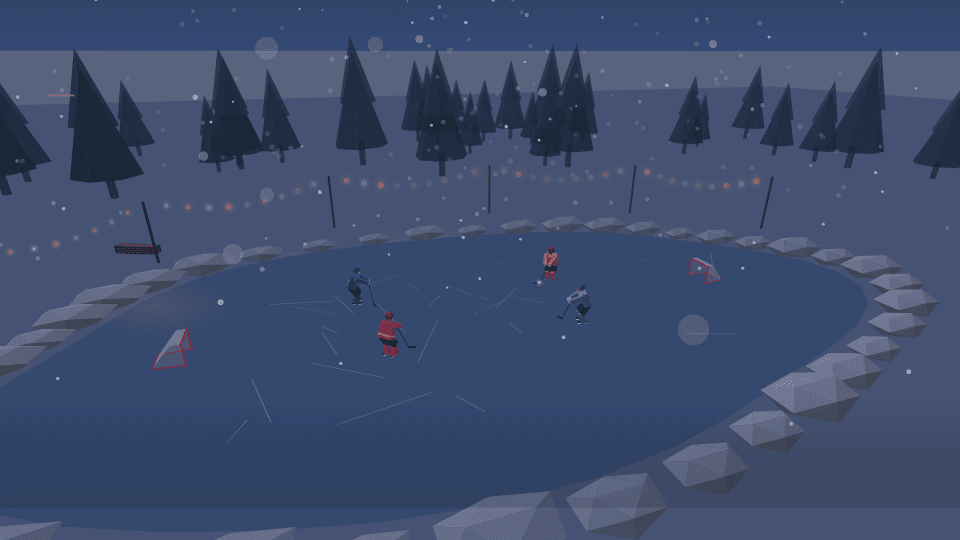
60 controls
Controls
| Control | Group | Type | Default | Animation | Audio |
|---|---|---|---|---|---|
| Primary colorPrimary color used by the engine palette | Style | color | #d8343f | Yes | No |
| Secondary colorSecondary color used by the engine palette | Style | color | #2f6fd6 | Yes | No |
| BackgroundBackground used by the engine palette | Style | color | #0c0f1a | Yes | No |
| OpacityVisualizer opacity | Transform | range | 1 | Yes | No |
| SensitivityBounded overall audio response | Audio | range | 1 | Yes | No |
| Spectrum rangeHow much of the 40 Hz to 14 kHz range the visual spans, from the bass up. Lower it to give the bass and mids more of the bars | Audio | range | 1 | Yes | No |
| Frequency scaleHow the bars are spread across the frequencies. Log spreads them by octave, mel by how pitch is heard, and linear by hertz, which gives most bars to the highs | Audio | select | log | No | No |
| Auto-levelLifts every part of the spectrum to its own recent range, so quiet highs move as much as loud bass. A note held for several seconds settles lower as it adapts. 0 shows the raw spectrum | Audio | range | 0.8 | Yes | No |
| Primary audio sourcePrimary audio source | Audio | select | bass | No | No |
| Frequency focusWhich part of the spectrum drives this visual; while no explicit audio source is set, the motion envelope follows this selection | Audio | select | full | No | No |
| Burst intensityGlow and trail swell on sharp hits; 0 keeps bursts off | Audio | range | 0 | Yes | No |
| Ambient bedProminence of the standing background layer behind the beat-born elements | Effects | range | 1 | Yes | No |
| Wake lengthHow far motion trails stretch behind beat-born travelers; 0 removes the wake | Effects | range | 1 | Yes | No |
| Audio contributionMaximum contribution from the primary audio route | Audio | range | 0.55 | Yes | No |
| Audio dynamicsHow much of the band's movement reaches the visual. 1 = full dynamics; 0 holds it at a steady level for a calmer, more constant look | Audio | range | 1 | Yes | No |
| Audio attackEnvelope attack in milliseconds | Audio | range | 45 | Yes | No |
| Audio releaseEnvelope release in milliseconds | Audio | range | 240 | Yes | No |
| Geometry scaleGeometry scale | Geometry | range | 1 | Yes | Yes |
| Motion directionRotate the animated visual pass to face this direction; the general background stays fixed | Motion | select | none | No | No |
| SpeedTime-based motion; default major cycle is 6–12 seconds | Motion | range | 0.1 | Yes | Yes |
| Color modeDuo palette, primary→secondary gradient, or full rainbow sweep | Style | select | duo | No | No |
| GlowGlow | Effects | range | 0.55 | Yes | Yes |
| Global glowShared emissive strength across the frame | Effects | range | 0.35 | Yes | Yes |
| Pulse intensityBeat pulse scale for spawn, size, and shake | Effects | range | 1 | Yes | Yes |
| Beat responseHow hard every engine hits on each detected beat | Audio | range | 1.2 | Yes | Yes |
| Beat smoothingHow long each beat hit rings out before it settles | Audio | range | 0.35 | Yes | Yes |
| Beat attackSeconds for a hit to swell to full. 0 snaps instantly | Audio | range | 0 | Yes | Yes |
| Beat releaseSeconds for a hit to fade, overriding Beat smoothing. 0 follows it | Audio | range | 0 | Yes | Yes |
| Beat shakeFrame kick strength on each beat | Effects | range | 0.6 | Yes | Yes |
| Motion echoMotion echo | Effects | range | 0 | Yes | Yes |
| BlurBlur | Effects | range | 0 | Yes | Yes |
| Chromatic aberrationChromatic aberration | Effects | range | 0 | Yes | Yes |
| Beat sync allRoute beat energy into spawn, shake, pulse, speed, and scale | Audio | boolean | true | No | No |
| Symmetry and tilingReshape the whole picture: mirror it, fold it into a kaleidoscope, or tile it (the plane groups p1, p2, p4m and p6m) | Shape and symmetry | select | none | No | No |
| Kaleidoscope foldsHow many mirrored copies go round the kaleidoscope | Shape and symmetry | range | 6 | Yes | No |
| Symmetry angleTurns the mirror line, or the kaleidoscope, in degrees | Shape and symmetry | range | 0 | Yes | Yes |
| Kaleidoscope spinHow fast the kaleidoscope turns, in turns per bar of the song (0.25 is once a phrase) | Shape and symmetry | range | 0 | Yes | Yes |
| Tile sizeEach tile's size as a share of the frame | Shape and symmetry | range | 0.5 | Yes | No |
| Tile gapThe gap between tiles, as a share of a tile; it shows the background colour | Shape and symmetry | range | 0 | Yes | No |
| WarpBend the whole picture: a twist, a bulge, waves or ripples that move once a bar, a polar unroll, or a fisheye lens | Shape and symmetry | select | none | No | No |
| Warp amountHow strong the warp is | Shape and symmetry | range | 0.5 | Yes | Yes |
| Warp centreWhere the warp is centred in the frame | Shape and symmetry | select | centre | No | No |
| SportWhich sport the scene plays: its field or rink, its players and how its game moves with your song | Sport | select | hockey | No | No |
| CrowdHow full the stands are. The crowd bobs on the beat, stands up for the full sections and jumps when a goal goes in | Arena | range | 1 | Yes | No |
| Arena lightsHow bright the lights over the field are, and how strong the light show's spotlights and projections | Arena | range | 1 | Yes | Yes |
| Pace of playHow often the play moves: at 1 and above a pass on every beat when the song is full, below it a pass every two beats | Play | range | 1 | Yes | No |
| Shot trailA glowing streak behind the puck or ball on passes and shots | Play | range | 0.5 | Yes | Yes |
| Score bugThe broadcast score box with each side's score and the game clock | Arena | select | on | No | No |
| SnowfallHow much snow falls over the pickup game outdoors | Scene | range | 1 | Yes | Yes |
| VariationAnother take on the same game: who passes to whom, which shots go in, the crowd's colours. The same number always gives the same game | Scene | range | 0 | Yes | No |
| ShotThe camera's shot: Auto picks one for each section of your song (wide, push-in, close-up, travel, reveal or overhead) | Scene camera | select | auto | No | No |
| Shot timingMusic: the shot's move runs through each section of the song. Keyframes: Shot progress (keyframe it) runs it | Scene camera | select | music | No | No |
| Shot progressHow far through its move the shot is: with Keyframes timing, keyframe it from 0 to 1 over a clip; with Music timing, where each section starts the move | Scene camera | range | 0 | Yes | No |
| Camera motionHow far the camera moves in each shot; 0 holds it still | Scene camera | range | 1 | Yes | No |
| OrbitA gentle swing around the subject that follows the bars; negative swings the other way | Scene camera | range | 0.35 | Yes | No |
| HandheldA hand-held drift that grows as the song gets fuller; 0 is a locked-off camera | Scene camera | range | 0.25 | Yes | No |
| ZoomThe lens: above 1 closer, below 1 wider | Scene camera | range | 1 | Yes | No |
| FocusWhere the focus sits: 0 on the subject, 1 on the foreground (a reveal racks it for you) | Scene camera | range | 0 | Yes | No |
| Actor motionHow much the people and things in the scene move to the music: walking, swaying, waving, opening | Scene | range | 1 | Yes | Yes |
| Title and artistShow or hide the song title and artist this visualizer draws. | Text | select | auto | No | No |