Engine · v5.3.0
Scene Clips
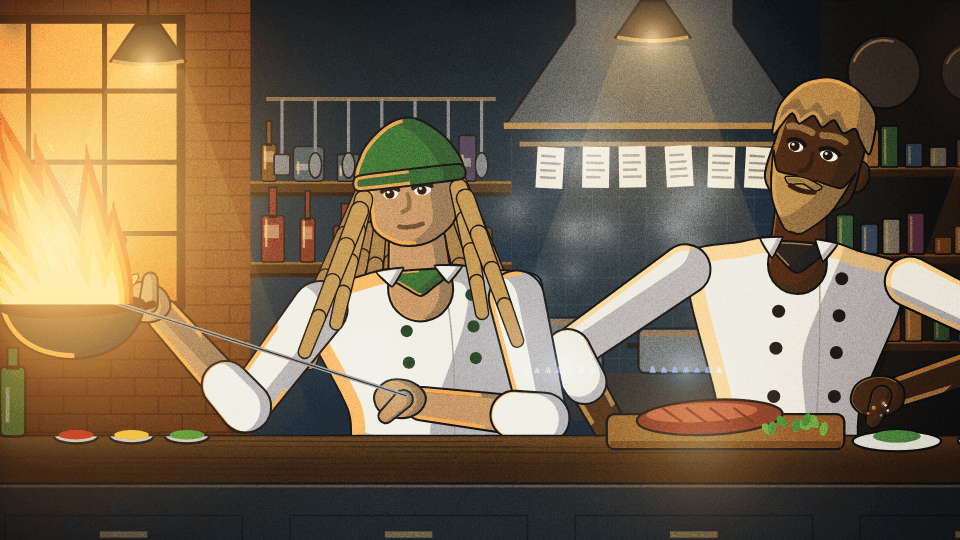
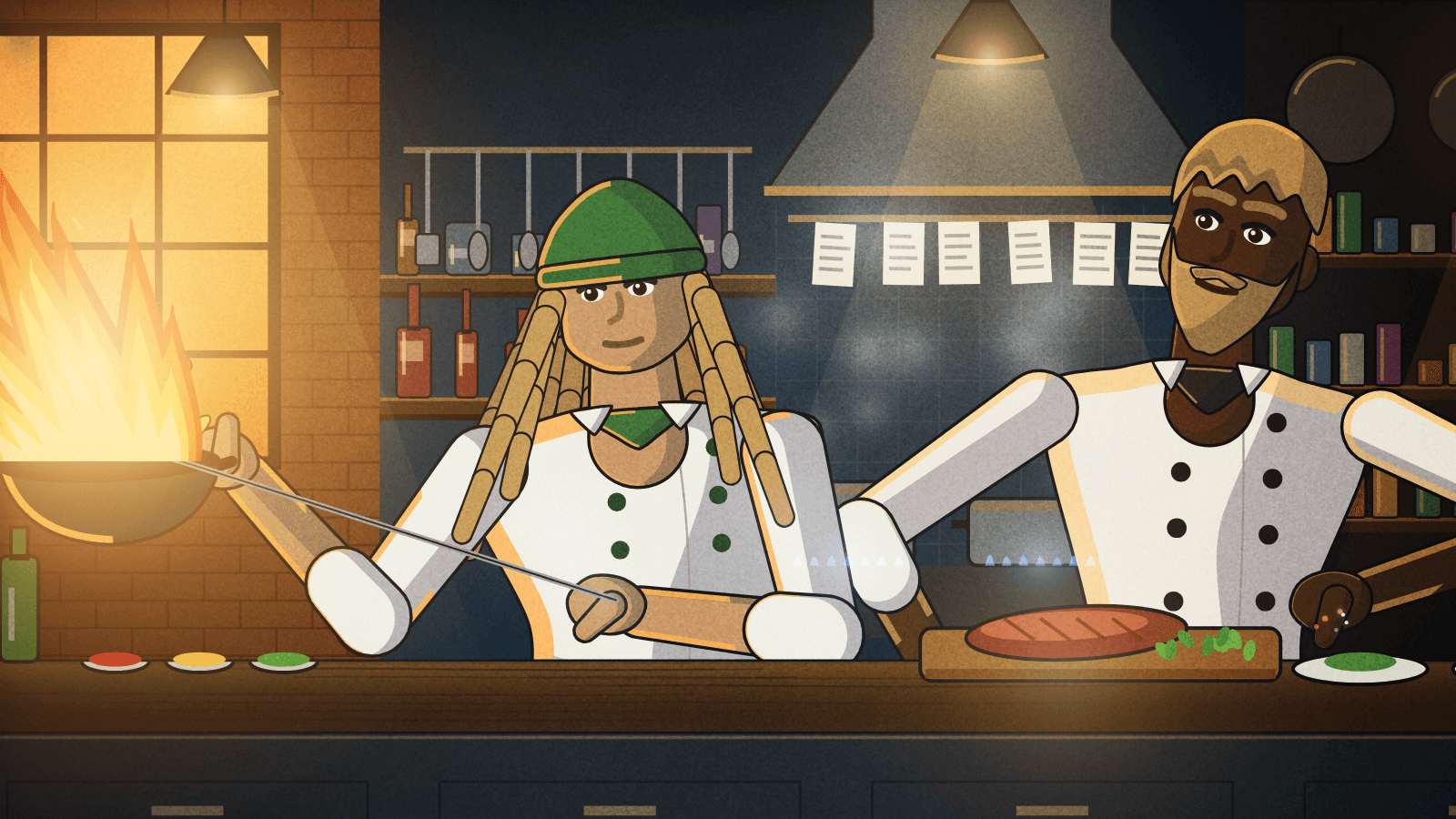
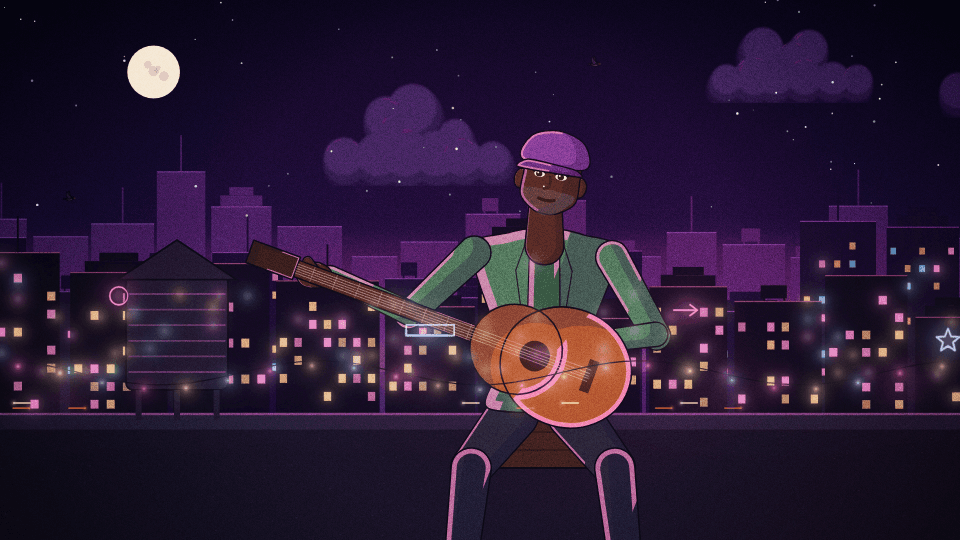
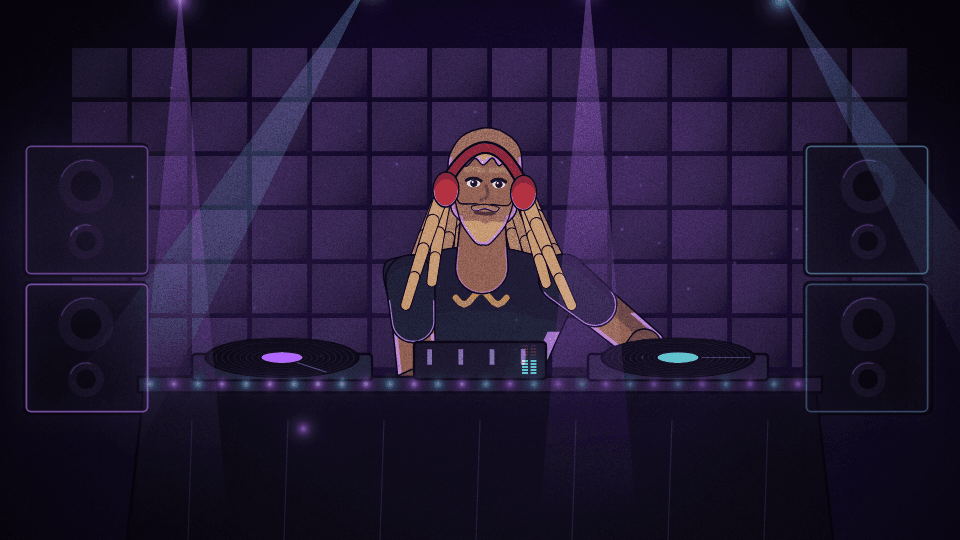
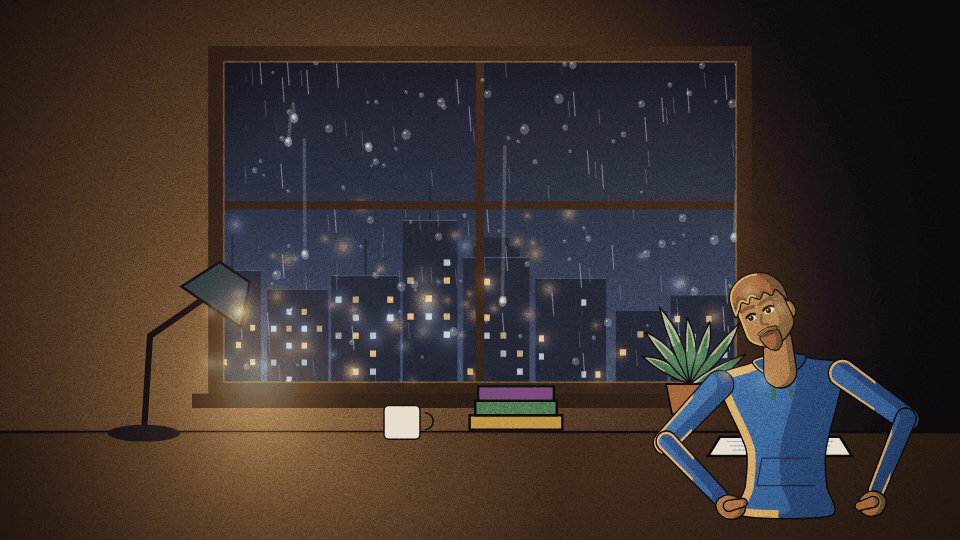
Illustrated scenes that loop seamlessly and move with your song, built for lyric videos and Canvas loops: two chefs cooking at night with a wok that flares on the beat, a painterly sky with birds crossing your words, a rooftop guitarist over a neon city, a DJ in the booth, a beach at sunset and rain on a window, each with keyword or line lyrics drawn inside the scene.
6 modes
Launch modes


44 controls
Controls
| Control | Group | Type | Default | Animation | Audio |
|---|---|---|---|---|---|
| Primary colorPrimary color used by the engine palette | Style | color | #ffb347 | Yes | No |
| Secondary colorSecondary color used by the engine palette | Style | color | #3fd0c9 | Yes | No |
| BackgroundBackground used by the engine palette | Style | color | #0b1420 | Yes | No |
| OpacityVisualizer opacity | Transform | range | 1 | Yes | No |
| SensitivityBounded overall audio response | Audio | range | 1 | Yes | No |
| Primary audio sourcePrimary audio source | Audio | select | bass | No | No |
| Frequency focusWhich part of the spectrum drives this visual; while no explicit audio source is set, the motion envelope follows this selection | Audio | select | full | No | No |
| Burst intensityGlow and trail swell on sharp hits; 0 keeps bursts off | Audio | range | 0 | Yes | No |
| Ambient bedProminence of the standing background layer behind the beat-born elements | Effects | range | 1 | Yes | No |
| Wake lengthHow far motion trails stretch behind beat-born travelers; 0 removes the wake | Effects | range | 1 | Yes | No |
| Audio contributionMaximum contribution from the primary audio route | Audio | range | 0.55 | Yes | No |
| Audio dynamicsHow much of the band's movement reaches the visual. 1 = full dynamics; 0 holds it at a steady level for a calmer, more constant look | Audio | range | 1 | Yes | No |
| Audio attackEnvelope attack in milliseconds | Audio | range | 45 | Yes | No |
| Audio releaseEnvelope release in milliseconds | Audio | range | 240 | Yes | No |
| Geometry scaleGeometry scale | Geometry | range | 1 | Yes | Yes |
| Motion directionRotate the animated visual pass to face this direction; the general background stays fixed | Motion | select | none | No | No |
| SpeedTime-based motion; default major cycle is 6–12 seconds | Motion | range | 0.1 | Yes | Yes |
| Color modeDuo palette, primary→secondary gradient, or full rainbow sweep | Style | select | duo | No | No |
| GlowGlow | Effects | range | 0.55 | Yes | Yes |
| Global glowShared emissive strength across the frame | Effects | range | 0.35 | Yes | Yes |
| Pulse intensityBeat pulse scale for spawn, size, and shake | Effects | range | 1 | Yes | Yes |
| Beat responseHow hard every engine hits on each detected beat | Audio | range | 1.2 | Yes | Yes |
| Beat smoothingHow long each beat hit rings out before it settles | Audio | range | 0.35 | Yes | Yes |
| Beat attackSeconds for a hit to swell to full. 0 snaps instantly | Audio | range | 0 | Yes | Yes |
| Beat releaseSeconds for a hit to fade, overriding Beat smoothing. 0 follows it | Audio | range | 0 | Yes | Yes |
| Beat shakeFrame kick strength on each beat | Effects | range | 0.6 | Yes | Yes |
| Motion echoMotion echo | Effects | range | 0 | Yes | Yes |
| BlurBlur | Effects | range | 0 | Yes | Yes |
| Chromatic aberrationChromatic aberration | Effects | range | 0 | Yes | Yes |
| Beat sync allRoute beat energy into spawn, shake, pulse, speed, and scale | Audio | boolean | true | No | No |
| Loop lengthSeconds before the scene repeats; it loops seamlessly at any length | Scene | range | 6 | Yes | No |
| Loop in barsLoop on the song's own bars instead of seconds (needs the song's tempo; without it the Loop length is used) | Scene | select | off | No | No |
| VariationAnother take on the scene: different people, props, clouds and birds, the same look | Scene | range | 0 | Yes | No |
| Action paceHow many times the characters repeat their action in one loop | Scene | range | 1 | Yes | No |
| FlameHow high the wok's flame burns | Scene | range | 1 | Yes | Yes |
| SteamHow much steam rises | Scene | range | 1 | Yes | Yes |
| CloudsHow many clouds fill the sky | Scene | range | 1 | Yes | Yes |
| BirdsHow many birds cross the frame each loop | Scene | range | 2 | Yes | No |
| RainHow hard it rains | Scene | range | 1 | Yes | Yes |
| Grain and gradeFilm grain, vignette and the colour grade over the whole scene | Scene | range | 0.35 | Yes | Yes |
| Lyrics in the sceneHow your captions are drawn inside the scene: one keyword at a time, a whole line, or off (the caption overlay draws them) | Lyrics | select | auto | No | No |
| Lyric positionWhere the words sit in the scene | Lyrics | select | auto | No | No |
| Lyric colourThe words' colour; empty keeps the style's own (white keywords, coral lines) | Lyrics | color | No | No | |
| Things pass in front of the wordsBirds and steam fly in front of some words and behind others | Lyrics | boolean | true | No | No |