Engine · v4.0.0
Optical Illusions
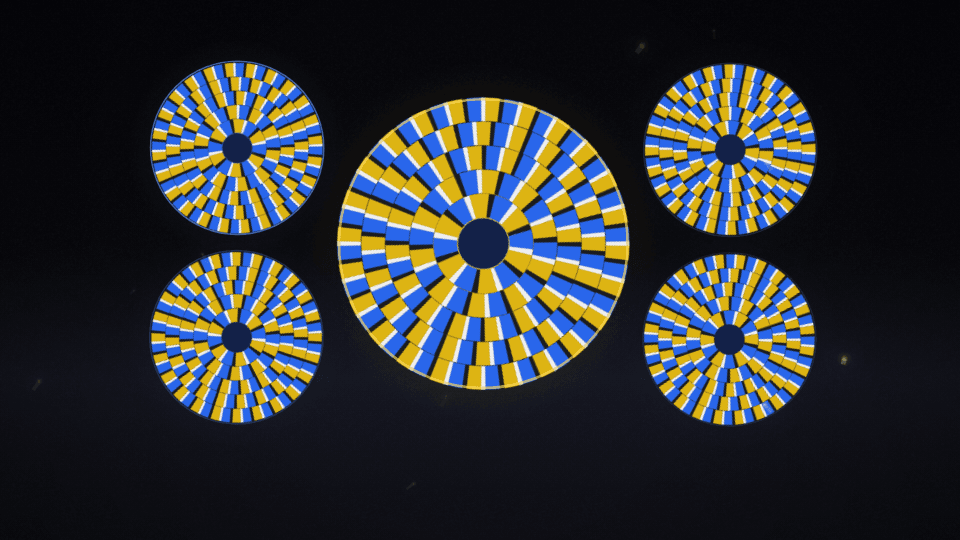
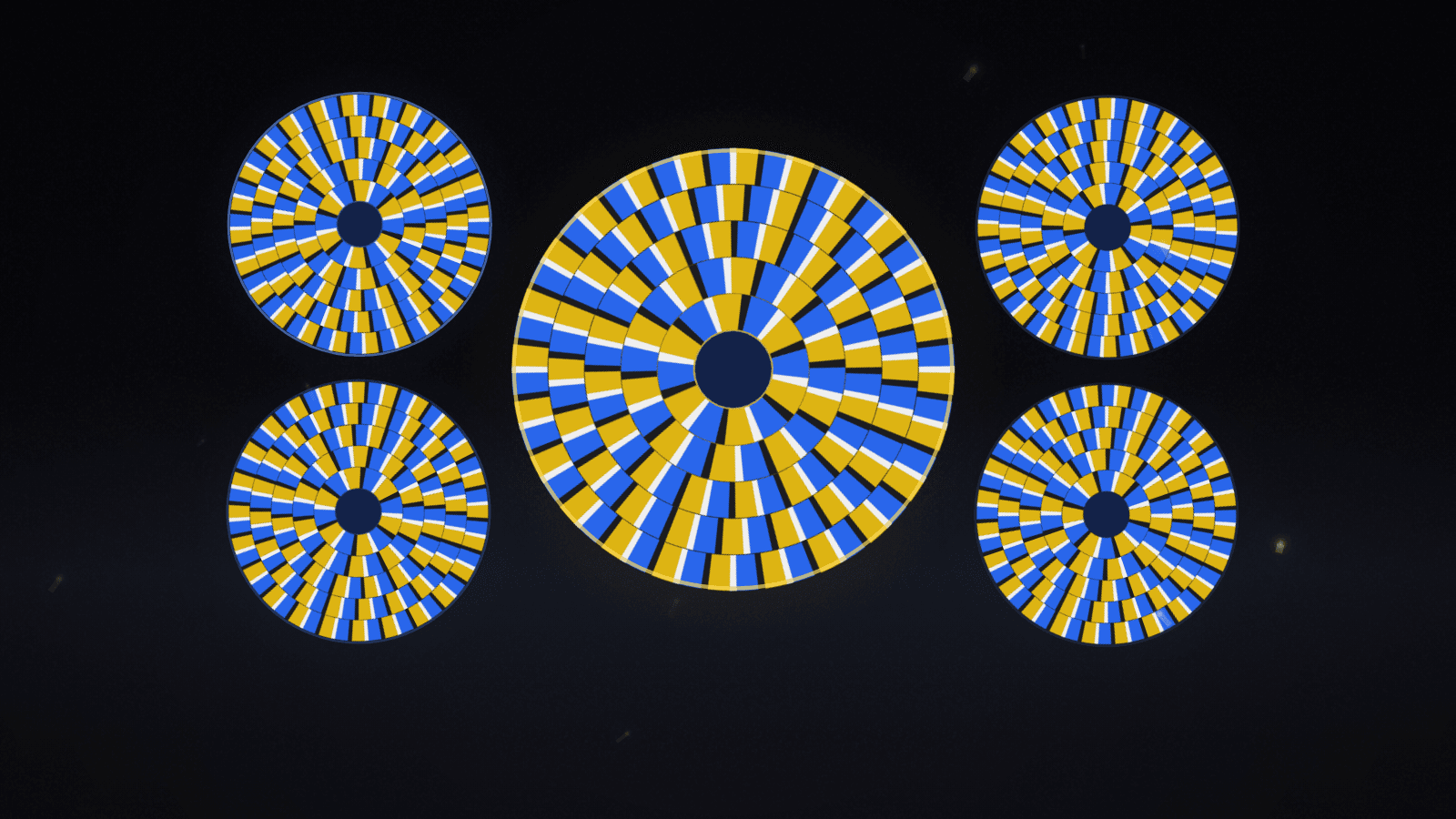
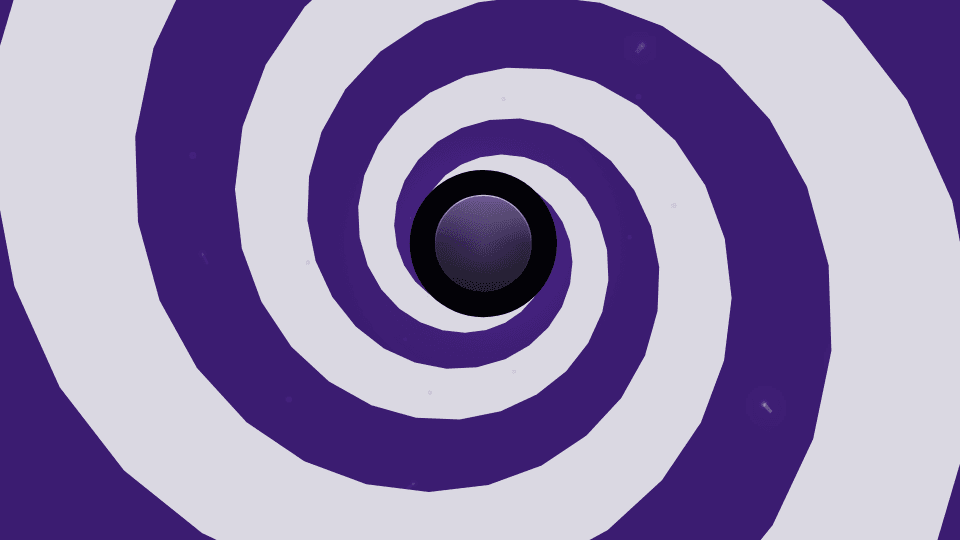
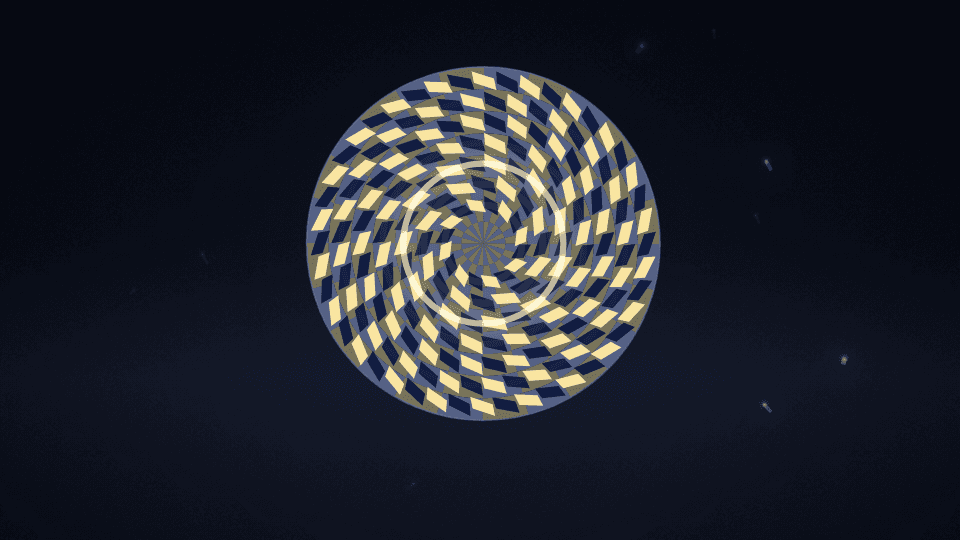
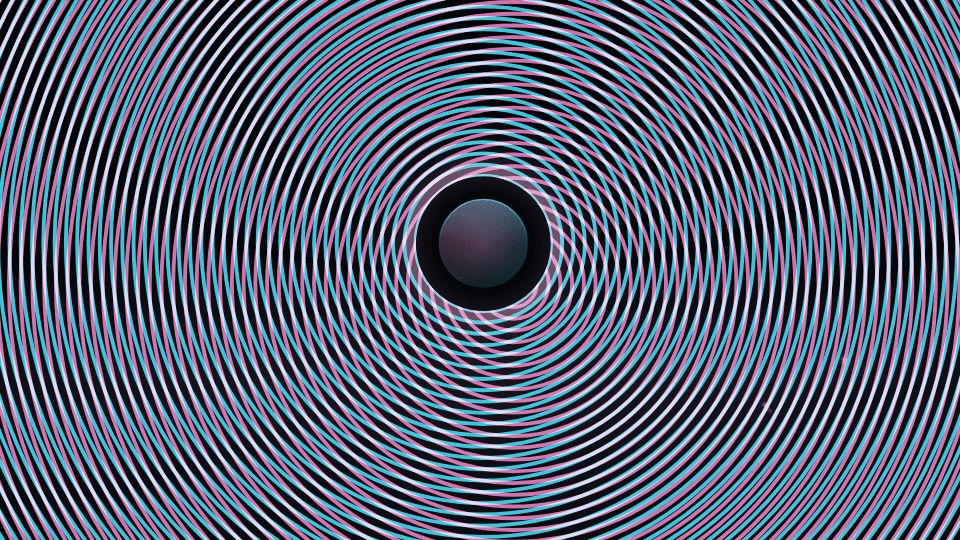
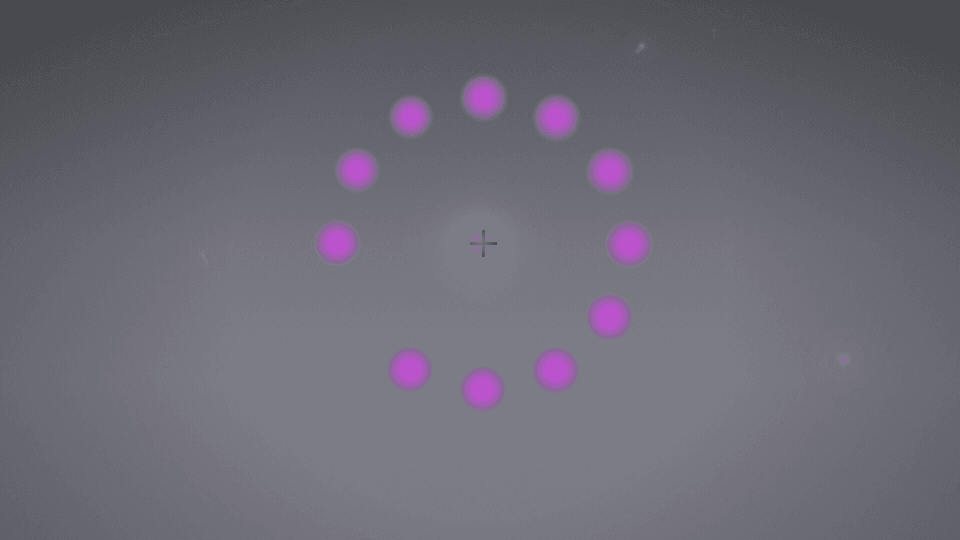
Six classic optical illusions that play with the music: wheels that seem to turn, stairs that never end, an endless spiral, a spiral that is really circles, sweeping moiré waves and a phantom chaser. Kept within broadcast flash and pattern limits.
6 modes
Launch modes

37 controls
Controls
| Control | Group | Type | Default | Animation | Audio |
|---|---|---|---|---|---|
| Primary colorPrimary color used by the engine palette | Style | color | #facc15 | Yes | No |
| Secondary colorSecondary color used by the engine palette | Style | color | #2563eb | Yes | No |
| BackgroundBackground used by the engine palette | Style | color | #0b0b12 | Yes | No |
| OpacityVisualizer opacity | Transform | range | 1 | Yes | No |
| SensitivityBounded overall audio response | Audio | range | 1 | Yes | No |
| Spectrum rangeHow much of the 40 Hz to 14 kHz range the visual spans, from the bass up. Lower it to give the bass and mids more of the bars | Audio | range | 1 | Yes | No |
| Frequency scaleHow the bars are spread across the frequencies. Log spreads them by octave, mel by how pitch is heard, and linear by hertz, which gives most bars to the highs | Audio | select | log | No | No |
| Auto-levelLifts every part of the spectrum to its own recent range, so quiet highs move as much as loud bass. A note held for several seconds settles lower as it adapts. 0 shows the raw spectrum | Audio | range | 0.8 | Yes | No |
| Primary audio sourcePrimary audio source | Audio | select | bass | No | No |
| Frequency focusWhich part of the spectrum drives this visual; while no explicit audio source is set, the motion envelope follows this selection | Audio | select | full | No | No |
| Burst intensityGlow and trail swell on sharp hits; 0 keeps bursts off | Audio | range | 0 | Yes | No |
| Ambient bedProminence of the standing background layer behind the beat-born elements | Effects | range | 1 | Yes | No |
| Wake lengthHow far motion trails stretch behind beat-born travelers; 0 removes the wake | Effects | range | 1 | Yes | No |
| Audio contributionMaximum contribution from the primary audio route | Audio | range | 0.55 | Yes | No |
| Audio dynamicsHow much of the band's movement reaches the visual. 1 = full dynamics; 0 holds it at a steady level for a calmer, more constant look | Audio | range | 1 | Yes | No |
| Audio attackEnvelope attack in milliseconds | Audio | range | 45 | Yes | No |
| Audio releaseEnvelope release in milliseconds | Audio | range | 240 | Yes | No |
| Geometry scaleGeometry scale | Geometry | range | 1 | Yes | Yes |
| SpeedTime-based motion; default major cycle is 6–12 seconds | Motion | range | 0.1 | Yes | Yes |
| Color modeDuo palette, primary→secondary gradient, or full rainbow sweep | Style | select | duo | No | No |
| GlowGlow | Effects | range | 0.55 | Yes | Yes |
| Global glowShared emissive strength across the frame | Effects | range | 0.35 | Yes | Yes |
| Pulse intensityBeat pulse scale for spawn, size, and shake | Effects | range | 1 | Yes | Yes |
| Beat responseHow hard every engine hits on each detected beat | Audio | range | 1.2 | Yes | Yes |
| Beat smoothingHow long each beat hit rings out before it settles | Audio | range | 0.35 | Yes | Yes |
| Beat attackSeconds for a hit to swell to full. 0 snaps instantly | Audio | range | 0 | Yes | Yes |
| Beat releaseSeconds for a hit to fade, overriding Beat smoothing. 0 follows it | Audio | range | 0 | Yes | Yes |
| Beat shakeFrame kick strength on each beat | Effects | range | 0.6 | Yes | Yes |
| Motion echoMotion echo | Effects | range | 0 | Yes | Yes |
| BlurBlur | Effects | range | 0 | Yes | Yes |
| Chromatic aberrationChromatic aberration | Effects | range | 0 | Yes | Yes |
| Beat sync allRoute beat energy into spawn, shake, pulse, speed, and scale | Audio | boolean | true | No | No |
| Illusion strengthHow strong the effect is: the snakes' drift, the Fraser twist, the moiré offset and the chaser's softness | Illusion | range | 0.85 | Yes | No |
| Pattern scaleSize and density of the pattern | Illusion | range | 1 | Yes | No |
| ContrastLower it for a calmer, softer pattern. Patterns always stay within broadcast safety limits | Comfort | range | 1 | Yes | No |
| MotesSlow motes in front of the illusion that the highs light up | Illusion | range | 0.5 | Yes | Yes |
| Chaser stepsHow often the gap moves: on every beat, every eighth or sixteenth note, or faster in the loud sections (auto) | Illusion | select | auto | No | No |